byondpro and opuspay integration now allows for processing recurring payments.
When payments plans are executed, it will trigger opuspay to collect the payments via the selected methods using the payment details stored with the gateway provider.
The Term selected within the Sales Order triggers additional fields on the Repayment Plan tab of the Sales Order and the new Payment Plan tab.
From the Payment Plan tab, select or update the payee and how the customer will register their details.
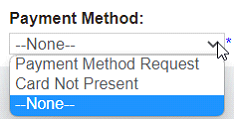
Registration options include:
Payment Method Request – Sends an e-mail for the customer to request the payment details.
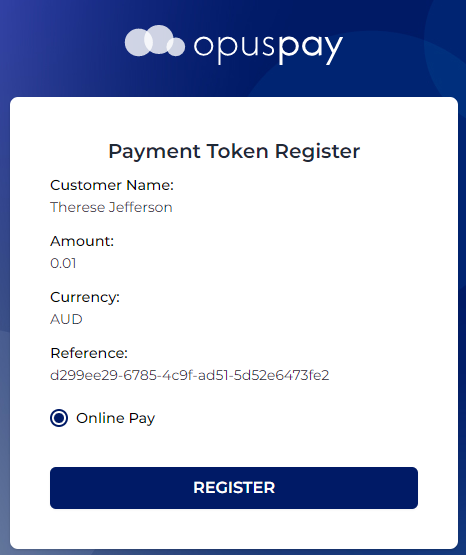
Card Not Present – Opens a pop-up window for the user to register their details.
Your customers can then register their details with the payment gateway provider, triggering byondpro to record the payment method registration.
The customers’ payment details are securely stored by the payment gateway provider making sure your customer’s accounts are safe and secure, and you’re fully PCI compliant.
Please note that a $0.01 charge is taken at the time of registering their details.
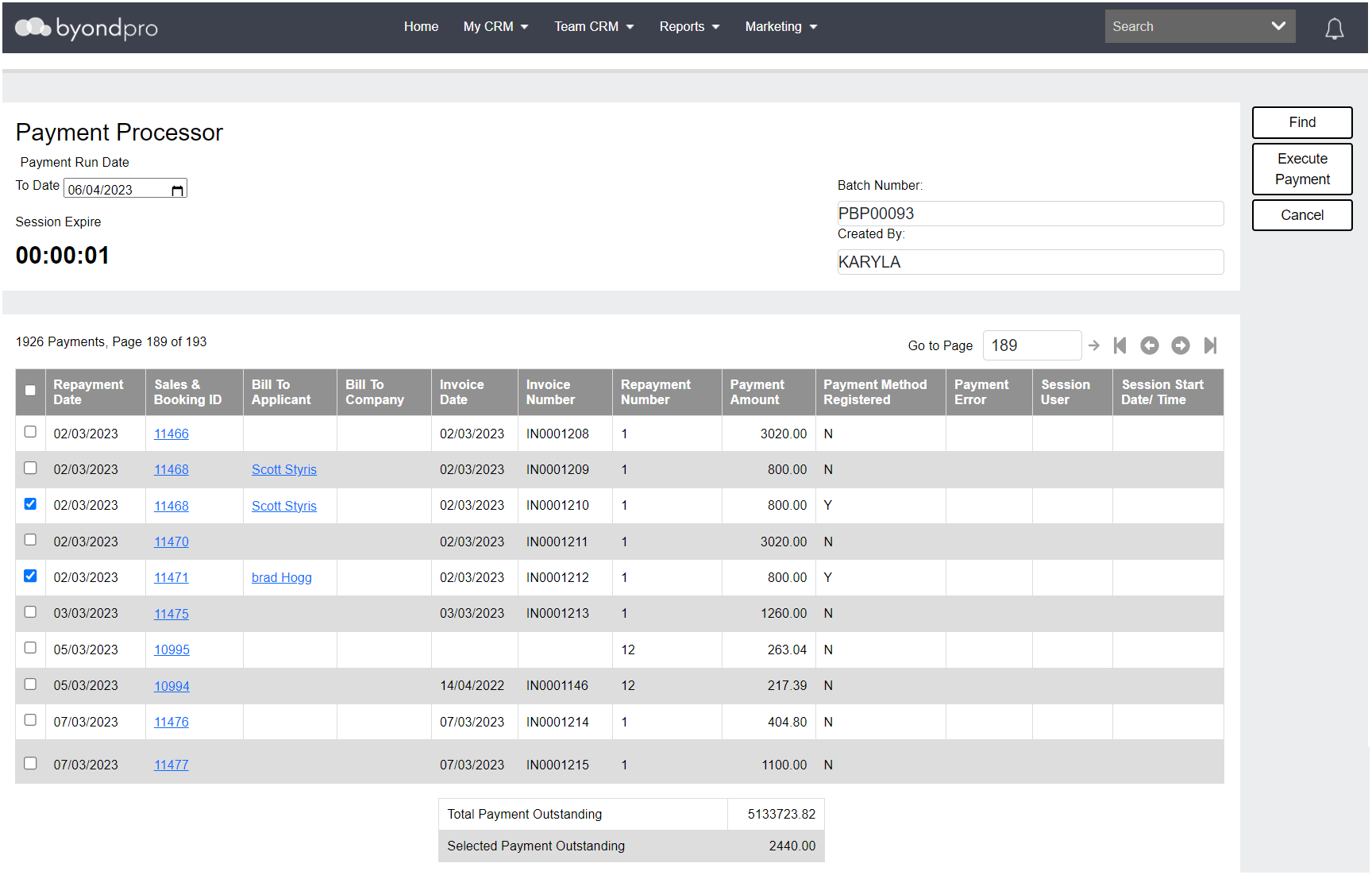
Review all payments due for payment by date, then press a single button to process all payments, and ensure the funds are deposited direct to your bank account.
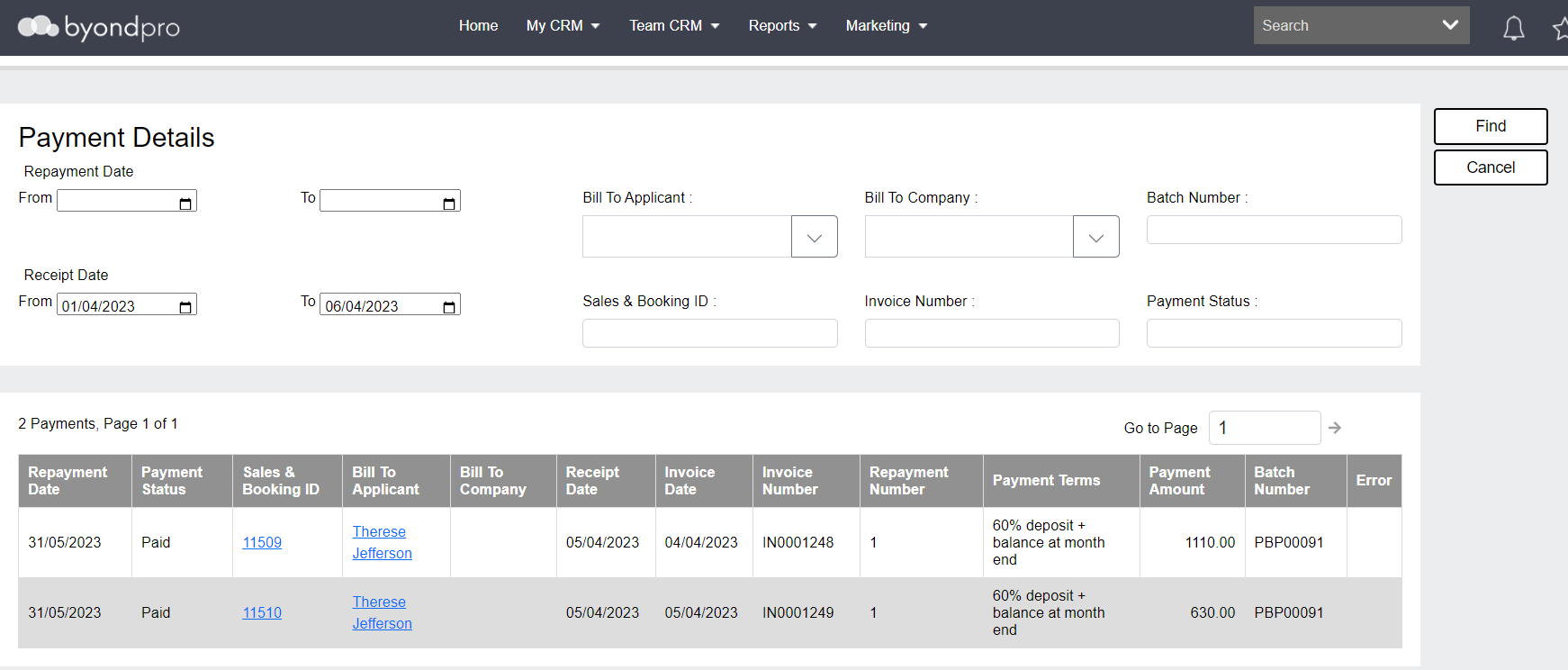
Details are recorded in byondpro, allowing for an overview of outstanding and paid accounts, as well as the transactional details.
Track receipted payments via the new Payment Details screen located under the Search option on the Toolbar.
The contents of Recurring Payments for Payment Plans