On the Area record Area S1, Area S2, and if configured, Area S3 tabs display.
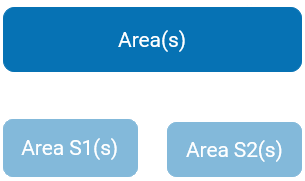
Areas within your cemetery may be divided into sub-areas (Area S1).
Sub-areas can then be divided into further sub-areas (Area S2).
Should you wish to, you can also divide the second sub-areas into further sub-areas (Area S3), provided that the
Use Sub-Area 3 configuration has been switched on.
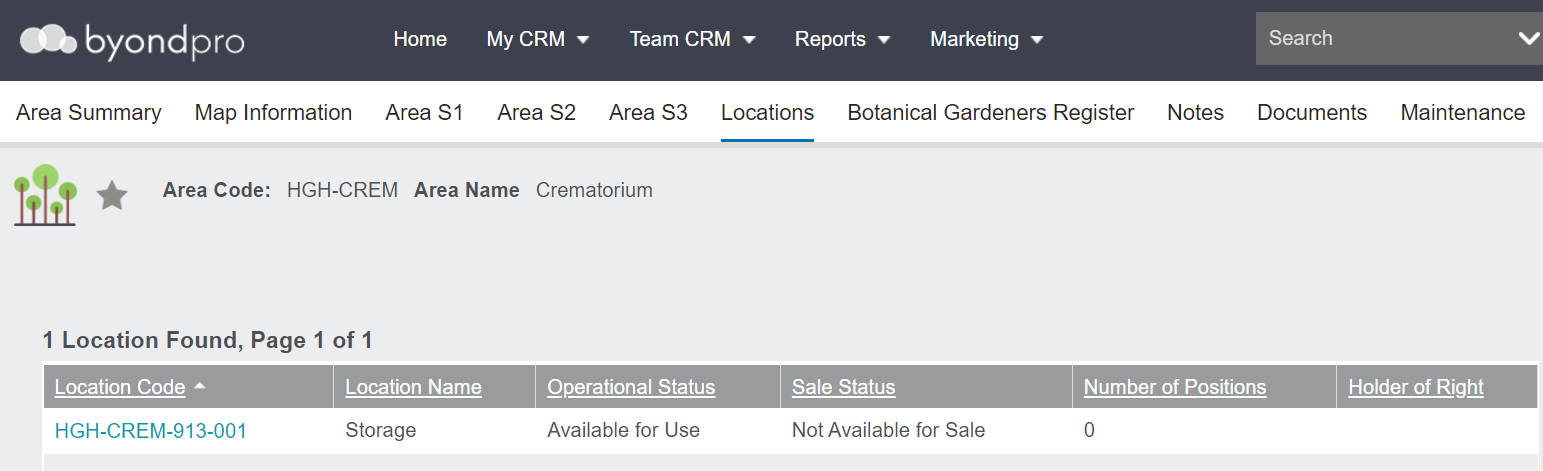
No Sub-Areas
Areas with no sub-areas, like our crematorium, will have nothing on the sub-area tabs.
The location / s available in the area will display on the Locations tab.
Each location found in this area will have the following displayed :
-
A hyperlink to the location
-
-
-
-
Number of Positions (Interment positions only )
-
Holder of Right, if applicable
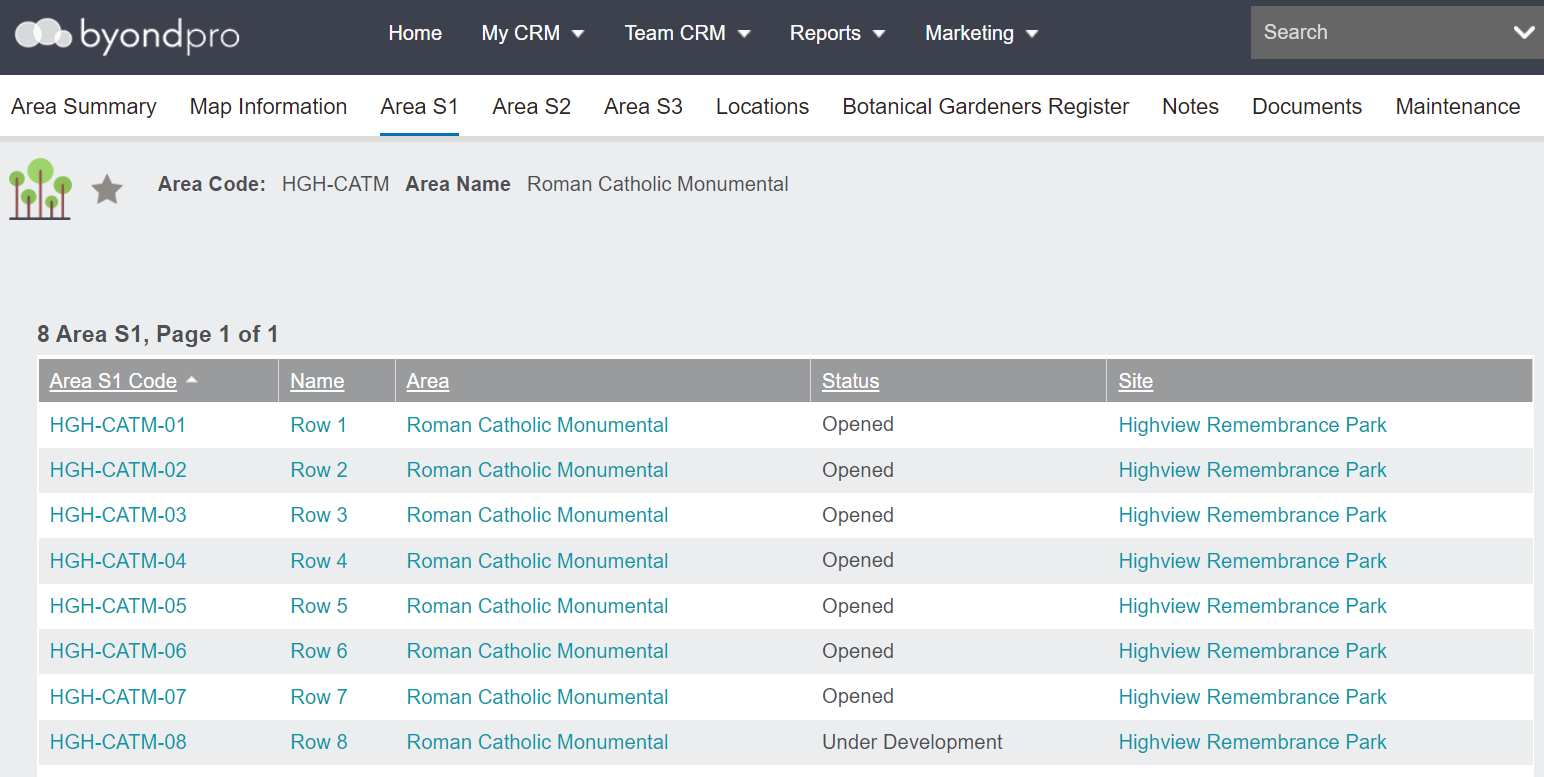
One Sub-Area
Areas with only one sub-area, will have sub-areas displaying on the Area S1 tab.
Each sub-area found in this area will have the following displayed :
-
Sub-area code, also serves as a hyperlink
-
Sub-area name, also serves as a hyperlink
-
-
-
The Area S2, S3 and Locations tab will be blank and the locations can be found on the Area S1 record.
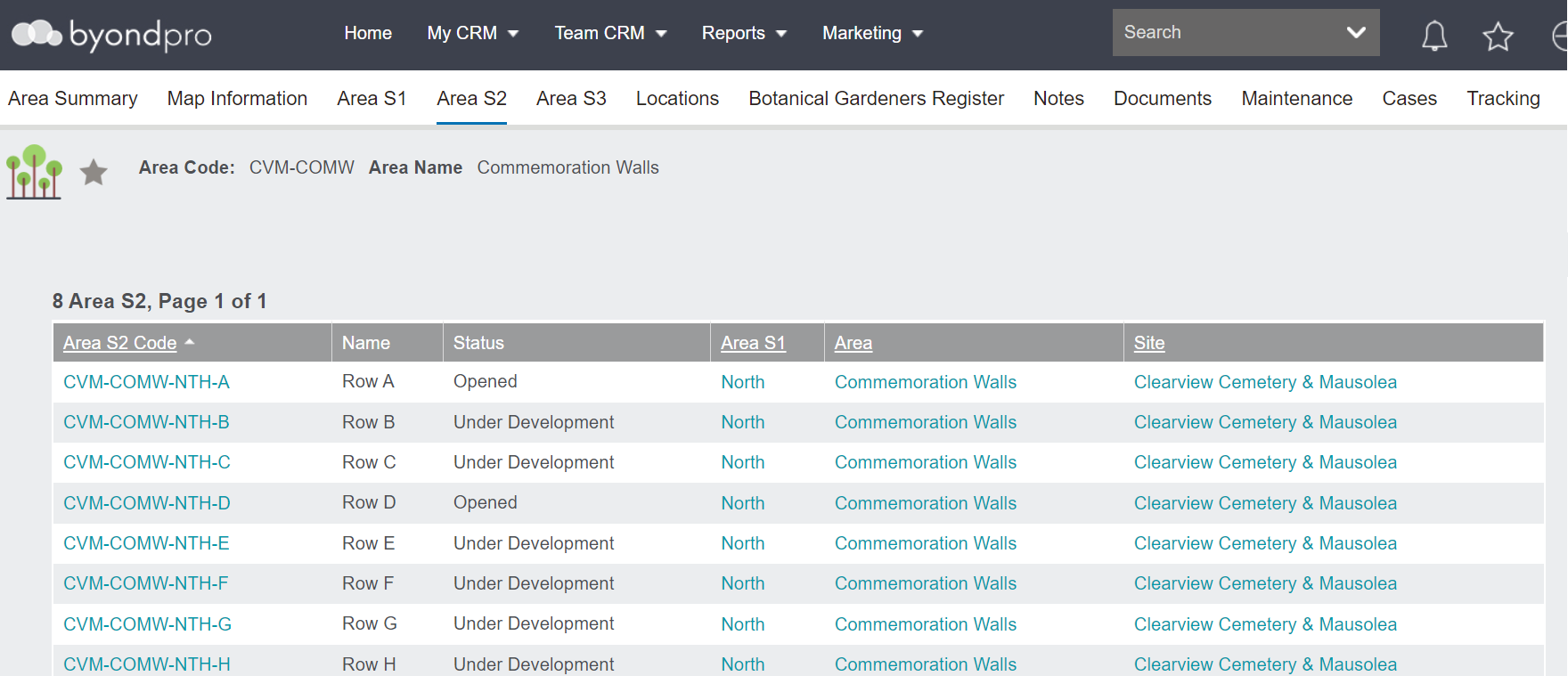
Multiple Sub-Areas
Areas with more than one sub-area, will have sub-areas on the Area S1, S2 tabs, and if in use, the Area S3 tabs.
The Locations tab on the record will be blank and the locations can be found on the applicable sub-area record.