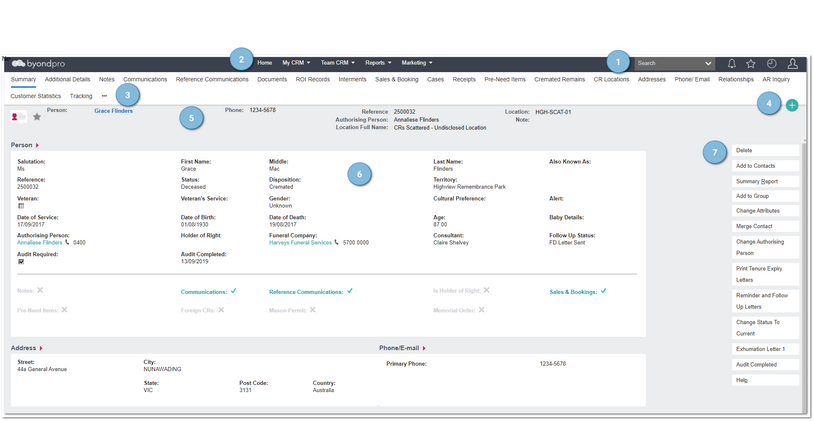
Every record in byondpro follows a similar layout pattern, which are explained below:
 Navigation tools |
|
 Main MenuMain menu navigation banner
|
|
 Related information menusThese contain links to associated information like cases or sales and bookings. The menus vary according to the type of record you are reviewing.
|
|
 New MenuTo create new records
|
|
 Record SummaryDisplays key confirmation pertaining to the record you are reviewing
|
|
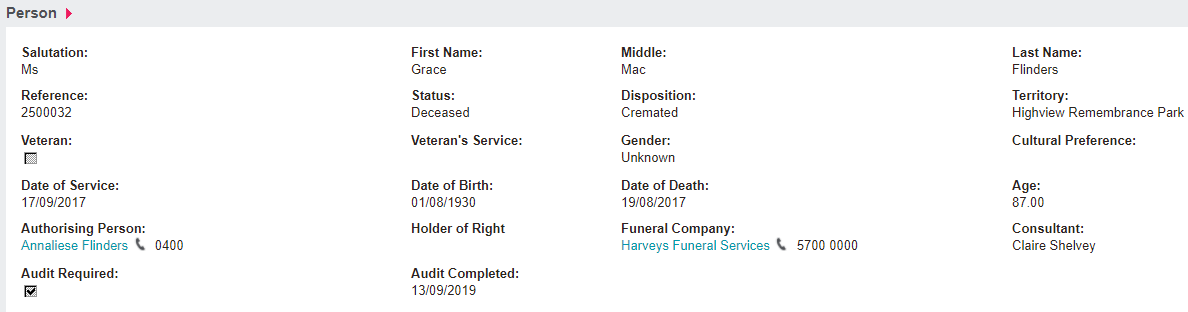
 Information block/sDisplays detailed field values for the record you are reviewing. Often presented in blocks of like information.
|
|
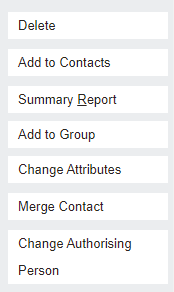
 Action buttonsTrigger actions, processes and reports relative to the type of record you are reviewing.
|
|