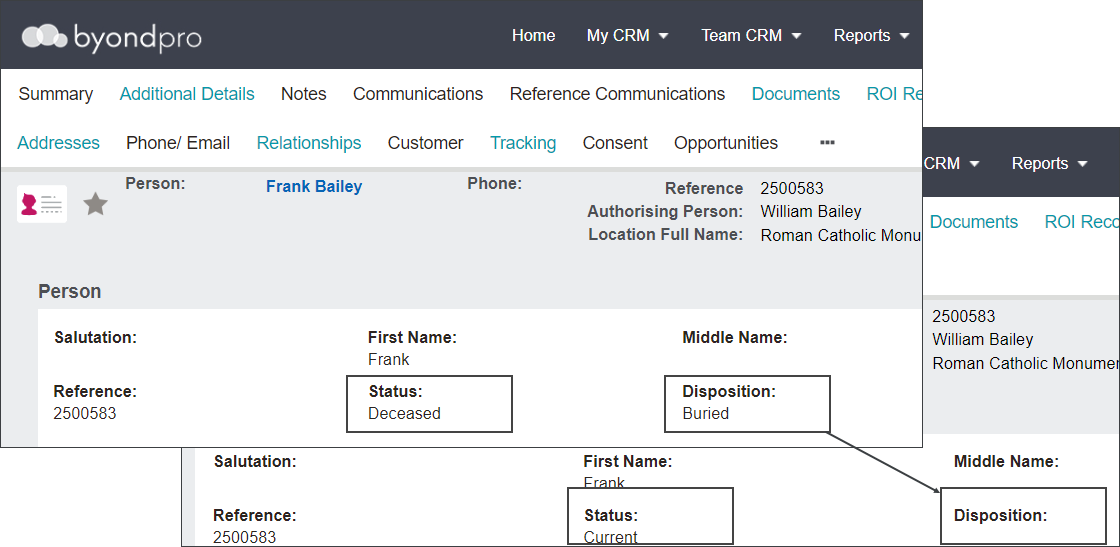
Where an error is made in marking the person's disposition as a deceased disposition such as buried, those with the appropriate rights can reset the disposition back.
From the person record, select the Change Status to Current button.
In the Status field, select ‘Current’ and then press Save.
The Status and the Disposition will be re-set to the previous settings.
Where a record was previously pre-need, the reset to current functionality will flag the persons Disposition back to ‘PreNeed.’
The changes will be tracked on the Tracking tab of the Person record.