Redeeming Pre-Need Items & Selling Additional Items
As reviewed in the Cremation Booking section of this guide, generally a Sales Order would be processed for, at minimum, the cremation service being provided by the cemetery.
While other items may be sold at that time, they may not be necessary to use straight away and therefore the cemetery may want to sell those items as pre-need, for them to be redeemed when the need arises.
Alternatively, items, such as an urn or a position in a rose bed, may have been sold pre-need several years prior to the cremation occurring, and may only be required to redeem when managing the cremated remains.
At the time of cremation, the family may not have decided what they would like to do with the cremated remains or perhaps the cremated remains were Foreign CRs where the cremation took place outside of the cemetery trust and now there is a need to sell additional items to the family.
In these cases, there may be pre-need items which need redeeming or additional sales which need to take place for the management of the cremated remains.
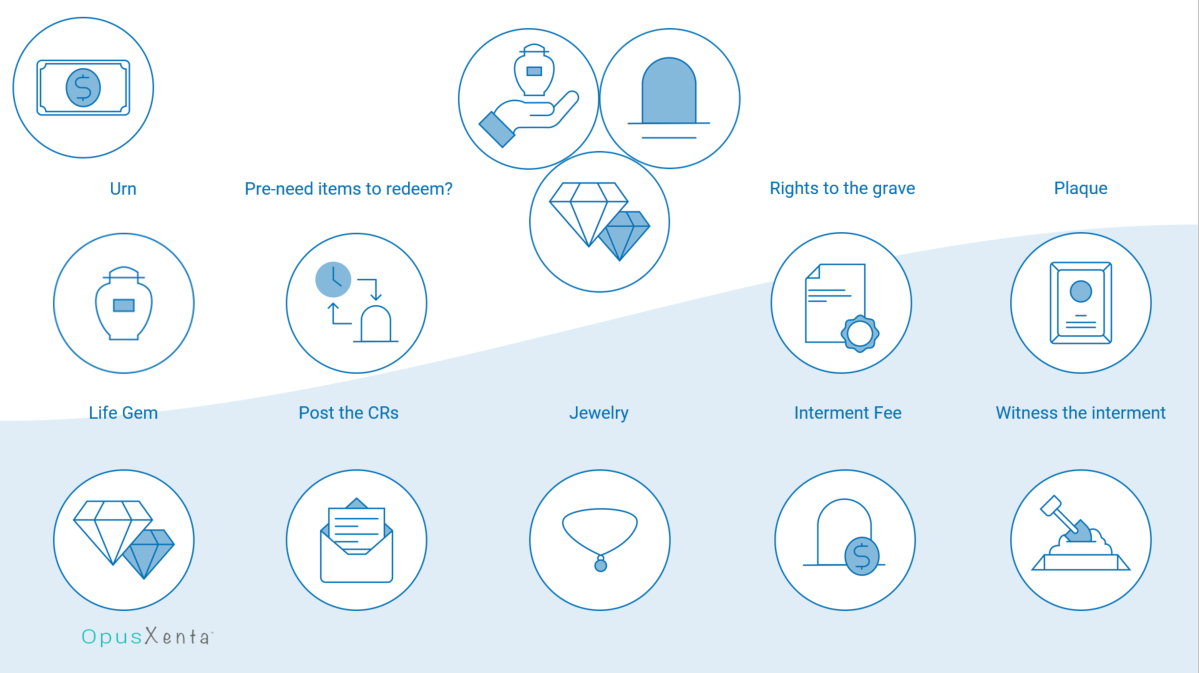
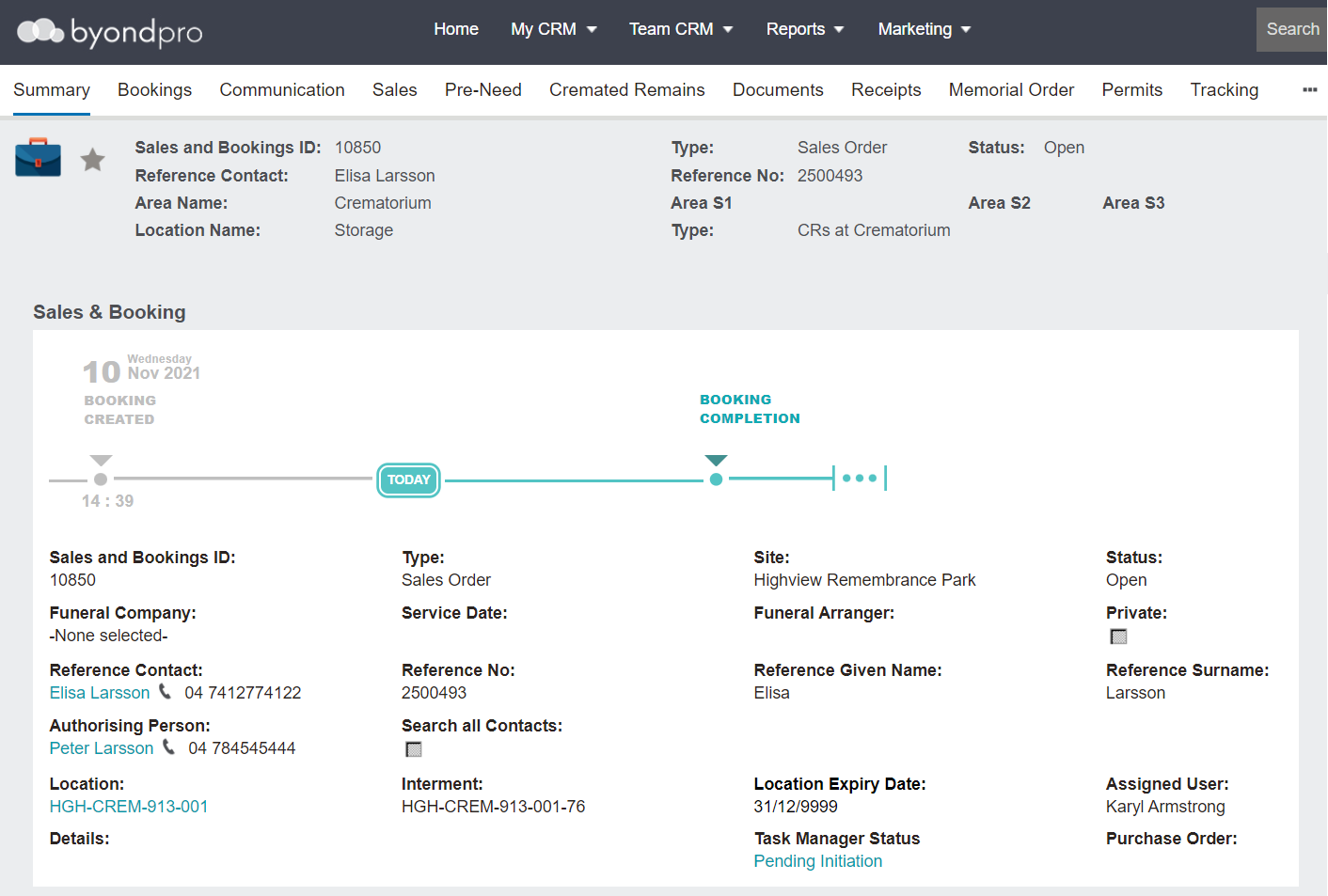
To take up pre-need items and / or sell additional items related to cremated remains management you will need to start a new Sales & Booking.
-
Click on the Plus symbol on the top right-hand side of the page.
-
If the person record /s to be used in the booking is already in the database, navigate to the Sales and Booking tab of the person record.For the first option:
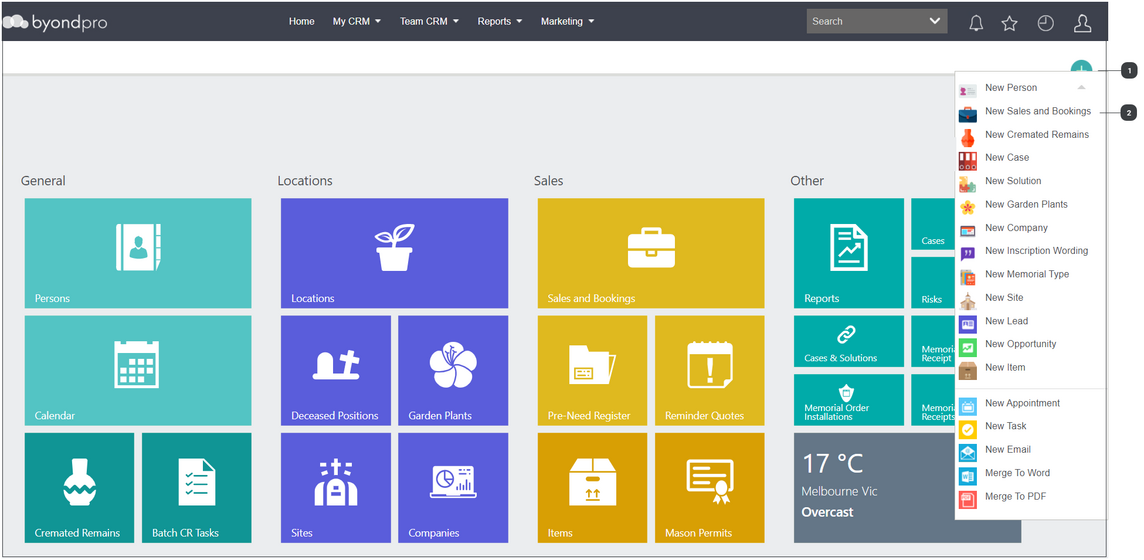

Click on the Plus symbol on the top right-hand side of the page.


Next, choose New Sales & Bookings from the drop-down list.

For the second option:
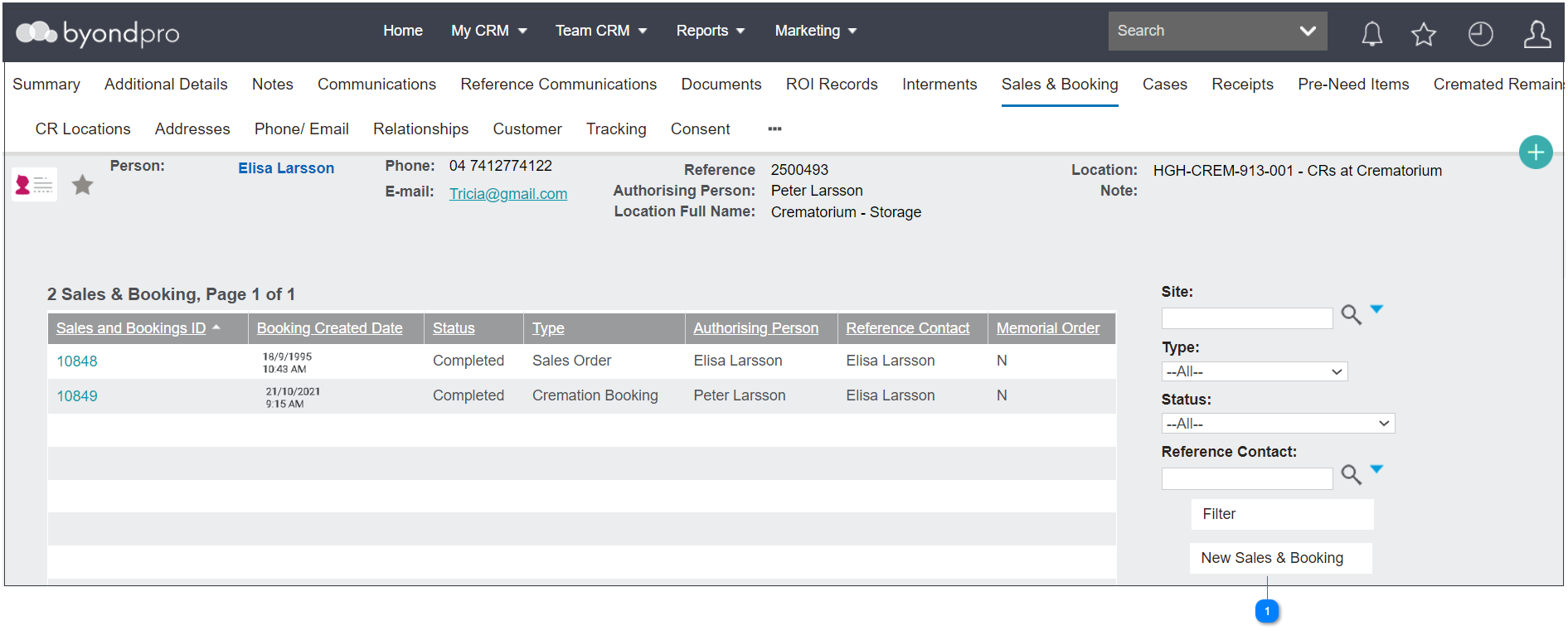


Complete the fields as necessary.
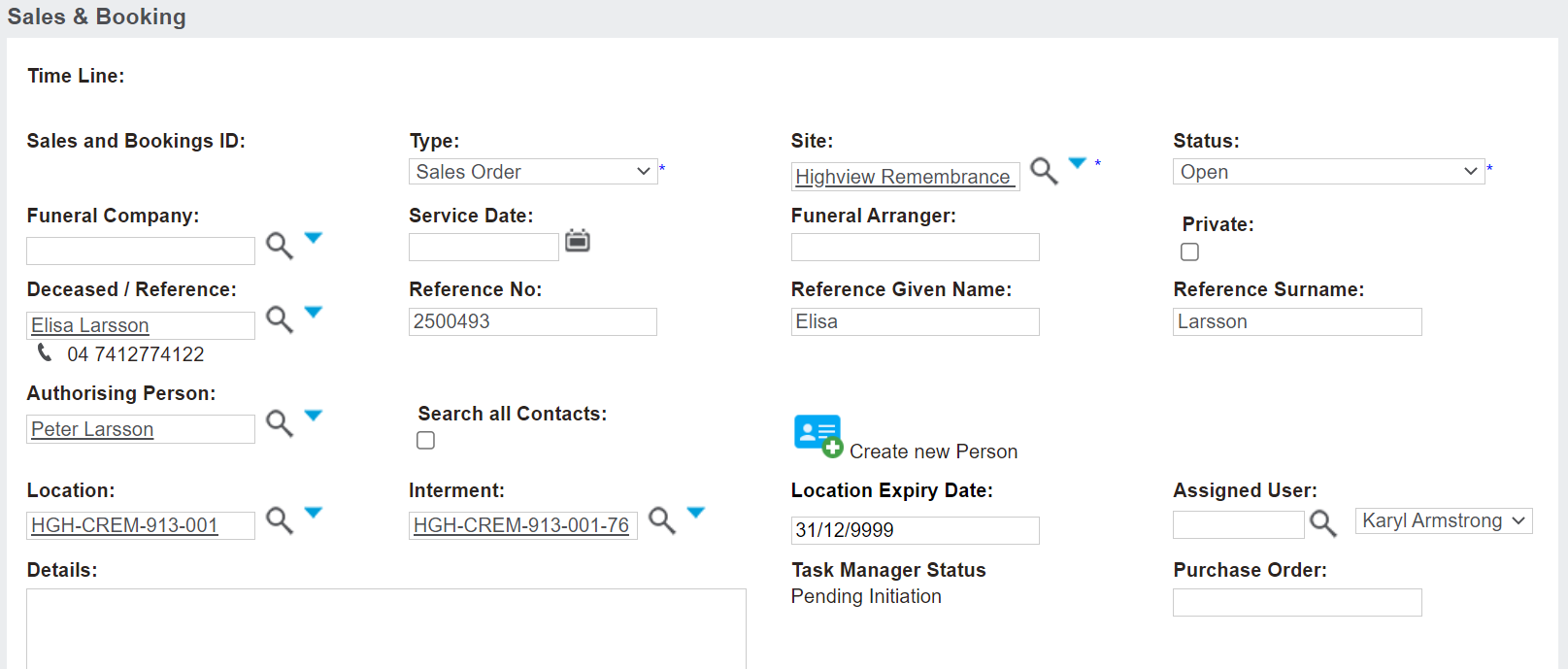
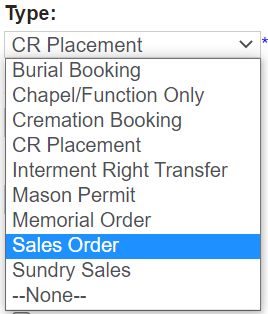
In the scenario where you would be processing an at-need sale and / or redeeming pre-need items, choose Sales Order from the drop-down selection list in the Type field, unless another action is taking place which requires appointments and the use of the booking section such as a CR Placement.
The Site field will be the site the cremated remains currently are.
The Status will auto-fill as open and throughout the process, users will change the status as necessary based on their internal processes.
The Funeral Company, Funeral Arranger, and Service Date fields would be left blank as the authorising person and the cemetery would generally be interacting without a funeral company involved.
The Location field auto-populates to the current location the cremated remains record is recorded at. This field can be updated, should it be necessary.
Once all known information is added, choose Save on the top right-hand side of the page.
Once your booking has been created, it likely will not be necessary to add appointments or add details to the Bookings tab unless there are also services to be provided.