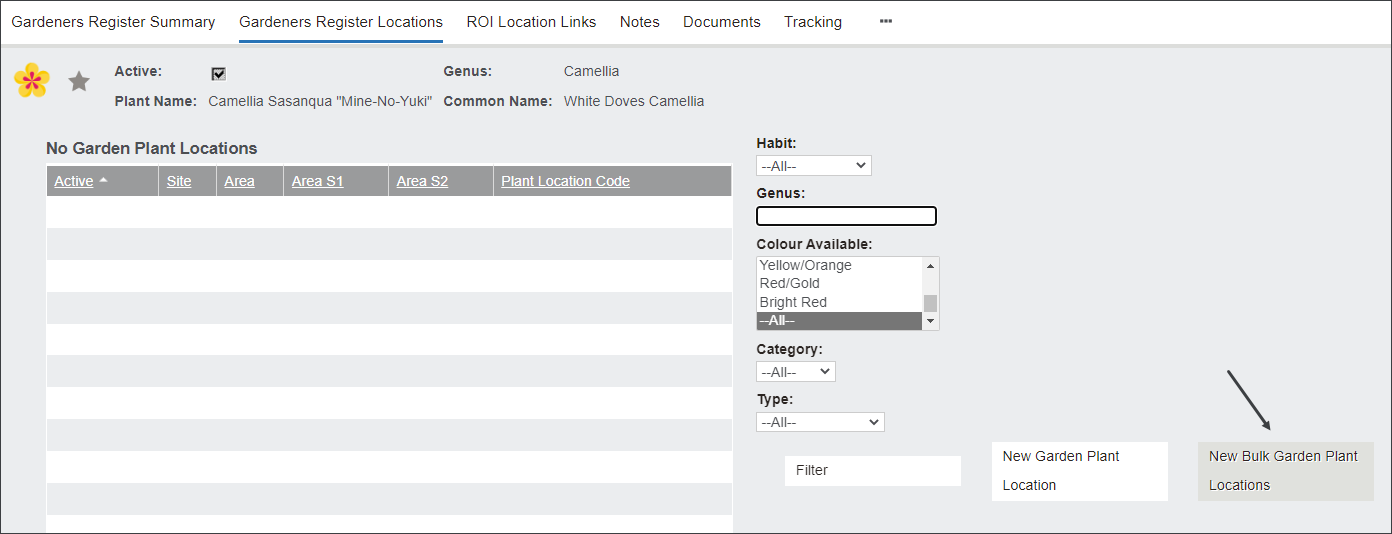
The New Bulk Garden Plant Locations option is used to record new plants in bulk.
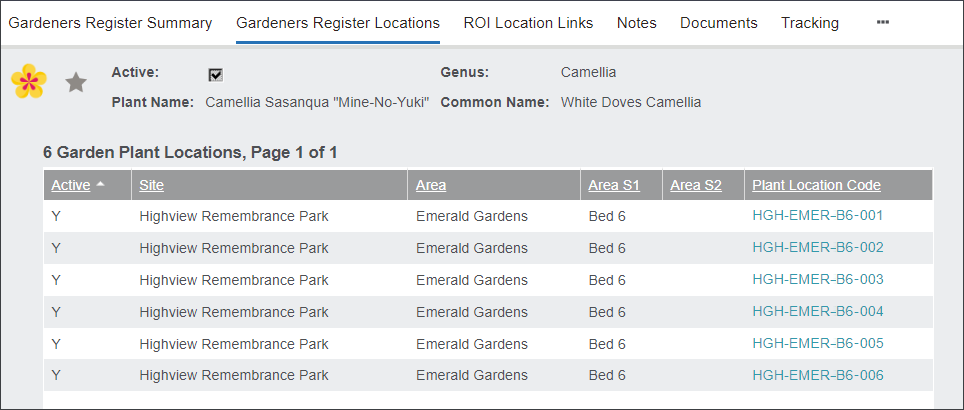
Let's consider the following scenario. Highview Remembrance Park added a new sub-area in the Emerald Gardens area. Garden Bed 6 area is designated for Cremation Memorials. Its unique feature are snow-white camellia plants sold as Family Trees. In byondpro the horticulturist created a record for White Doves Camellias featured in the Bed 6 area. Now the user can record individual plants using the New Bulk Garden Plant Location option.
To record the White Doves Camellias choose New Bulk Garden Plant Locations.
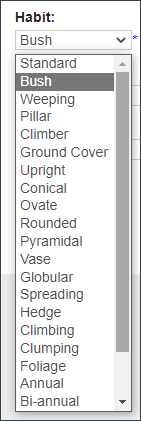
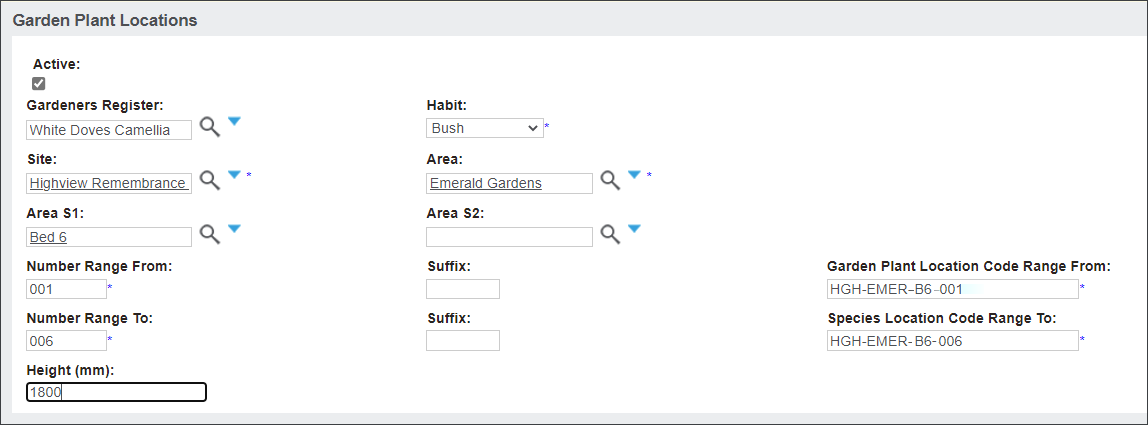
On the Garden Plant Locations screen select the plant's Habit, for example Bush.
In the Site, Area and Area S1 fields record information about the plant's location in the grounds, for example Highview Remembrance Park, Emerald Gardens, Bed 6.
Then in the Number Range From and Number Range To fields type in the plants' number range, for example 001 to 006.
The Garden Plant Location Code Range From and Species Location Code Range To fields will auto-populate with the Site code HGH, Area code - EMER, Area S1 code - B6 and the numbers 001 - 006.
On this page you can also record the plant's Height in millimeters by typing it in the corresponding text field.