Vendors can be located from the Vendors tile on the Home Dashboard of byondpro.
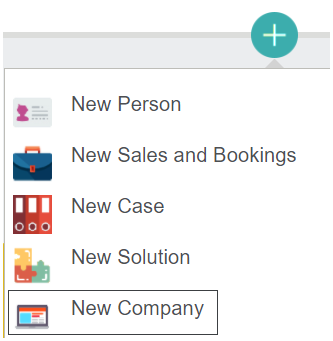
Any new vendors can be added by clicking on the Plus icon on the right-hand side of byondpro and selecting New Company from the selection list.
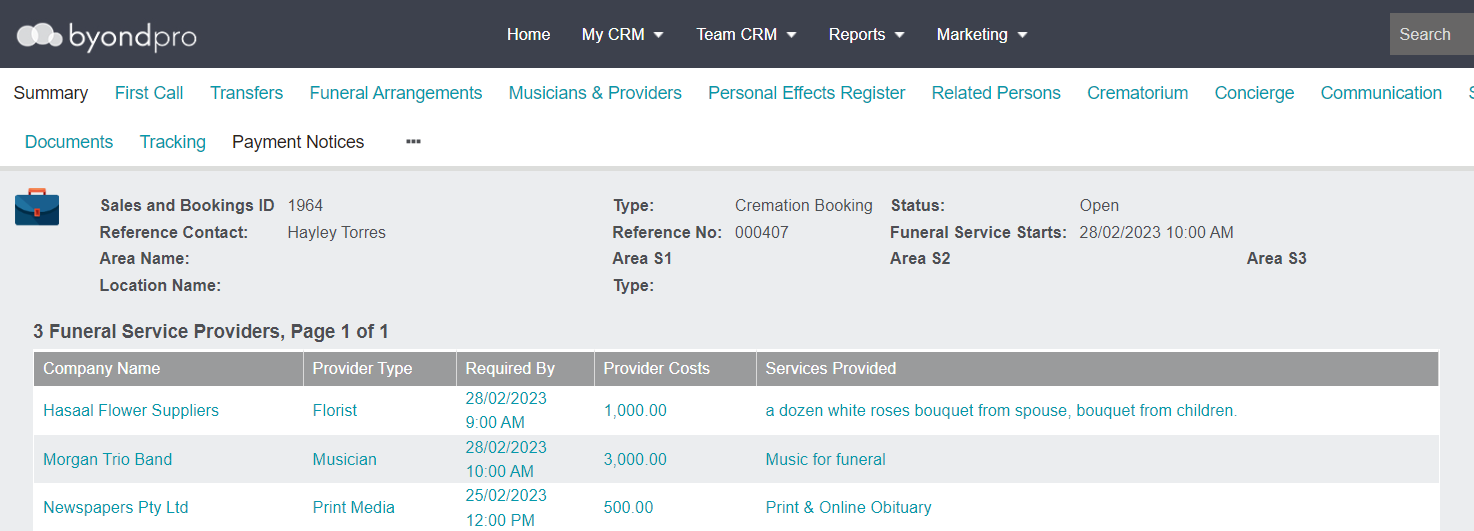
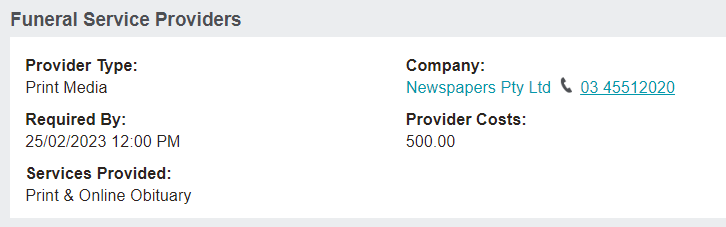
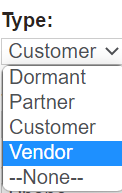
When completing the Type field on the new Company record, select the option of 'Vendor.' This selection on a company record will allow users to link the company to a service in a Sales & Booking.