Musicians & Providers Tab
The Musicians & Providers tab allows you to track the service providers and communicate with the service providers needed for the funeral service.
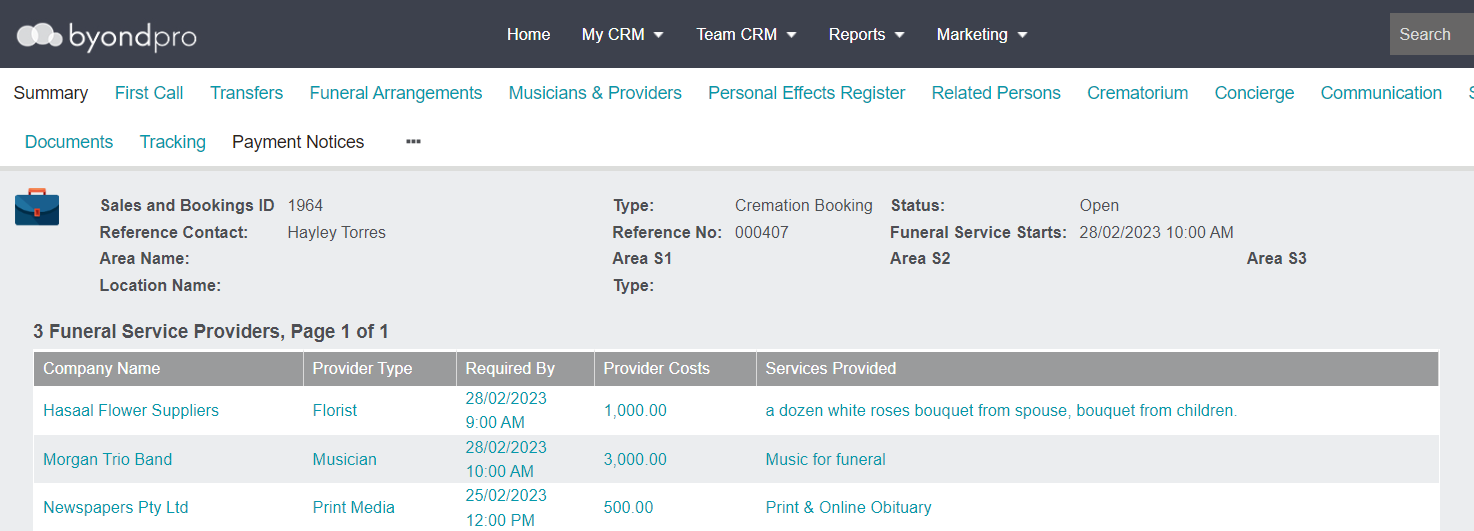
To add a new service and link the service to the appropriate vendor, click on the New Service button on the right-hand side of the page.

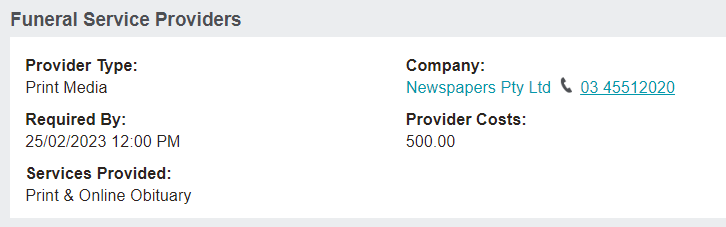
To view and edit additional details and e-mail the provider, click on the Provider Type hyperlink.
The provider details display on the next window.
Vendors can be located from the Vendors tile on the Home Dashboard of byondpro.

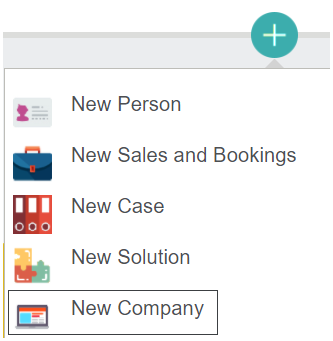
Any new vendors can be added by clicking on the Plus icon on the right-hand side of byondpro and selecting New Company from the selection list.
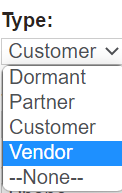
When completing the Type field on the new Company record, select the option of 'Vendor.' This selection on a company record will allow users to link the company to a service in a Sales & Booking.