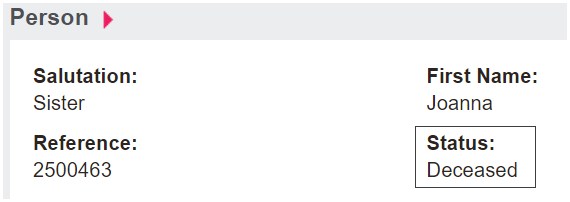
However, to differentiate between a record representing a deceased person and a person currently living, byondpro allows users to mark the record as deceased.
A Burial or Cremation Sales & Booking cannot be completed without the Reference Contact record marked as deceased.
To mark the person record as deceased, click on the Change Status to Deceased button on the right-hand side of the page.
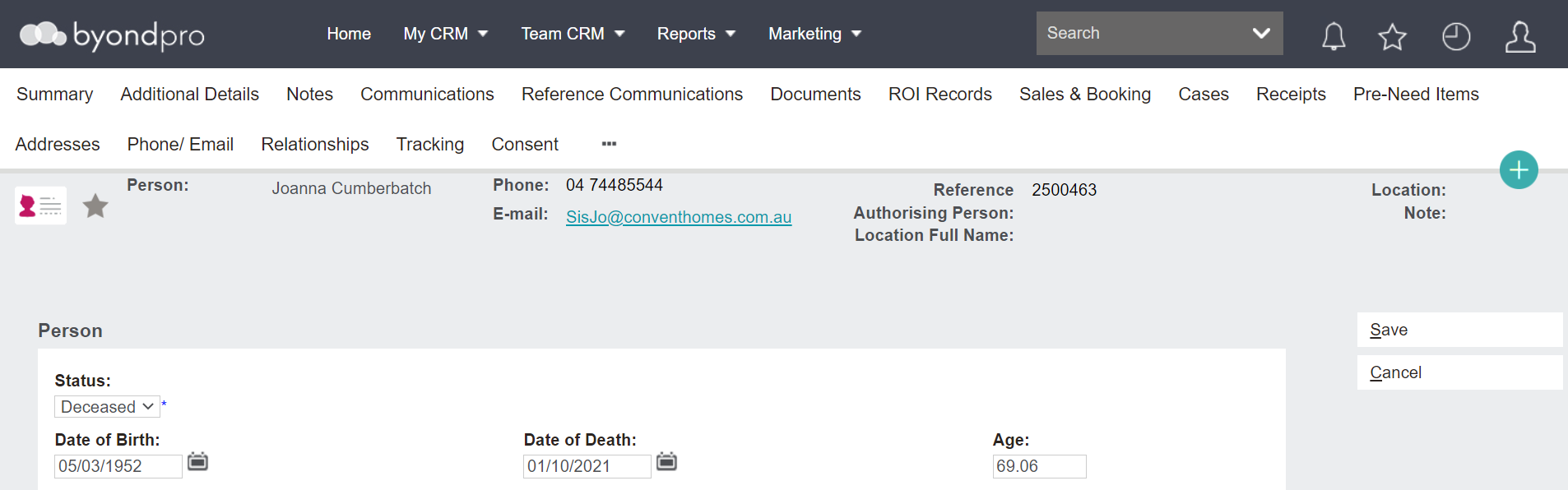
The following screen will display. Complete the fields.
Status is a drop-down field where the option Deceased should be populated.
Date of Birth should auto-populate from the record if it has already been captured and is editable. Alternatively, the date can be added here.
Date of Death will auto-populate if entered in the record already. Otherwise, this can be typed in.
Age will calculate once date of birth and date of death are entered.
As a reminder, this displays as YY.MM
i.e. if 33.02, the person is 33 years and two months.
Once all fields are populated, click Save on the right-hand side of the screen.