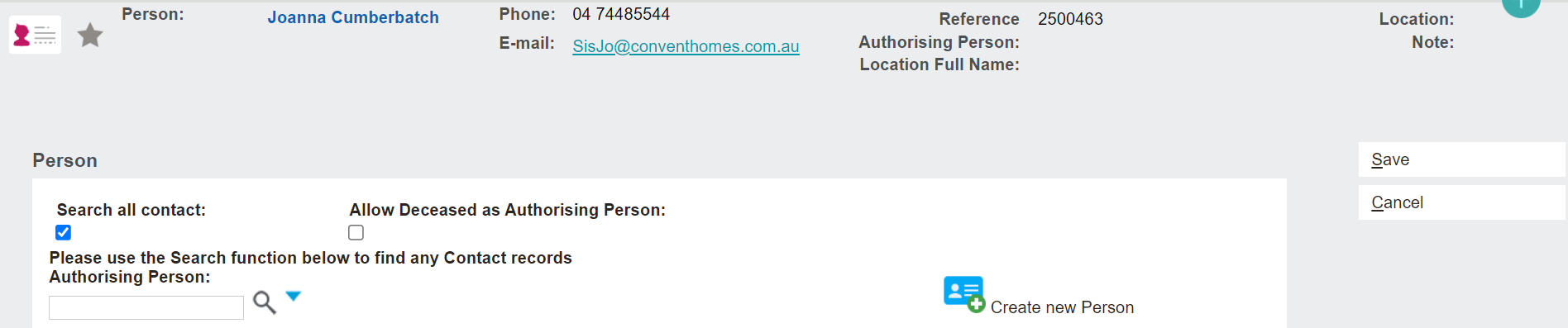
If the authorising person is not yet linked to the person record, you can tick the Search all contact tick box to extend the search to all contacts in byondpro.
The Allow Deceased as Authorising Person tick box allows the user to add a deceased record as the authorising person, if necessary.
If the authorising person record has yet to be created, use the Create New Person button to add the record into byondpro now.
Once the Authorising Person record has been secured with an underline under the name, click Save on the right-hand side of the page.
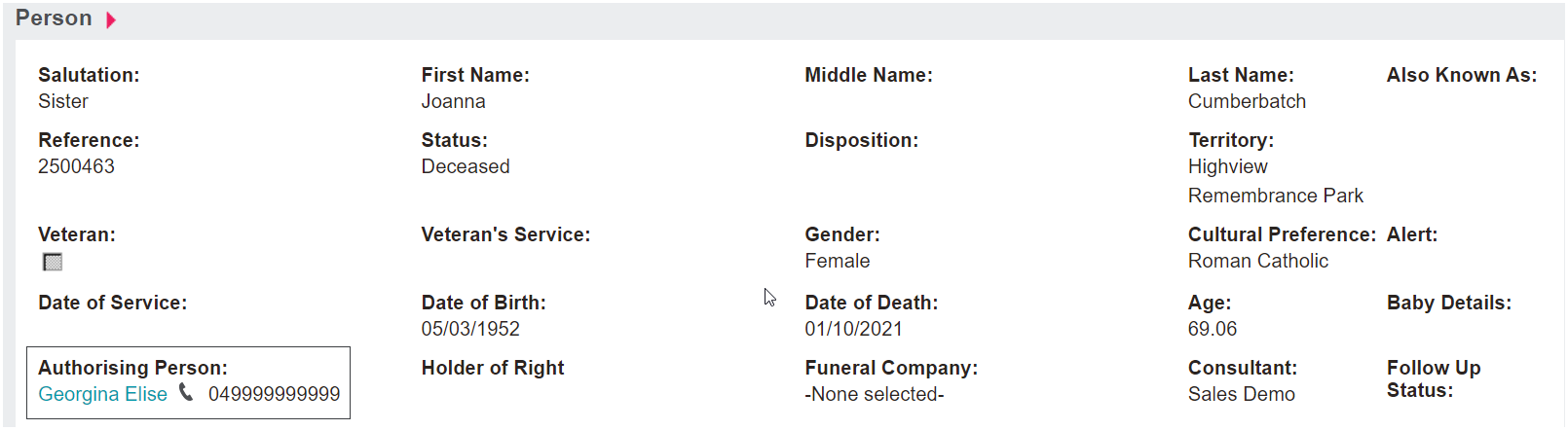
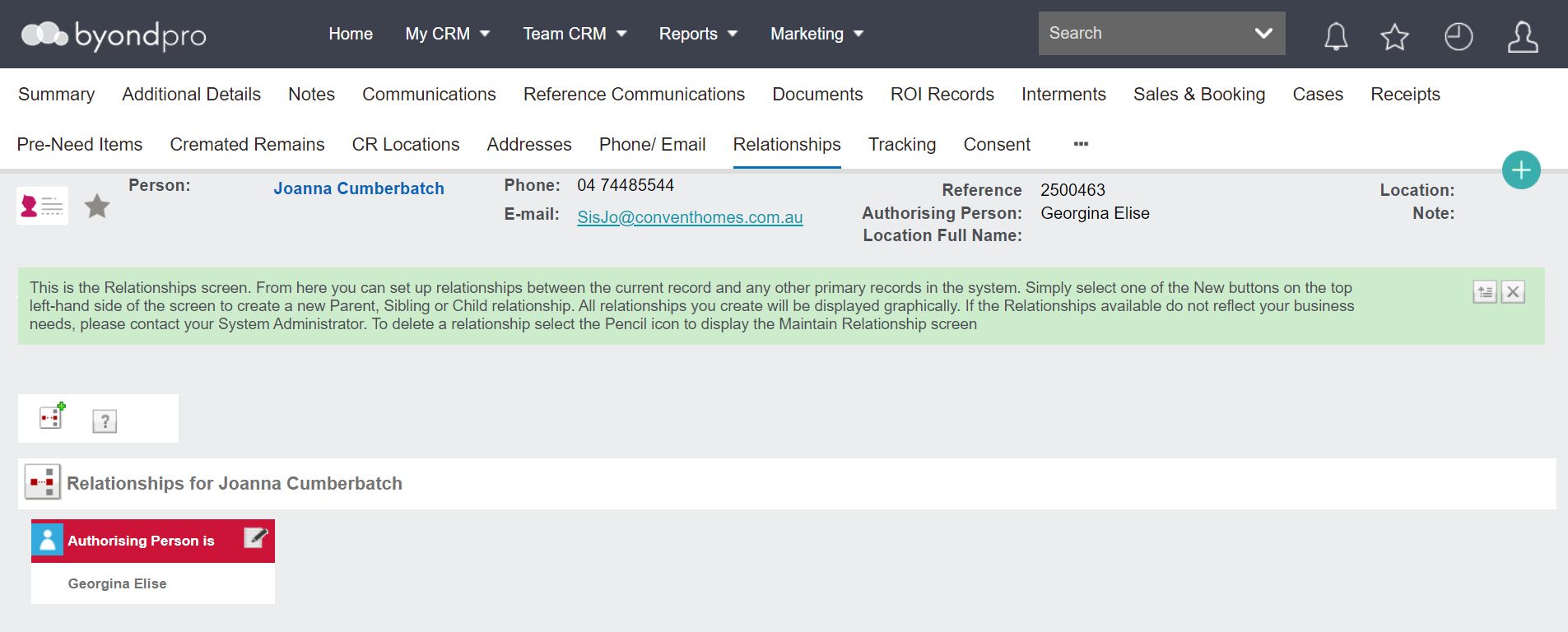
The new Authorising Person can be viewed on the Summary tab of the record and Relationships tab.