Manual Update
To update the values manually:
Select Change on the right-hand side of the screen.

Amend the Cost-Land Valuation and / or Cost Capital Improvements fields according to their new cost.
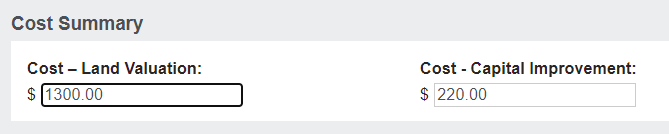
Choose Save.

When revenue is recognised on an item sold with a land cost or capital improvement cost, these new values will flow through.
A revaluation journal will not have been automatically processed when changes to costs are managed this way.