Location Code Segment Length
The Location Code Segment Length configuration determines the minimum length of the last segment of the location code
Access the configuration from the Custom Configuration area of byondpro.
Use the search fields to complete search for the configuration and then press Find on the right-hand side of the page.
Choose the LocCodeNumSegmentLength configuration.

This is where to choose the minimum length of the last segment or the location number of the location code.
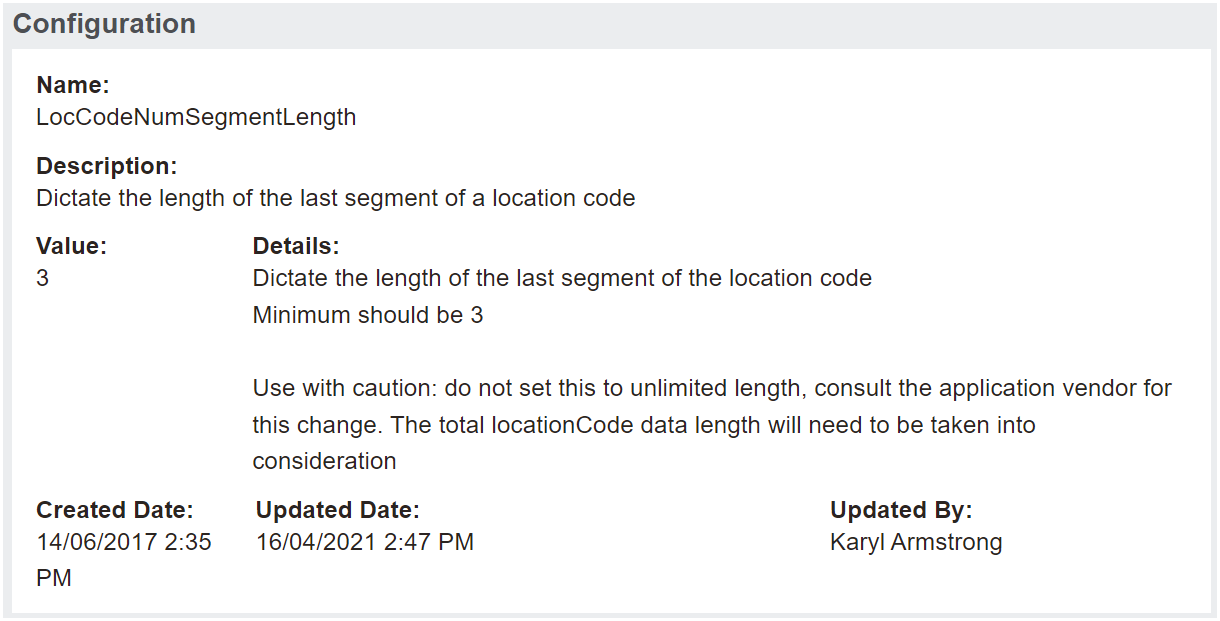
We generally recommend the minimum length should be 3 digits. If set to 3, the first location in that area or sub area would be 001.
This setting on the length of the location code can be overridden when creating the individual location if you would like more than the minimum that have been set, for example 4 or 5 digits.
It is important to note if you would like less digits than set in the configuration, then the minimum on the LocCodeNumSegment length would need to be decreased to allow this override.