Licence / Certificate Number Configuration
The default configuration of byondpro will use the next number entry from the Sequel Reference Number Table.
The reference number table has an entry for the Location / Deed certificate number. This is the default next number applicable to all sites / types.
However, where a prefix is required, byondpro will look to the licence number prefix being set to Y and also the location deed configuration.
The location deed configuration only activates if the Use Deed Prefix is set to Y in the configuration. This configuration setting needs entries for Site and Type.
Licence Number Prefix
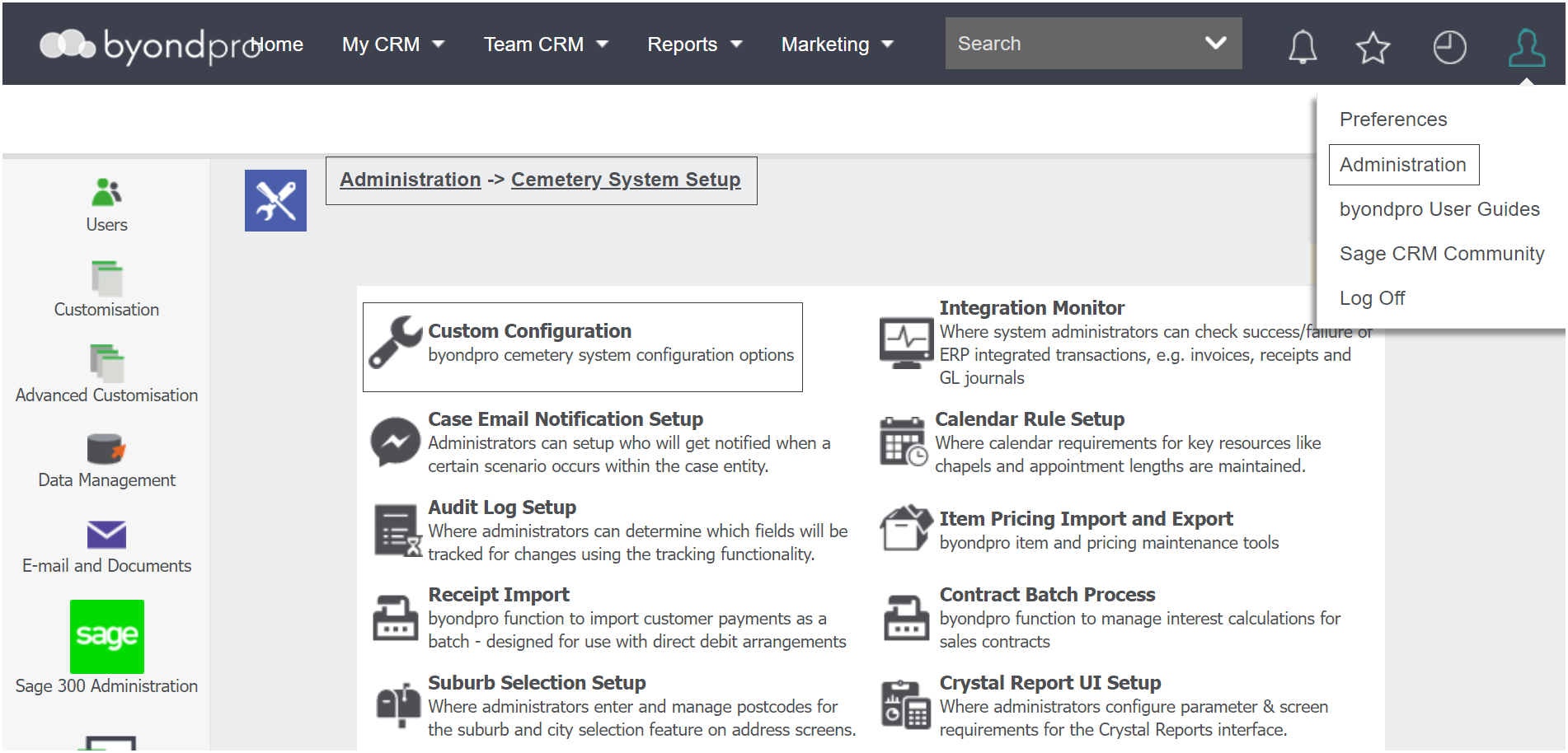
To determine if the licence number will use a separate numbering from the Reference Table, visit Profile Menu > Administration > Cemetery System Setup > Custom Configuration
Use the search fields to complete search for the configuration and then press Find on the right-hand side of the page.
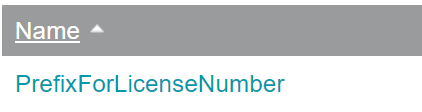
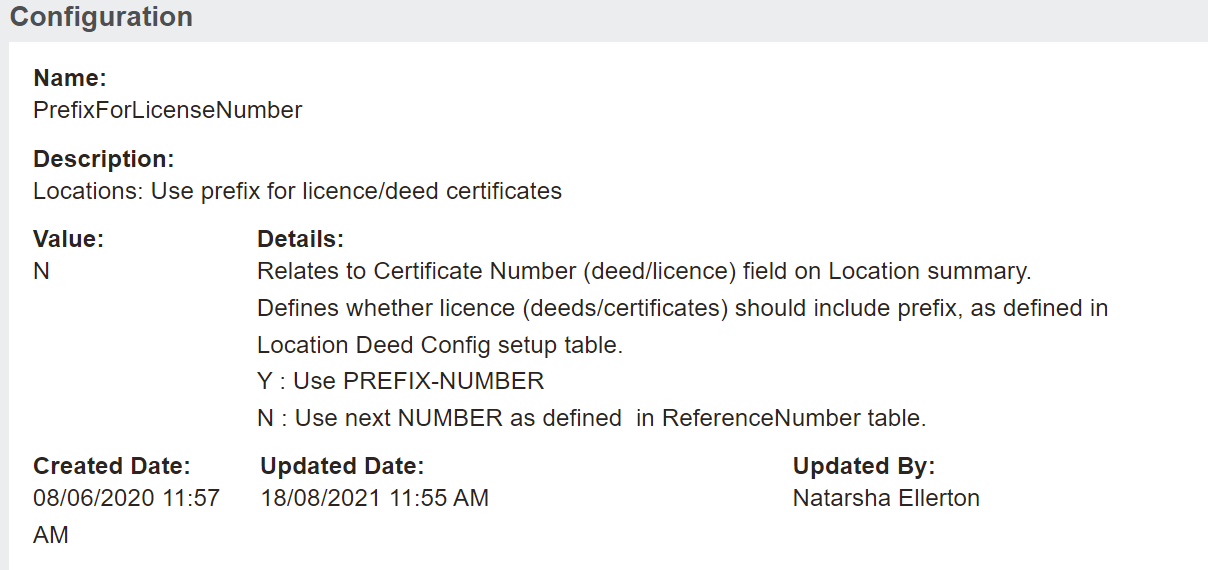
Choose the configuration of PrefixForLicenseNumber.
To use the prefix number set in the Licence Numbering area, set the value to Y.
To use the next number as defined in the Reference Number Table, set the value to N.
Location Deed Configuration
Where the Use Deed Prefix is set to Y in the configuration, the location deed configuration activates. The system will then check the location deed configuration.
This configuration needs entries for Site and Type.
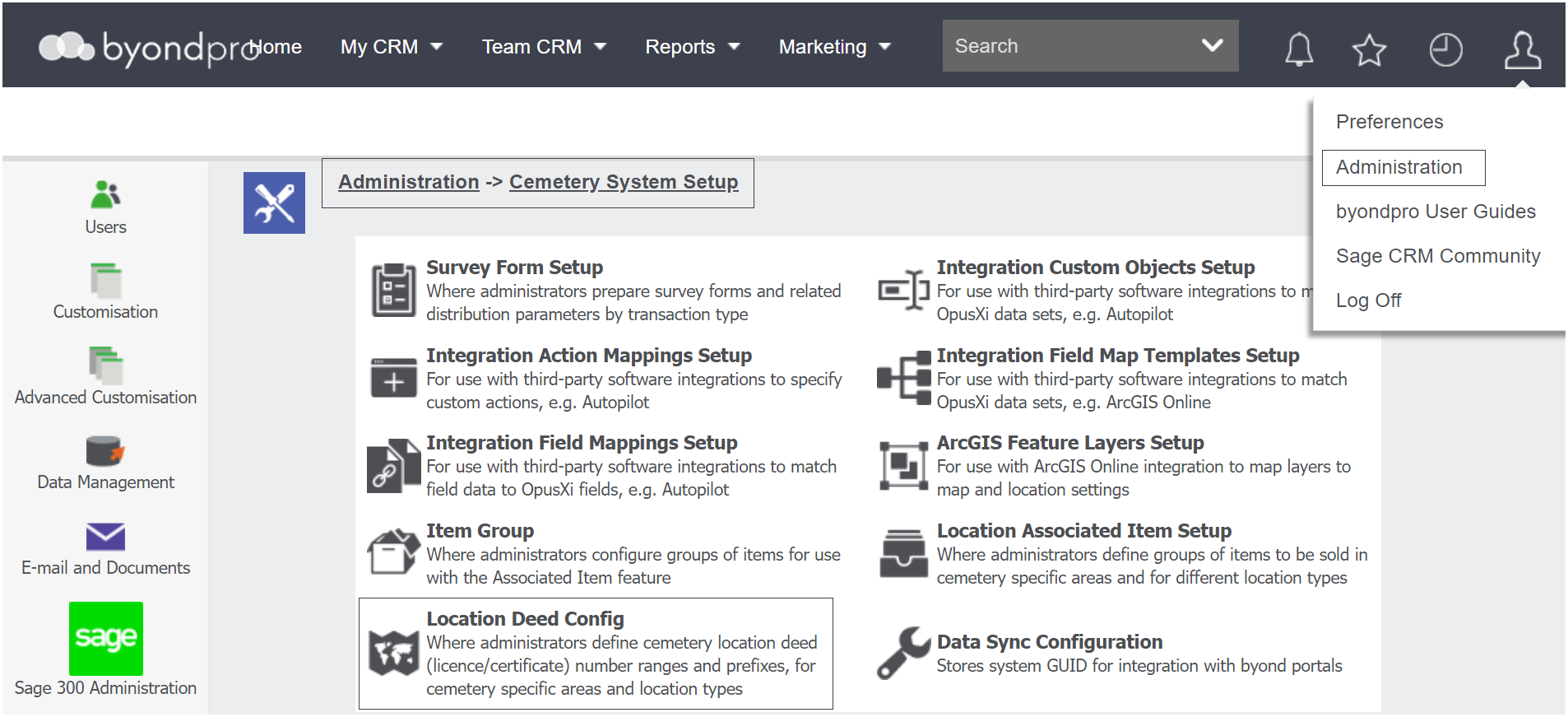
To set up this configuration, navigate to Profile Menu > Administration > Cemetery System Setup > Location Deed Configuration.
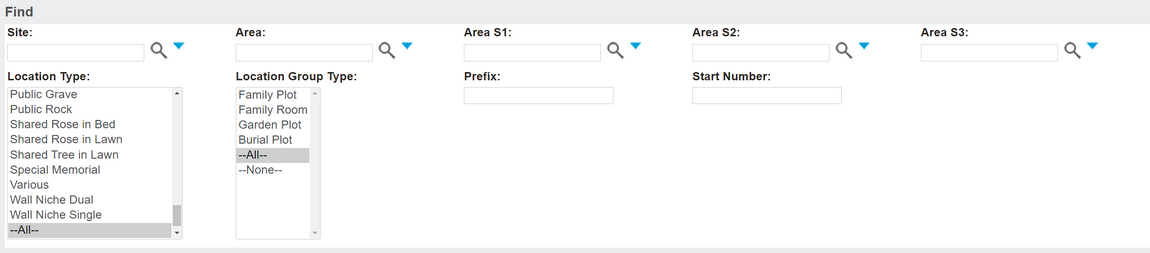
Use the search fields at the top to filter for particular locations.
Use the Find button on the right-hand side of the page to filter the configurations.
Location Deed Configurations which meet your search criteria will display below with:
Click on one of the configurations to see further settings.
To add a new configuration, press the New button on the right-hand side of the page.
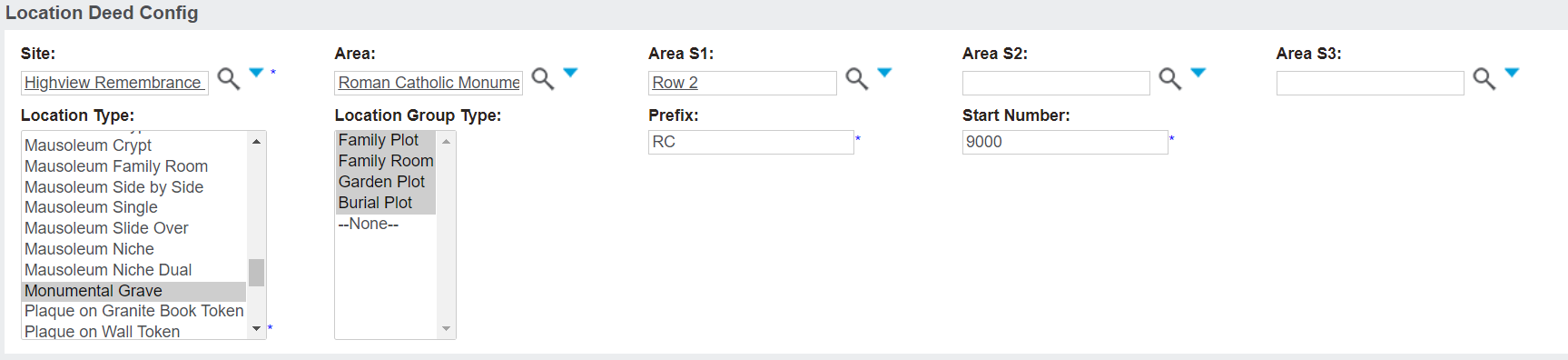
Complete the fields as necessary.
Determine the Site the Location Deed Numbering will apply to.
If necessary, designate the following as well:
Determine the Location Type the numbering will apply to.
You can also determine the Location Group Type the numbering will refer to. Note, you can choose multiple group types, if necessary.
Type in the desired prefix of the deed numbers in the Prefix field.
In the Start Number field, type in the number the deeds will start counting from, as assigned.
Once completed, press Save on the right-hand side of the page.