Incident Details
The Incident Details tab stores additional information about the incident.
The system automatically navigates the users to the tab once a new Incident is saved.
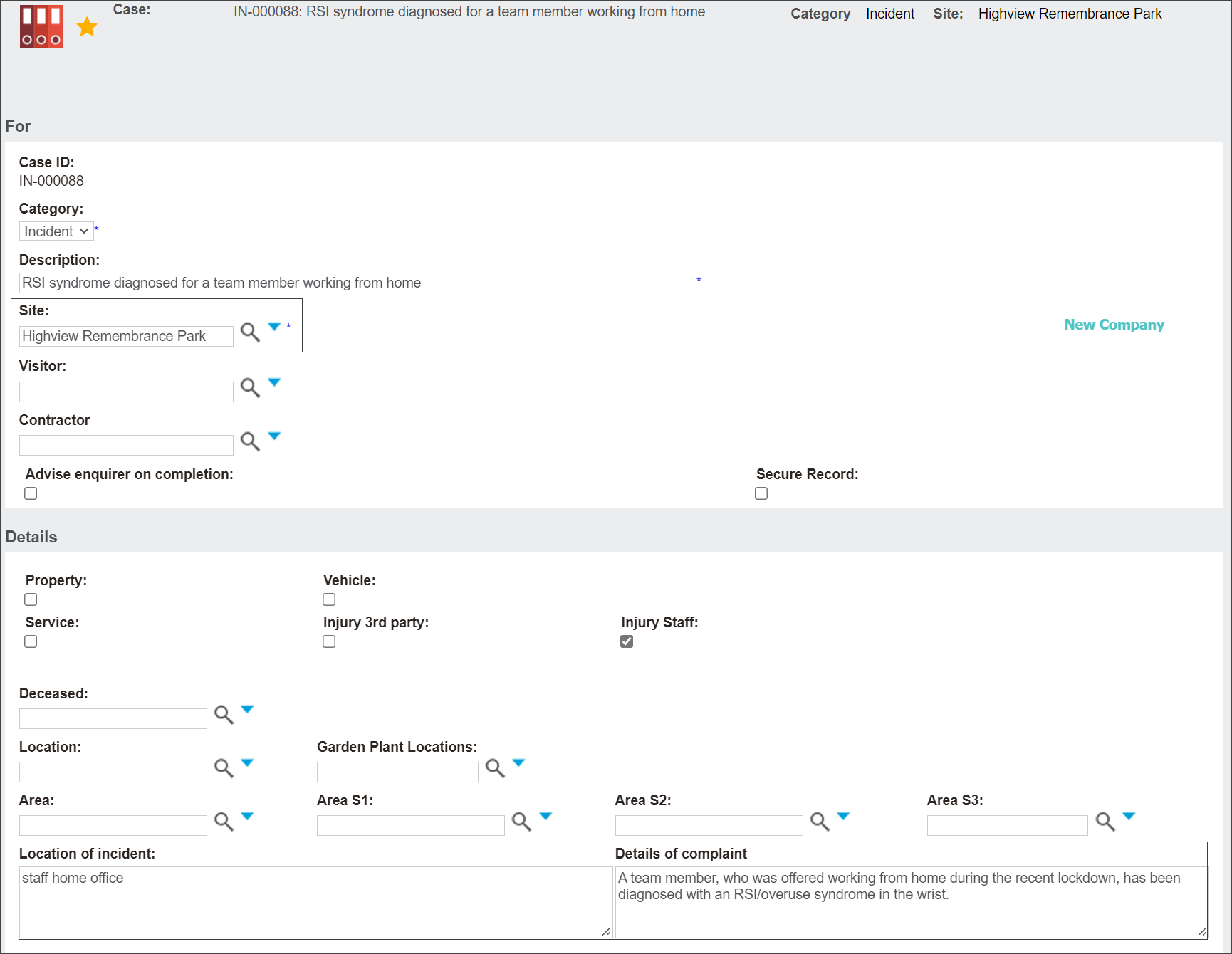
The system auto-populates the fields from the Summary Tab.
In the example below, byondpro auto-populated the details from the following fields: Site, Location of incident and Details of complaint. Since our example is not related to a particular Location, Deceased record or Garden Plant Locations, byondpro didn't auto-populate the fields.
However, it provides the users with another opportunity to fill these, if for example the information wasn't available before.

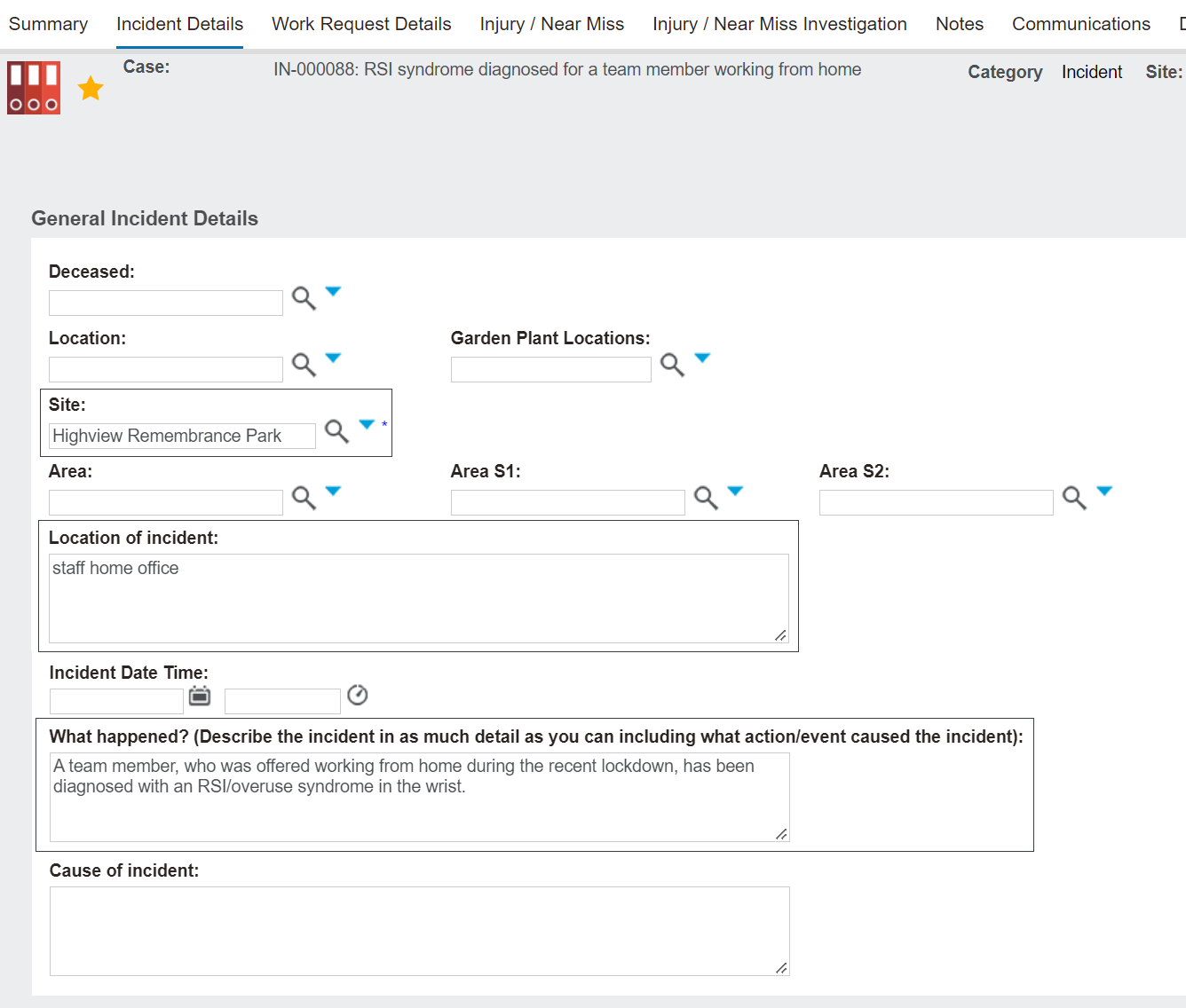
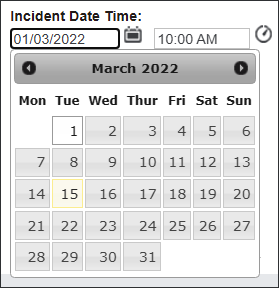
Click on the Incident Date Time fields to type in the exact date and time of the incident or press the calendar and clock icons to select the entries.
Type in additional information in the Cause of incident field.

In the Witness details fields type in names and contact details of people who can be contacted in the investigation stage of the Incident.

Press Save to secure the changes.
The system will automatically navigate you to the Injury/Near Miss tab. You can continue working on the record or press Save and return later.