When an item is sold, the category associated to the item will define the general ledger account /s for transactions to post to in Sage 300.
For those with a different ERP, where general ledger data is exported to CSV to import into the finance system, the category setting can also define the general ledger account / s for transaction to post to.
Cemeteries may wish to post general ledger transactions according to the individual sites to track revenue and costs associated to each separately in the General Ledger.
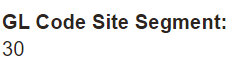
For example, sites can be defined with segment codes as shown below.
We will draw your attention to segment code 30 for Highview Remembrance Park.
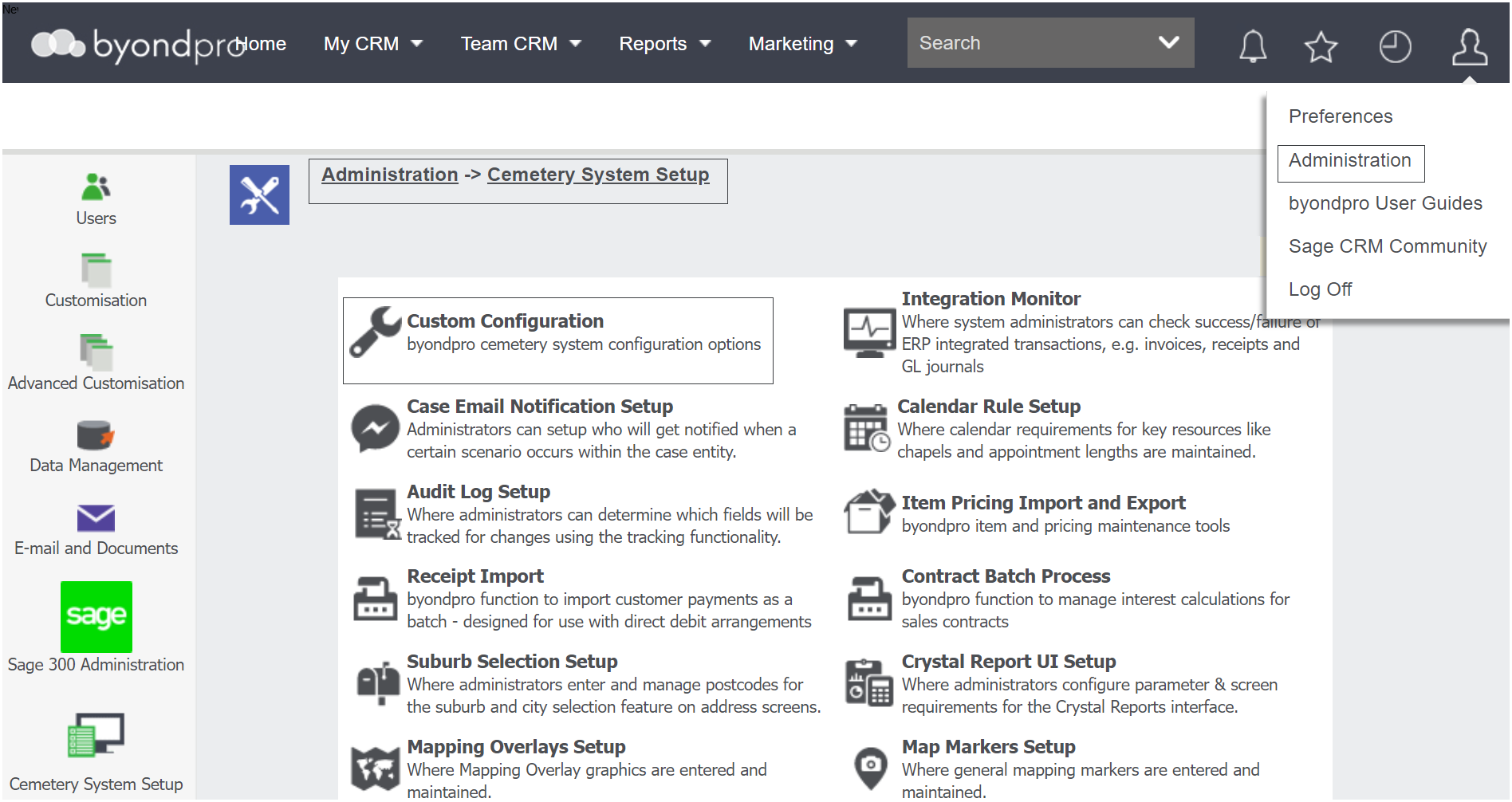
To access the confguration setting, visit Profile Menu > Administration > Cemetery System Setup > Custom Configuration.
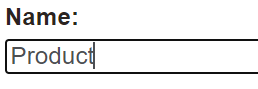
In the Name field, type in 'Product.'
Press Find on the right-hand side of the page.
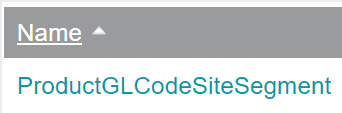
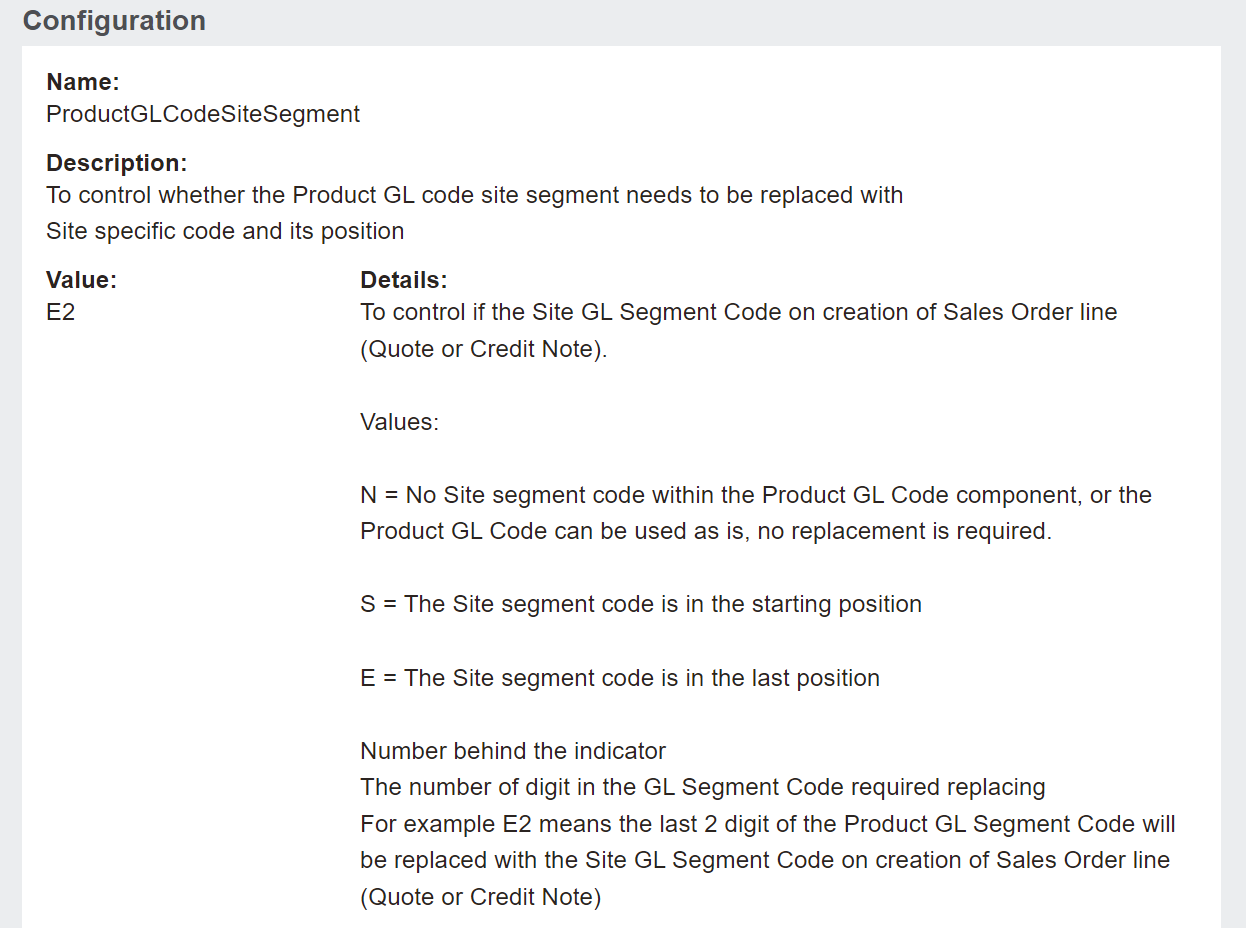
Choose the configuration of ProductGLCodeSiteSegment.
The value can be set to post transactions based on the site segment or not.
A value of N will not differentiate the sale of items and costs associated at different sites in the general ledger and will simply post to the general ledger account as defined on the
category for the item.
When posting general ledger transactions by site, this configuration defines if the site segment is at the start (S) or the end (E) of the general ledger code.
Configuration settings also define the number of digits the site segment code has.
For example, 2 digits would mean the site general ledger segment might be 10, 20, 30 and so on.
Entering a value of E2, as currently set in our demo database, tells us the site segment code is at the end of the general ledger account, and therefore makes up the last 2 digits of the general ledger account number.