First Call Tab
The First Call tab can be used to add relevant information regarding the first call.
Once the Sales & Booking record is created, you will be re-directed to complete the First Call tab automatically. If all details are not available at the time, you can come back and edit the tab at a later stage.
The fields detailed below relate to the out-of-the-box byondpro. However, many of the fields can be customised to meet the customer’s needs. Fields can be customised to display as tick boxes, drop-down lists, and free form text.
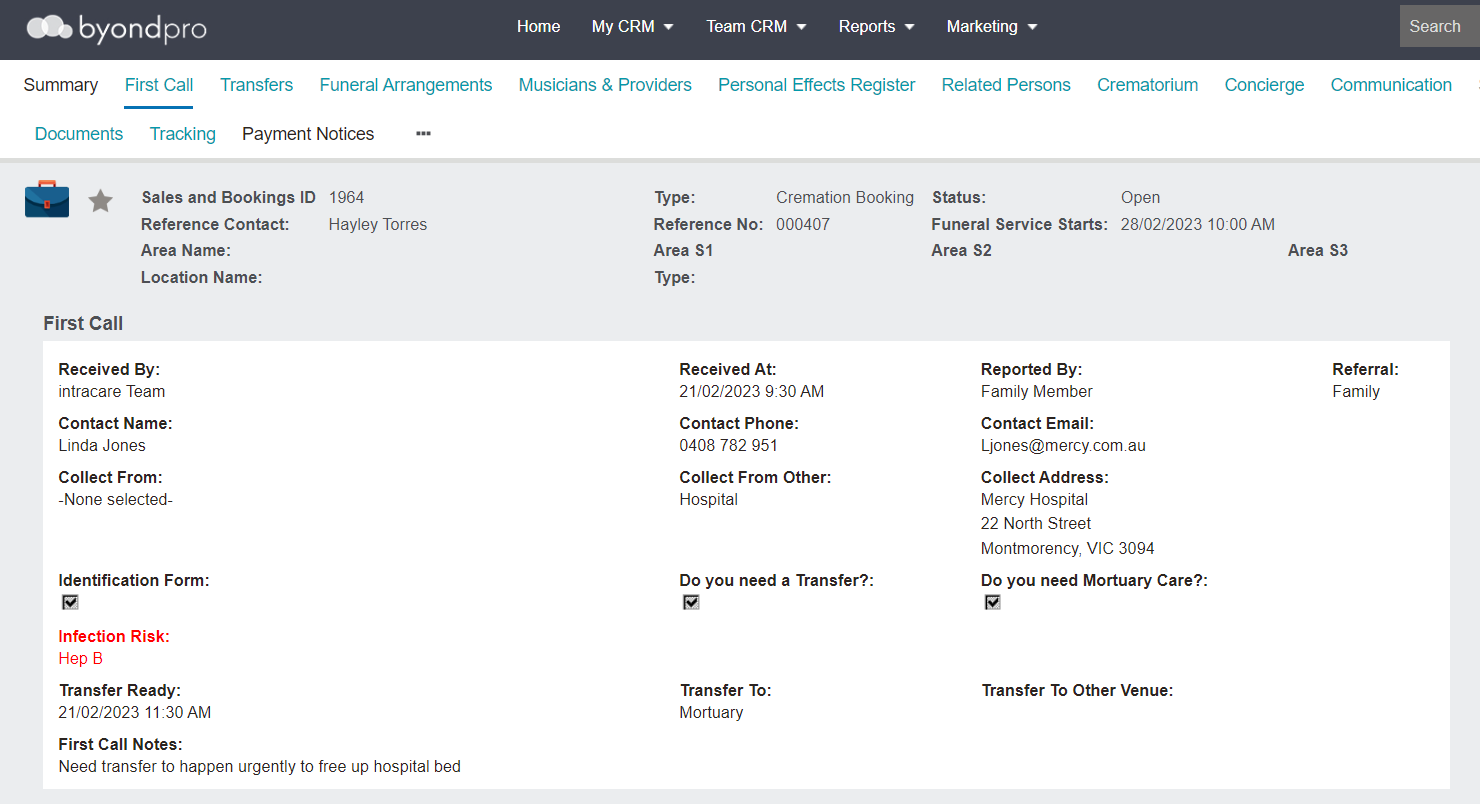
First Call Information Block
The First Call information block is designed to collect details about the first call and referral and would generally be completed while on the call, though information can be added as it becomes known.
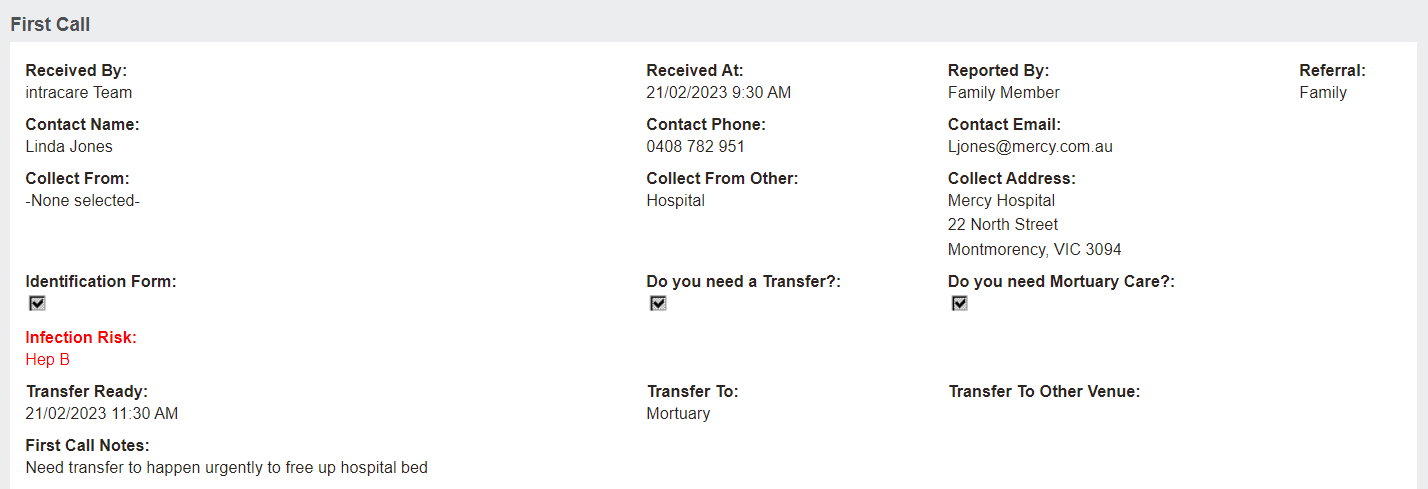
To add or change any first call details, press Change on the right-hand side of the page and complete the fields.
