Dividing & Merging Cremated Remains Records
Dividing Cremated Remains Records
Cremated remains that are moved and end up in the same location, such as collected by family or memorialised in a grave would often be be recorded in one record as one container or flagged as multiple containers within the one record.
If multiple containers are used for cremated remains and the cremated remains will end up in the same location, these records can stay as one and simply have it noted on the cremated remains record that there are multiple containers.

You may have locations set up for Collection by Family Member, Collection by Funeral Director or Collection by Next of Kin.
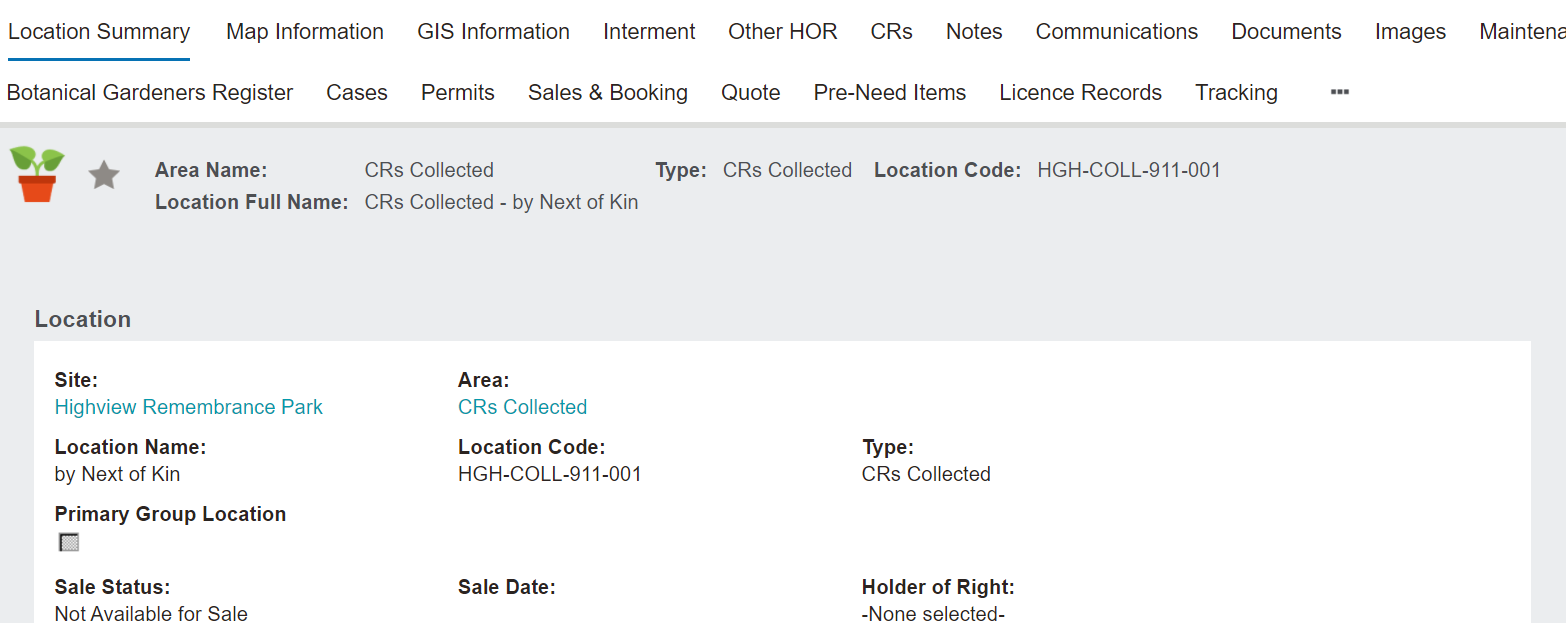
To track the collection of each cremated remains container individually or if the cremated remains are to end up in different locations, such as some to be collected by the next of kin in a beautiful urn and some to be interred in a rose bed position, byondpro will allow you to divide cremated remains records and manage both cremated remains records separately to reflect the locations of all the cremated remains.
Please note that the action of dividing, and merging cremated remains records which will be explored later, may be limited to certain supervisor profiles, depending on your cemetery's needs and processes.
From the Summary tab of the Cremated Remains record, press the Divide button on the right-hand side of the page, to divide the records.

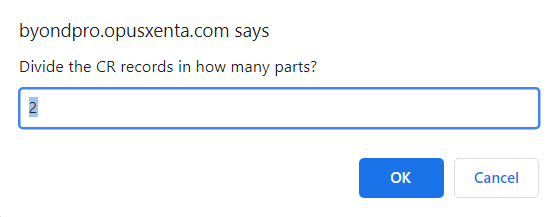
A pop-up window will display asking how many parts to divide the remains over.
For our example, we will enter 2.
Should you need to cancel, press the Cancel button.
Once completed, press the OK button.
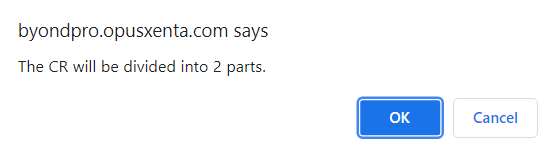
A second pop-up window will display asking you to confirm the instruction.
Should this not be the desired action, press the Cancel button.
To move forward with dividing the records, press the OK button.
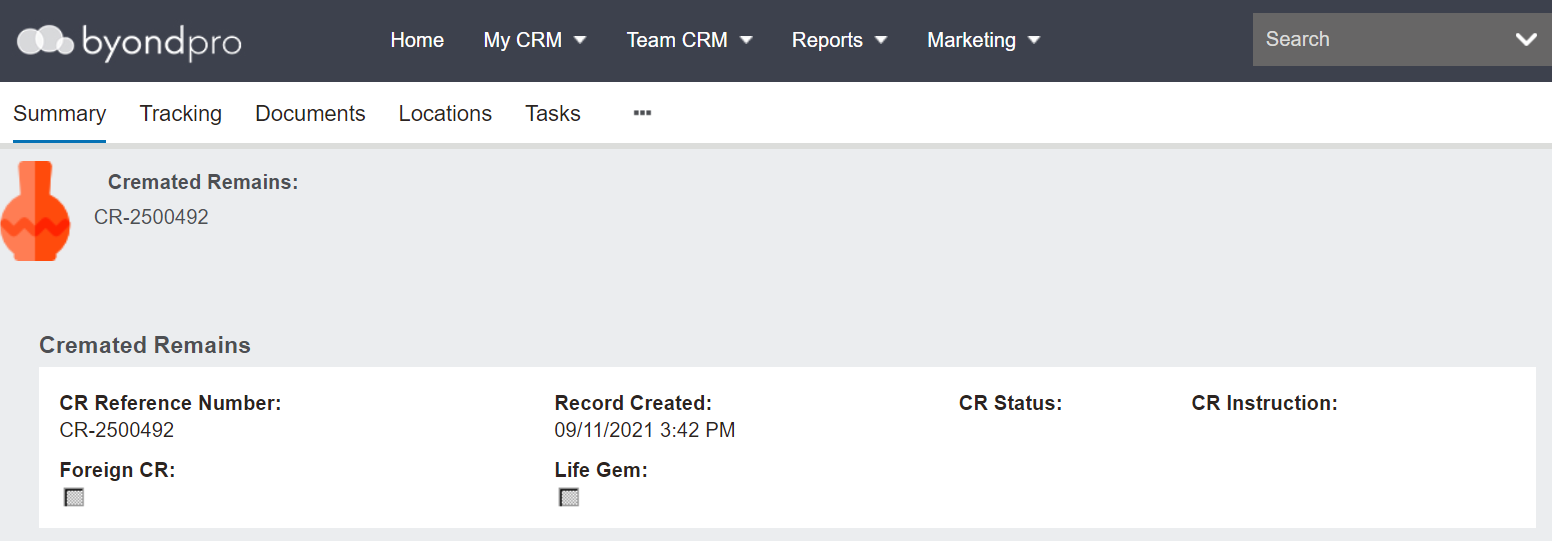
The default screen will be the original cremated remains record.
There will now be two separate cremated remains records to manage independently within byondpro. These records can be found from the Summary tab of the Cremated Remains record, by clicking on the Deceased person hyperlink.

Users who have naviagated away from the Cremated Remains record can complete a search for the Decaeased Person record from the Home display.

The Header of the person record will show divided remains with 2 locations and location codes.
The locations remain the same, as the remains have not yet been moved.

The Cremated Remains tab will have both sets of remains.
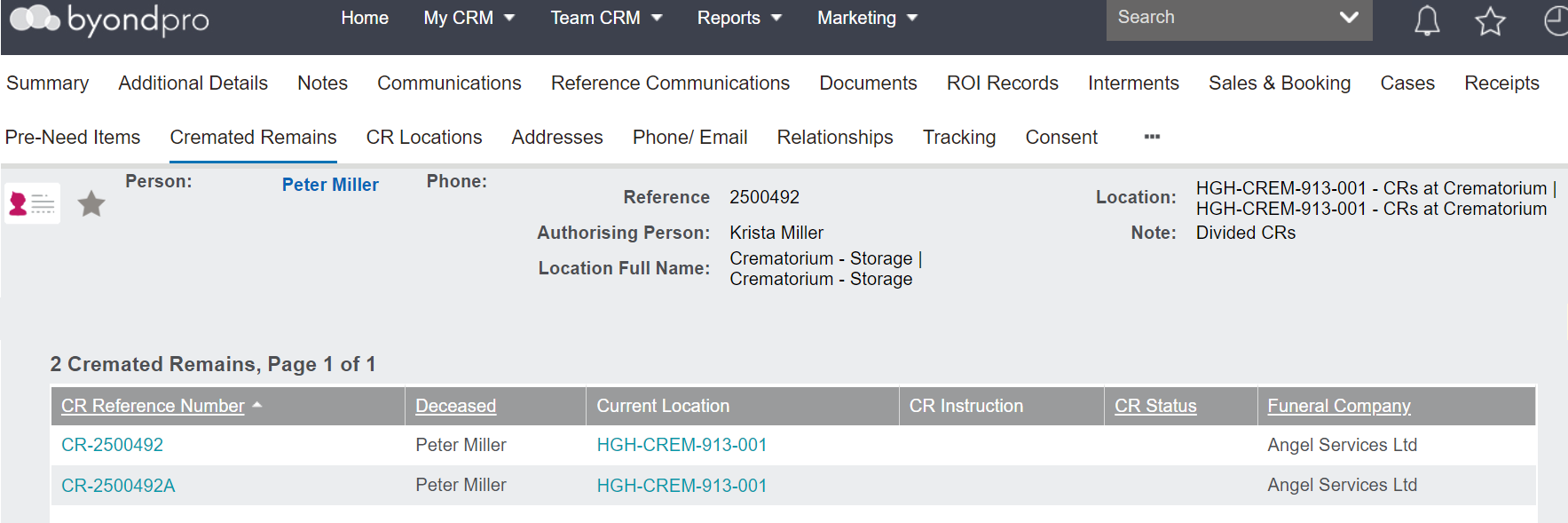
If using byondpro's out-of-the-box numbering convention for cremated remains records, the original record has the same reference number.
The second set has the same reference number with an A attached.
Should you have divided the records into 3 as in the below example, the third cremated remains record would have a B attached to it.
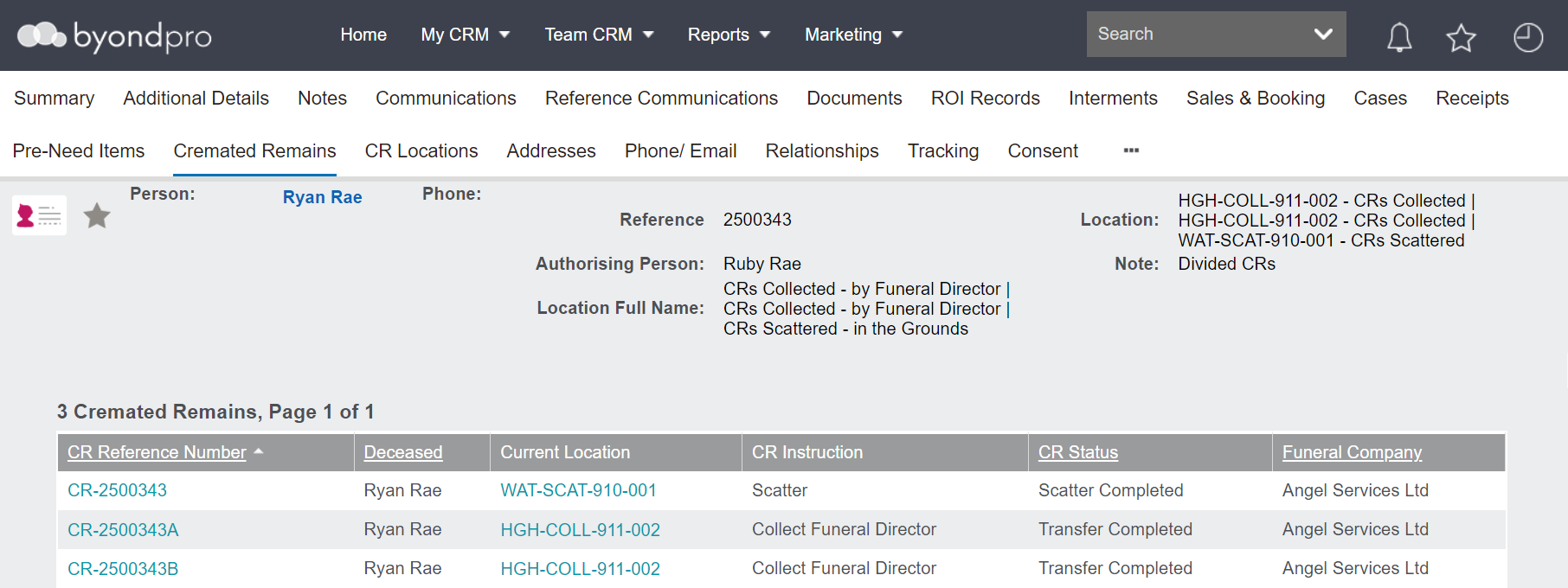
The records can now be managed separately through creating and completing different tasks on the individual records.