Disinterment / Exhumation Booking
To create the disinterment booking, create a new Sales & Booking record with the Type as ‘Burial Booking’.
On the Summary screen add the:
-
Funeral Company (if needed)
-
Deceased
-
Authorising person
-
Location
-
Interment.
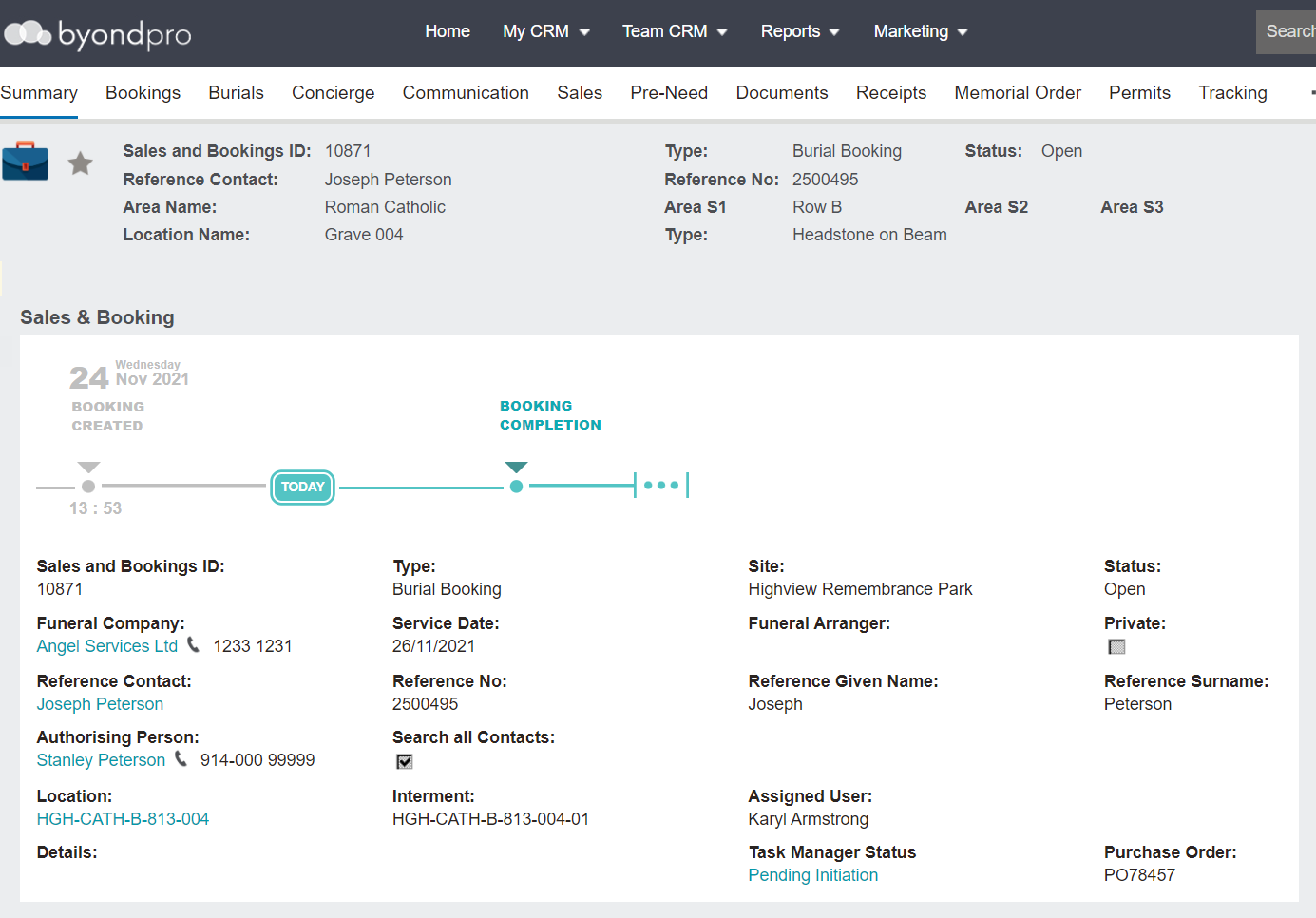
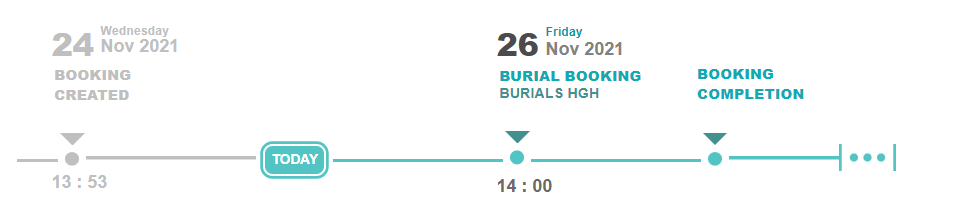
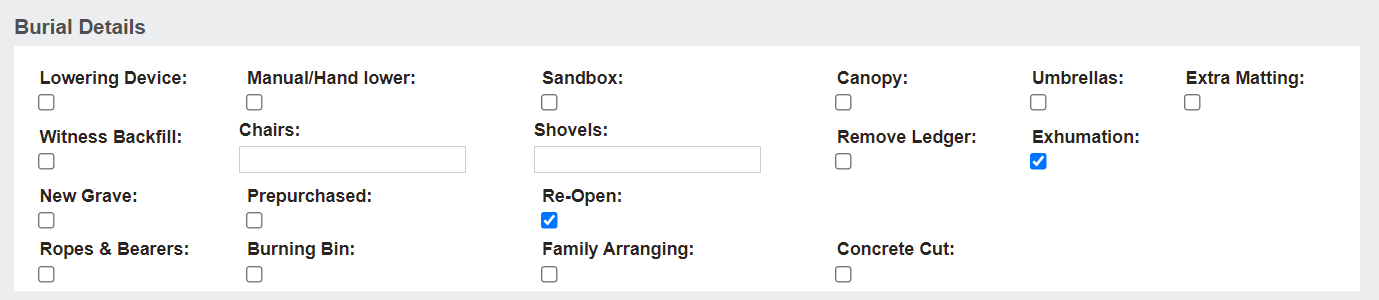
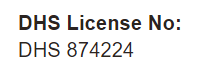
After saving, a new field is available for the health authority’s authorisation / permit number, labelled DHS License No. in our database
Choose Change on the Bookings Tab and enter the number.

One letter is to confirm the date / time of the exhumation and the other confirms the exhumation process has been completed.
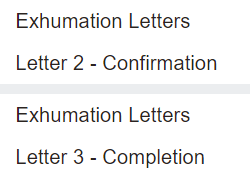
Prior to printing these documents, the health authority’s authorisation / permit number, as above, should be entered so it is included on the printed documentation.
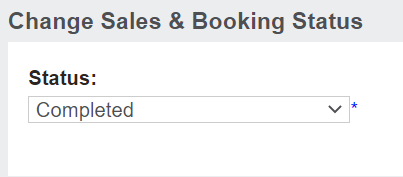
It is now up to the family and the cemetery to work out what happens next with the grave. The family may want to keep the grave for future use by family members or they may want to relinquish the grave back to the cemetery to re-sell if local laws allow this to occur.