Two new letters are made available when the Bookings tab is marked for an exhumation.
Exhumations Letter - Letter 2
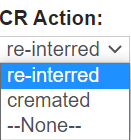
By clicking on the Exhumation Letters – Letter 2 – Confirmation button, users will need to choose what will happen to the remains following the exhumation, that is, are they to be
Re-interred
Cremated
From the pop-up window, choose the appropriate selection from the drop down box in the CR Action field.
For our example, let us choose re-interred.
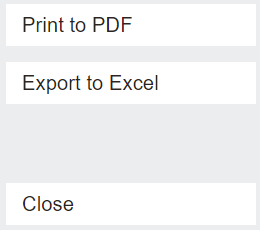
Press Print to PDF on the right-hand side of the page.
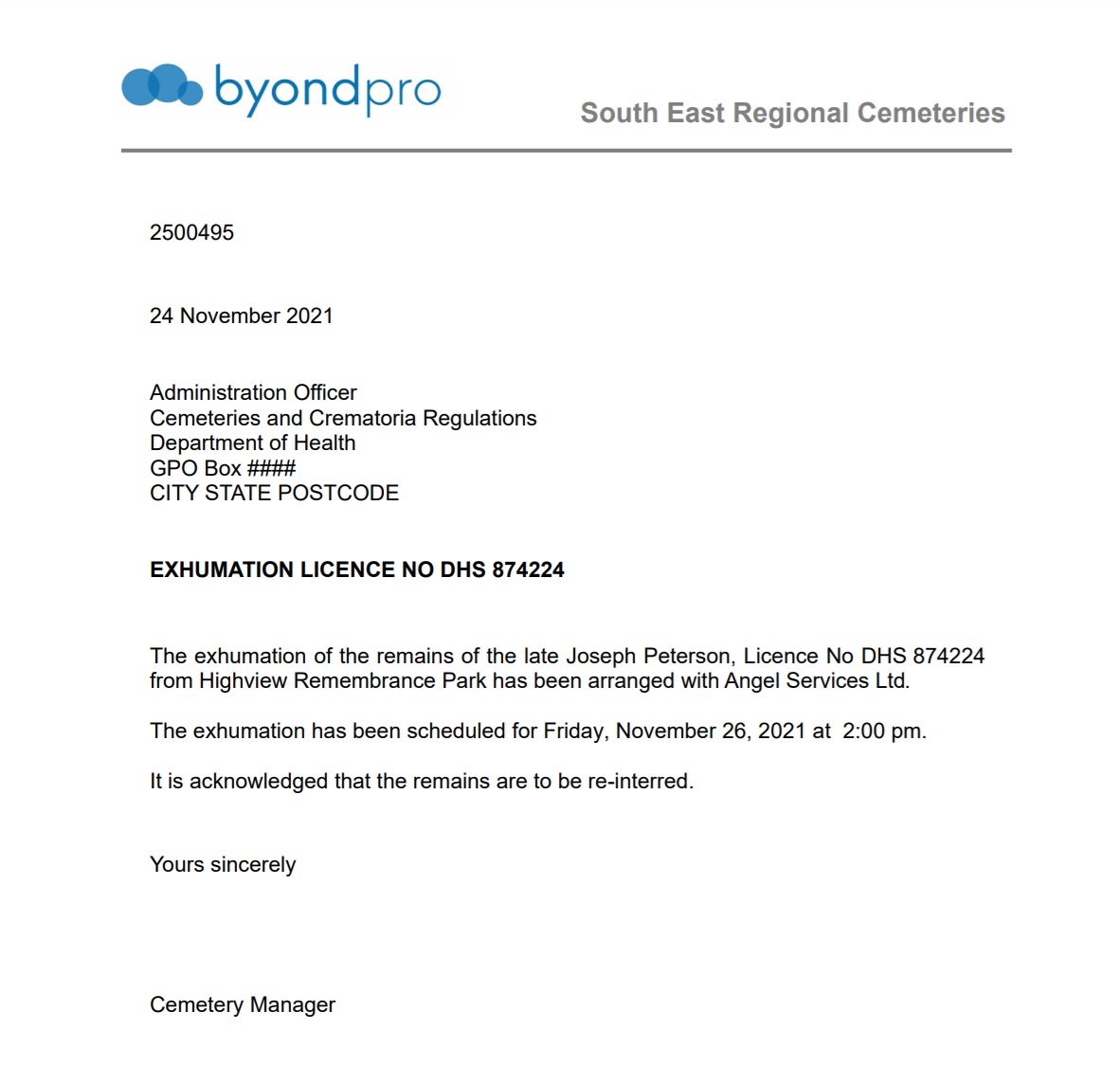
The letter produces as follows:
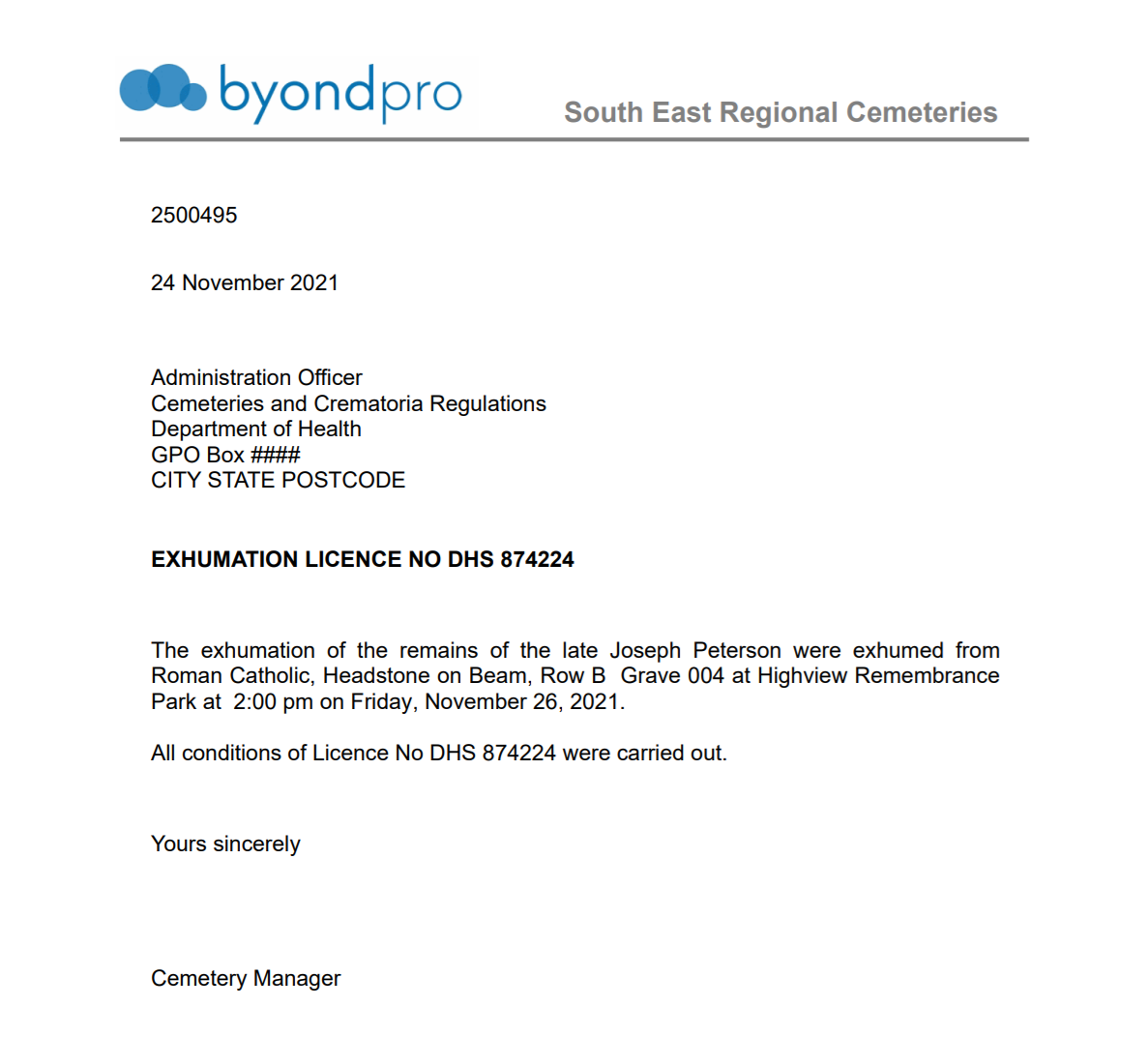
Exhumation Letters - Letter 3 - Completion
By clicking on the Exhumation Letters – Letter 3 – Completion button, a pop-up window displays.
From the pop-up window, press Print to PDF on the right-hand side of the page.