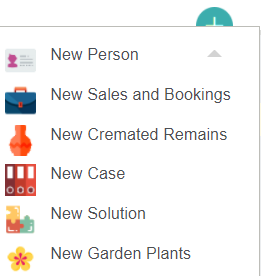
The first step in creating a new memorial order booking is to create a sales and booking. Click the green plus icon on the top right-hand side of the screen, then select the New Sales and Bookings option.
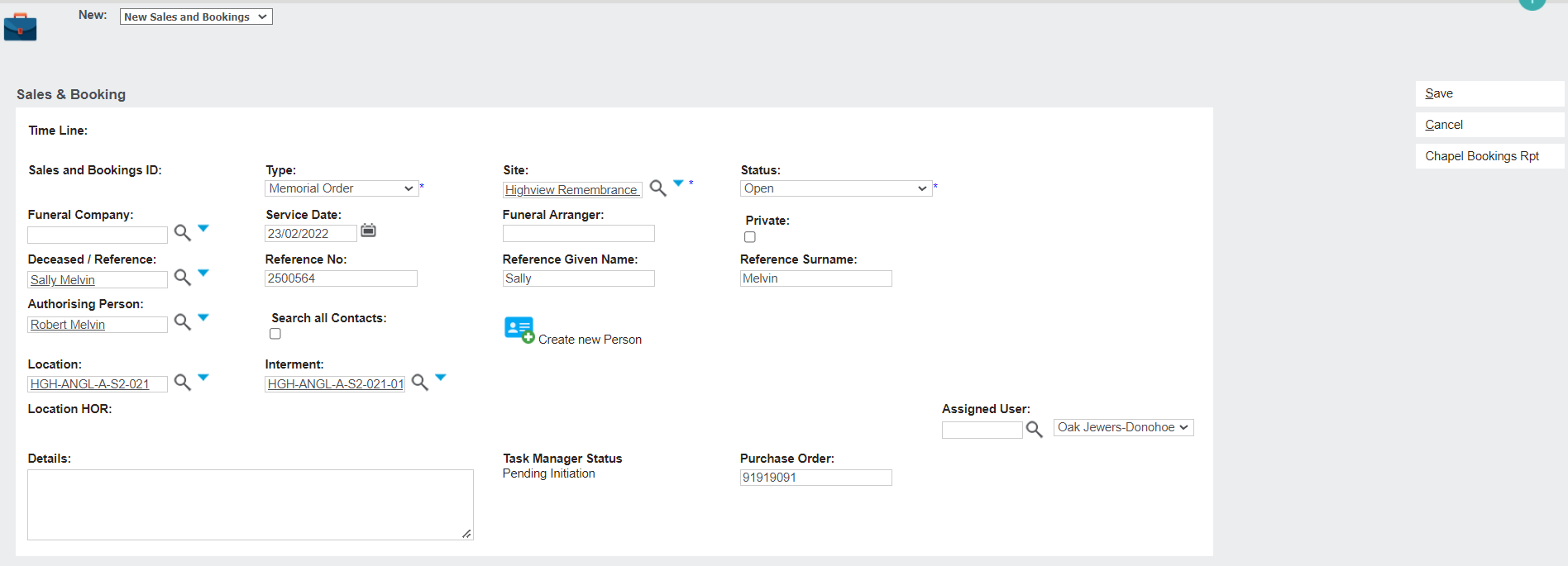
This page will look familiar if you have completed the Creating a Sales & Booking section under the Sales Processes topic. For a detailed explanation of the fields on this page, refer to that topic.
When creating a sales & booking for the purpose of actioning a memorial order, select Memorial Order under the Type drop-down.
Fill out the rest of the fields as required, then click Save.
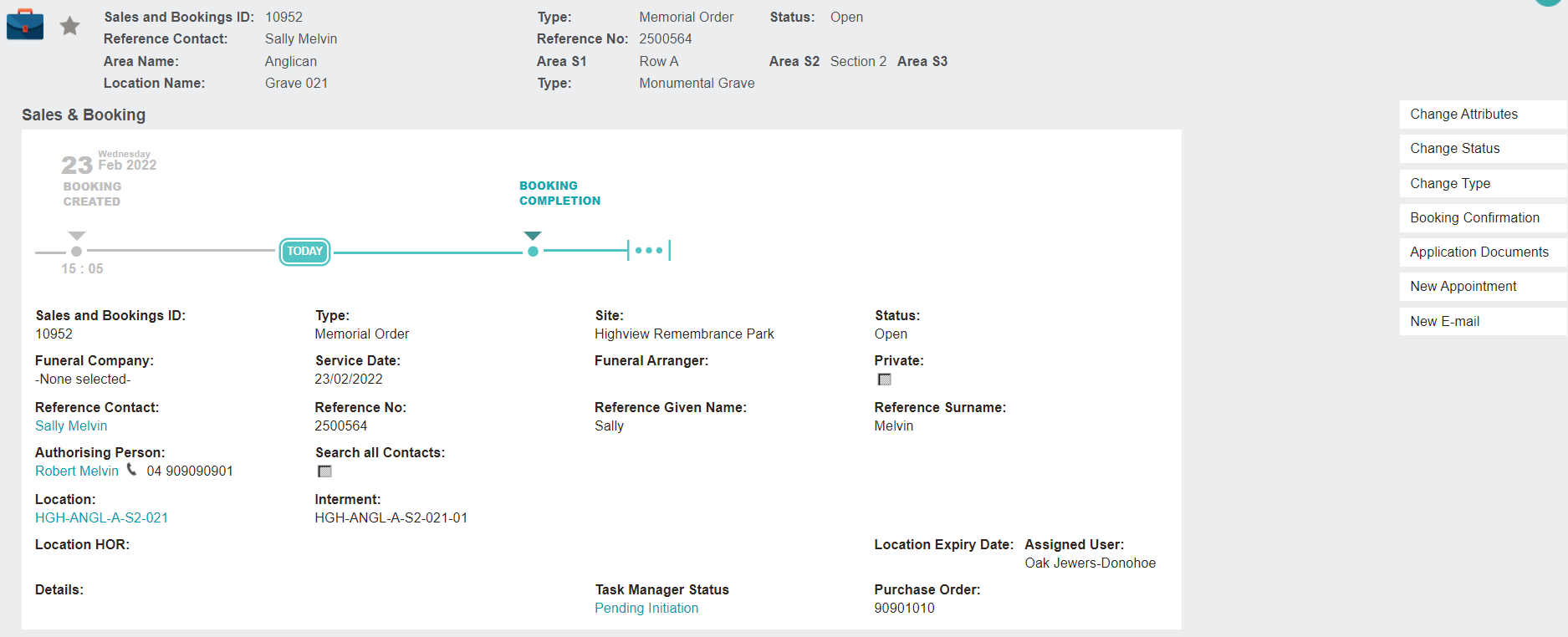
This will take you to the Summary tab of your new Sales & Booking entry.