Commissions Configuration
This feature provides detailed tracking of salesperson commissions by invoice and cemetery location.
The following system settings are needed to prepare a byondpro system to use the commission tracking feature.
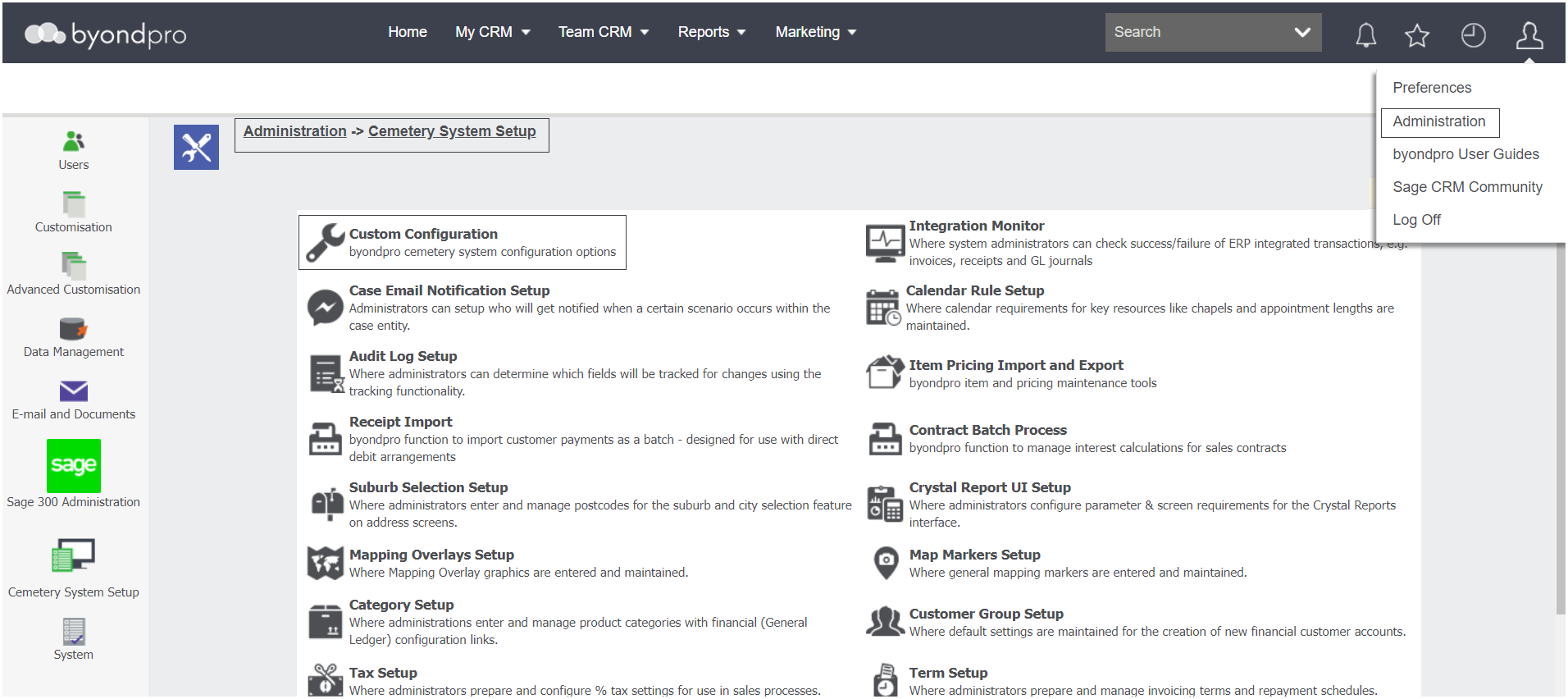
Navigate to Administration > Cemetery System Setup > Custom Configuration.
Activate Detailed Commissions Tracking
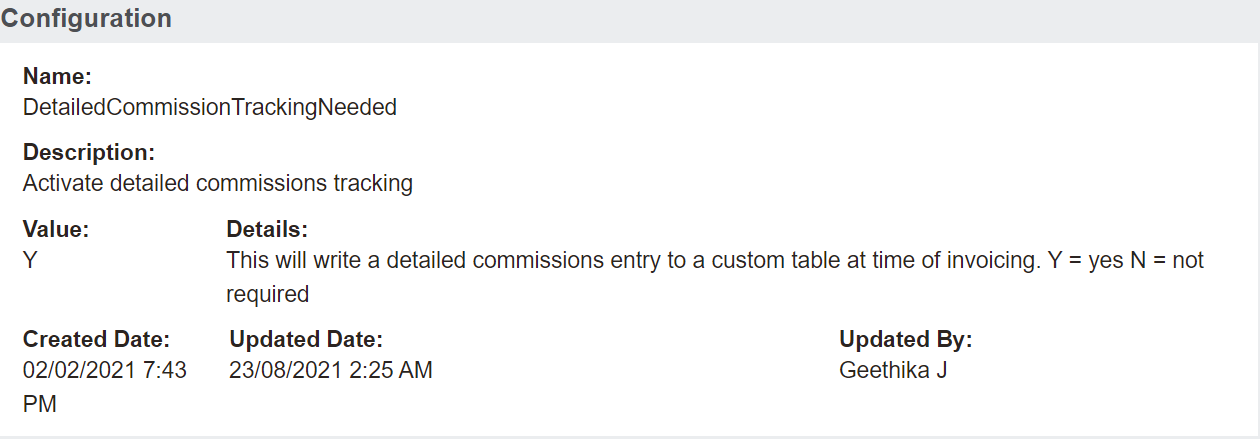
Complete a search for the DetailedCommissionTrackingNeeded configuration.

Click into the configuration.
When set to Y, commission entries are recorded within byondpro every time a sales invoice or credit note is processed.
Process Commission Journals
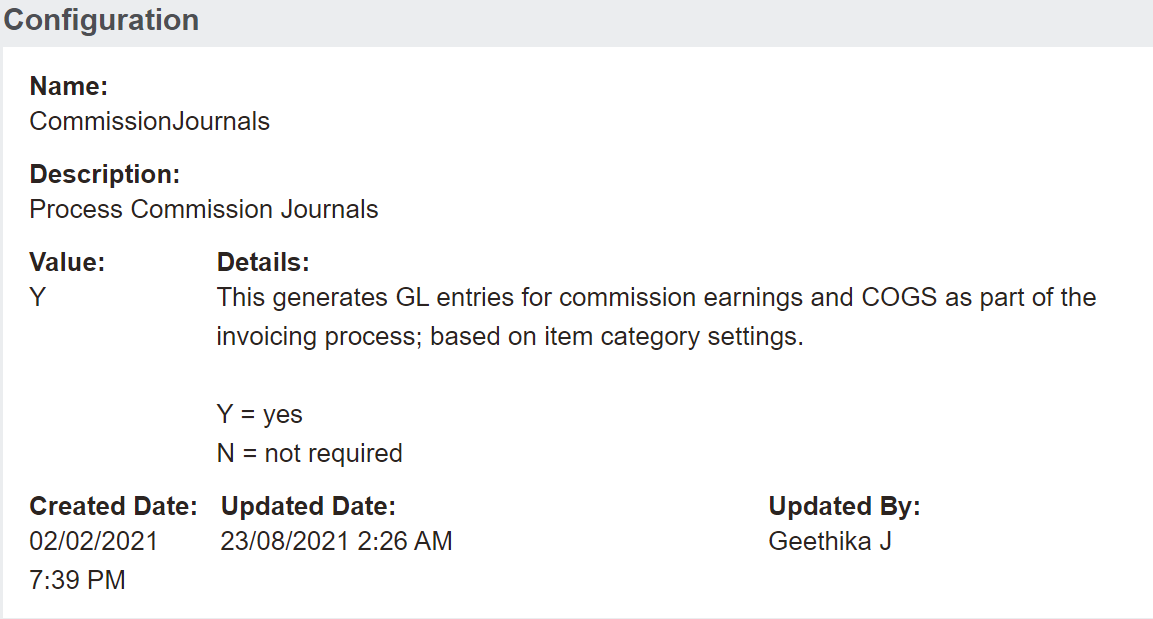
Still in custom configuration, complete a search for the CommissionJournals configuration.

Click into the configuration.
When set to Y, commission entries are passed to Sage 300 every time a sales invoice or credit note is processed.
Having separate commissions configurations means our customers can choose to track commissions within byondpro, but separately manage the General Ledger transactions.
User Profiles: Is User Earning Commission
In order to be able to earn commission, each user profile must be flagged to allow it. A user with the appropriate administration rights will be able to configure the user to be flagged as earning commission.
Navigate to Administration > Users > Users.
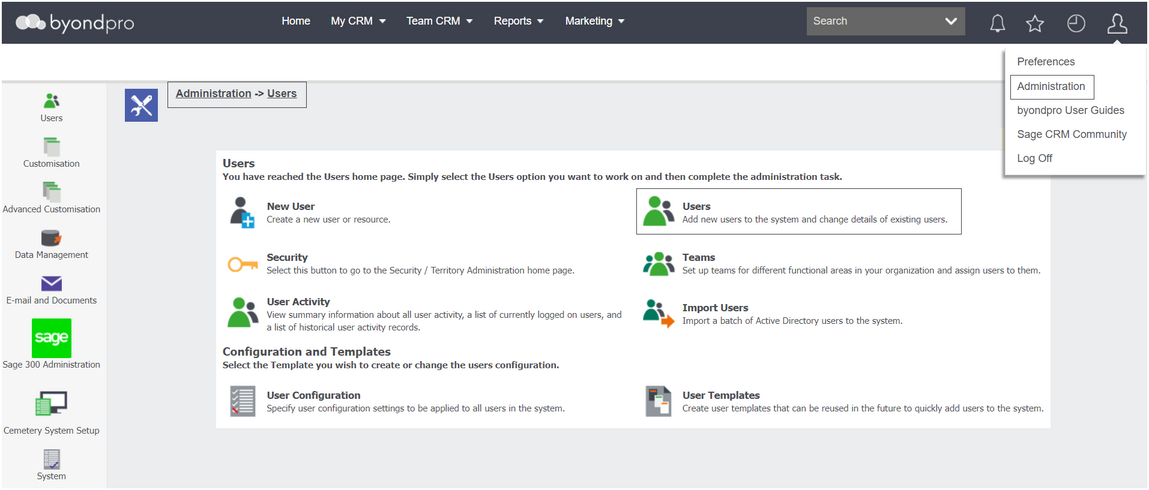
Locate the desired user by using the search filters at the top and click into the user profile.
In the More User Details Information Block, there is an Is User Earning Commission field.

To change this option, click Change on the right-hand side of the page, tick the box, and then press Save.
When checked (Y) this user participates in the commissions program – for both individual salesperson and general pool commissions earned.
Cemetery System Setup > Categories
Additionally, there are several fields to complete on categories to nominate the percentage of commission being earned.
This feature will recognise sales commissions as a cost of sale when invoiced based on the GL accounts defined on the category as outlined in the category setup section.
Once these settings are placed, commissions will be tracked on transactions within byondpro and flow through to Sage 300, if integrated and configured to do so.