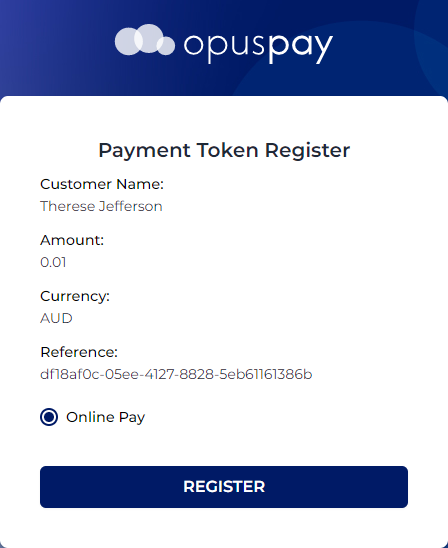
If the Card Not Present option was selected, the opuspay website displays as a pop-up window to register the customer's details
When registering the payment details, $0.01 will be charged to the customer.
When ready to proceed, the customer selects the Register button.
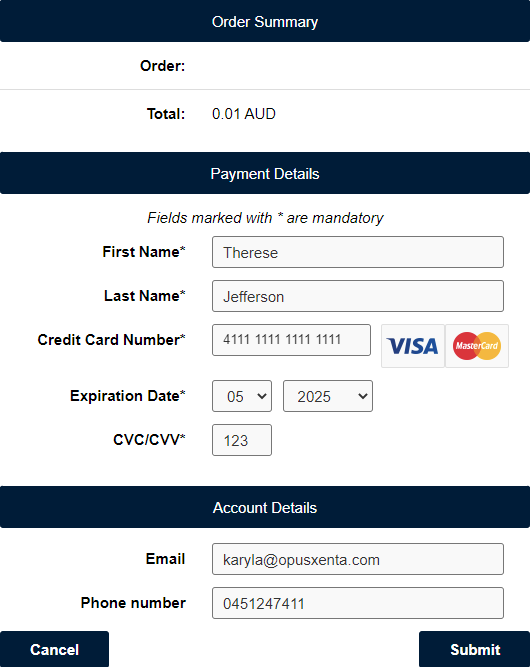
The customer completes the payment details and then selects Submit.
Please note, the customers’ payment details are securely stored by the payment gateway provider making sure your customer’s accounts are safe and secure, and you’re fully PCI compliant.
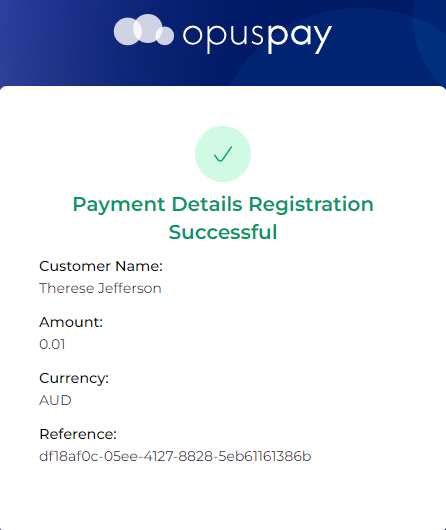
Once the details are successfully processed, the customer will be advised that the payment registration was successful.
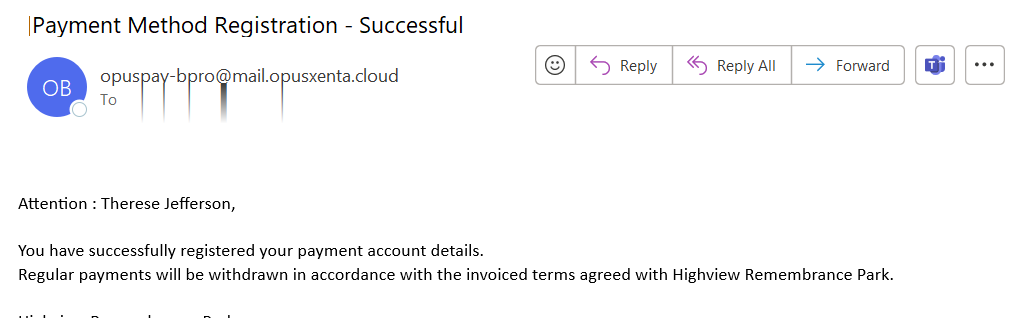
In addition, an e-mail is sent confirming the payment was successful.
In byondpro, the Payment Method Registered field on the Payment Details tab is automatically ticked, confirming the details are with the gateway provider.