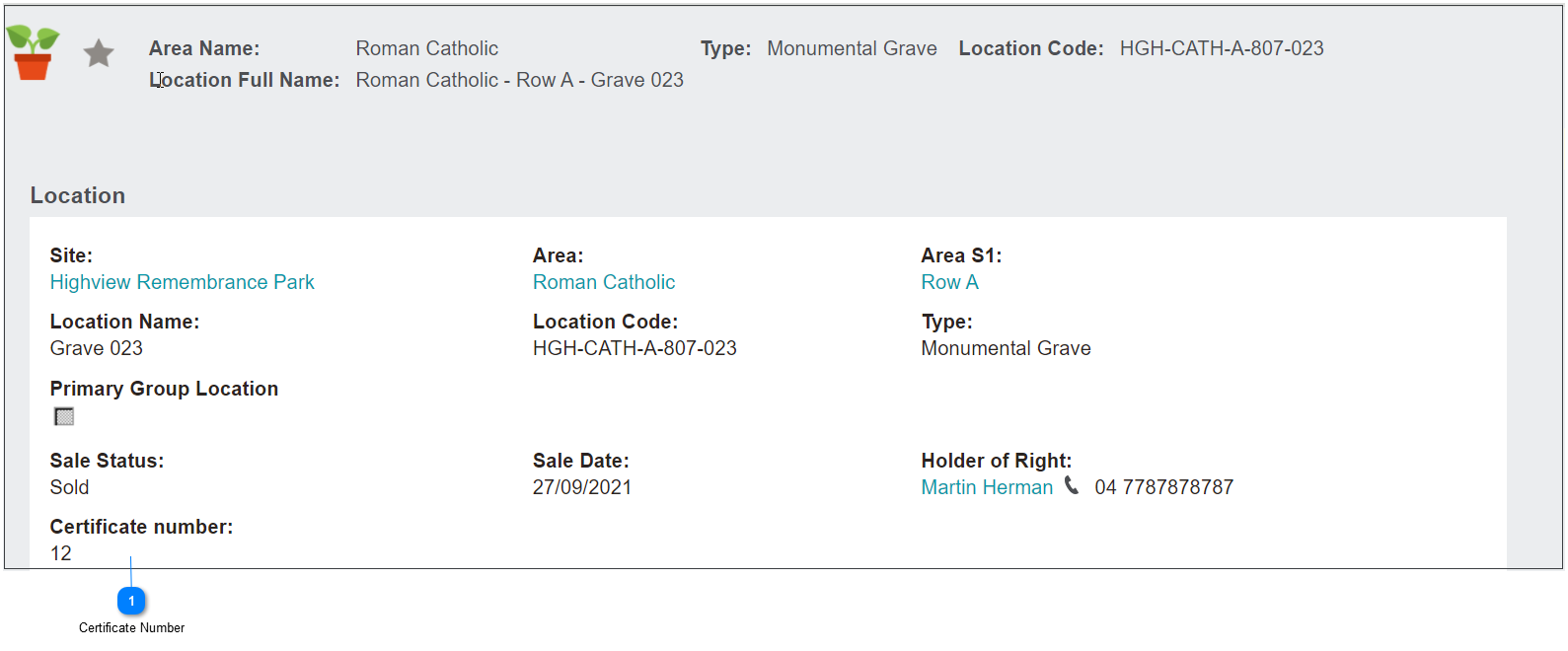
Assign Licence / Certificate Numbers
Once a location has been sold, the cemetery would need to issue a certificate for the right of interment. The licence is also commonly referred to as a Deed.
The certificate can be created from the Receipts tab of the Sales & Booking by pressing the ROI Certificate button.

Users can generate the document by following the steps in Generating Reports & Sending Documents section of this guide.
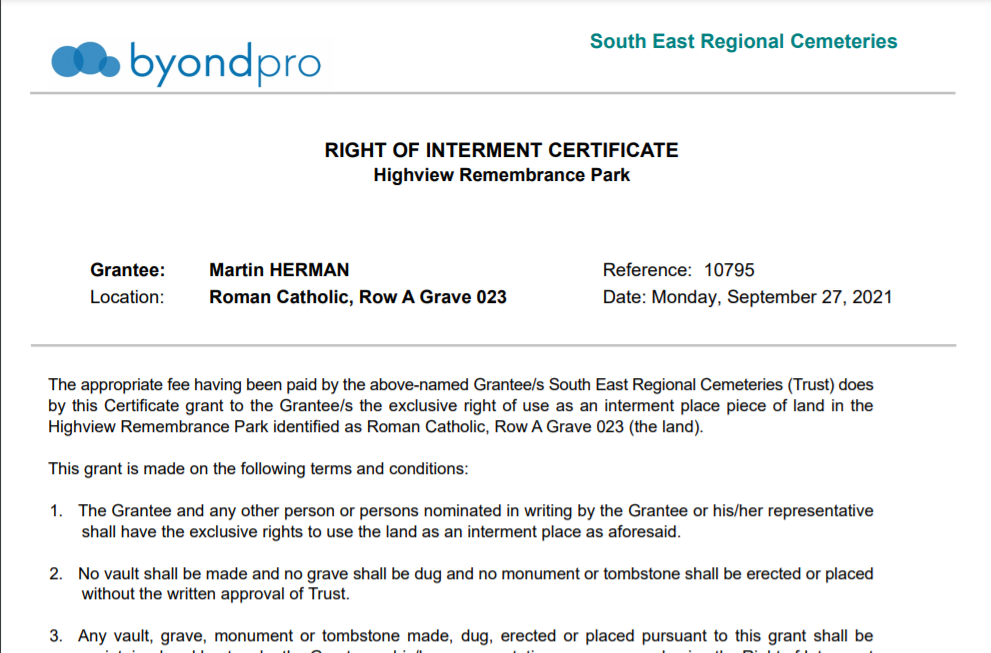
Should the Certificate Number need to appear on the certificate, our cemetery customers may first wish to generate the certificate number at this time.
Our customers will have their own processes as to when / or if, a certificate number is assigned to a location.
The Assign Certificate Number on the location can be applied, once:
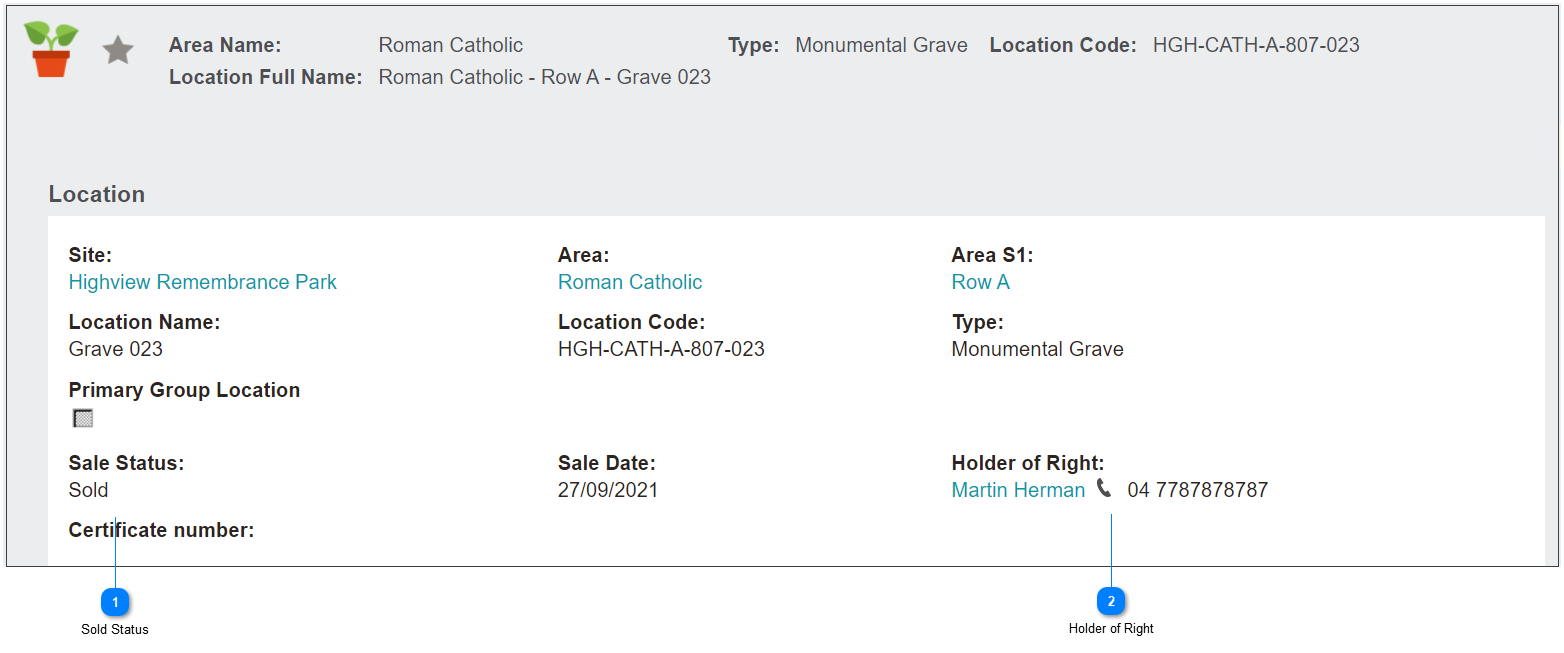

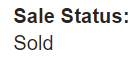


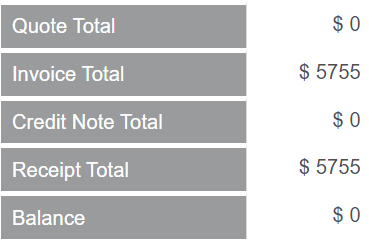
It is common practice that the sales invoice has been paid in full, prior to the licence number being issued.
Navigate to the location record.
From the right-hand side of the page, select the Assign Certificate No. button on the location summary to allocate the number in line with the Licence / Certificate Number Configuration.