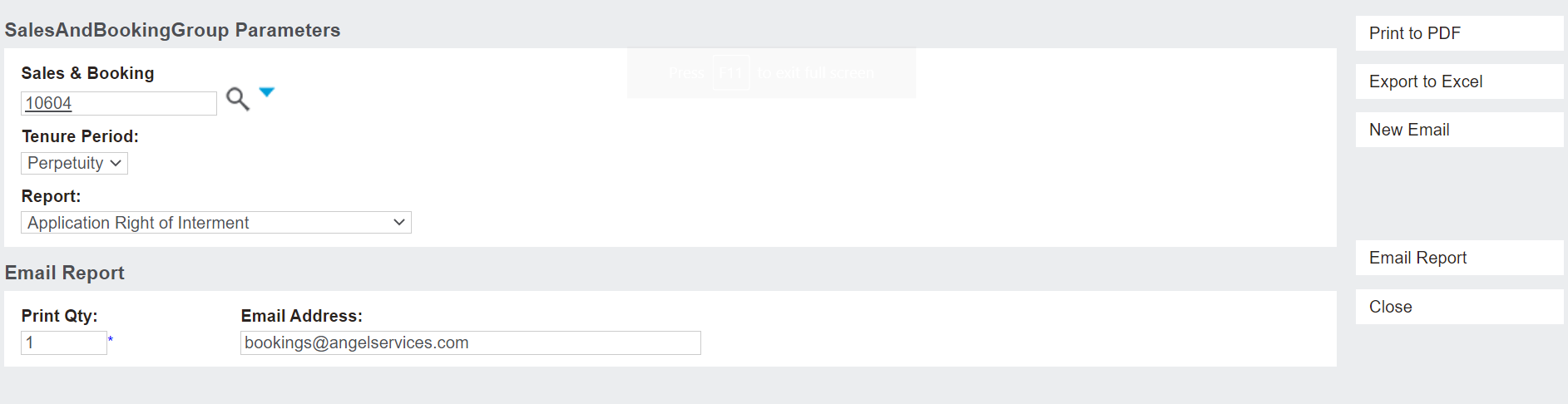
To generate and / or send a document related to the Right of Interment, click on the Application Documents button from the summary tab of the Sales & Booking.
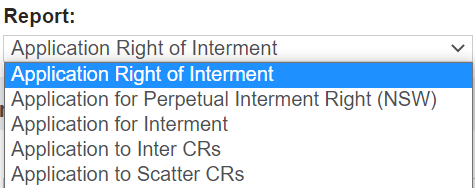
In this case, the user can choose from a selection of reports in the Report field, such as an application document for the right of interment.
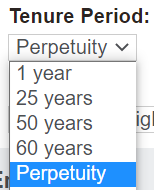
As tenure may apply to the right of interment, users must also choose the Tenure Period for the document to generate.
The user can print to PDF, export to Excel, or email the document as required.
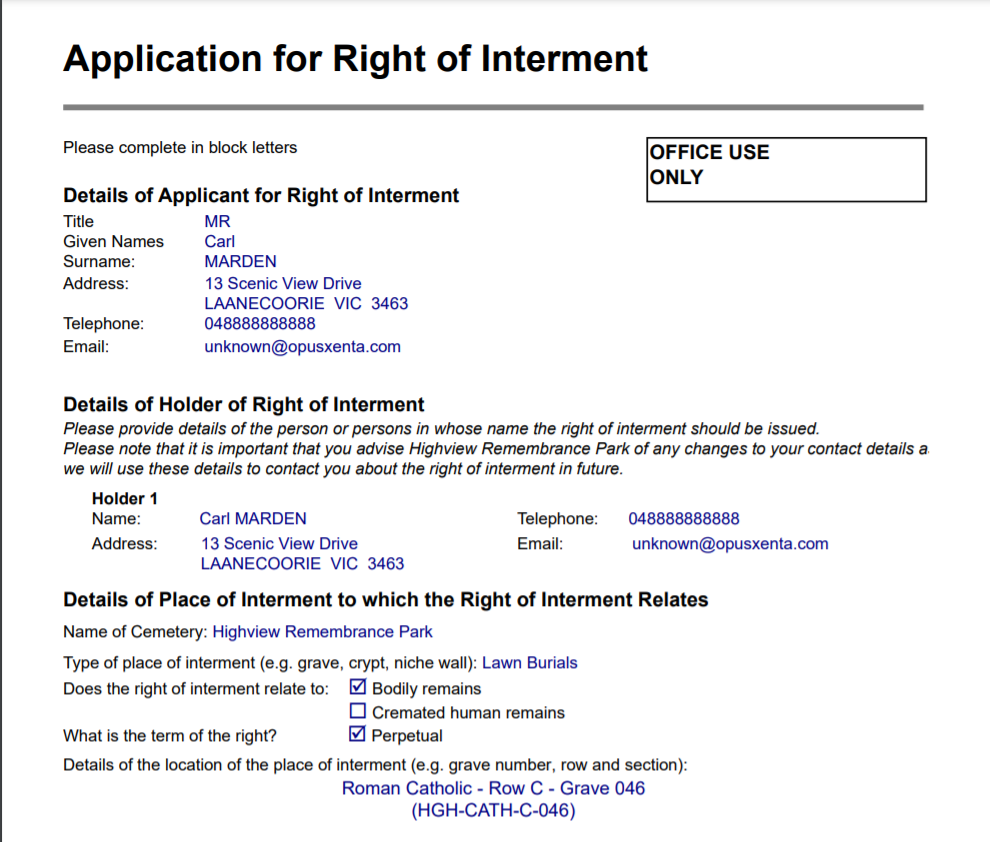
By pressing Print to PDF on the Application Right of Interment report with a tenure period of perpetuity as per the below example, the document will generate with details completed on the booking to date and will be saved to the Documents tab of the booking.