Advanced Revenue Recognition Method
The AdvancedRevenueMethodNeeded configuration is where to configure whether the advanced revenue recognition method is used or not.
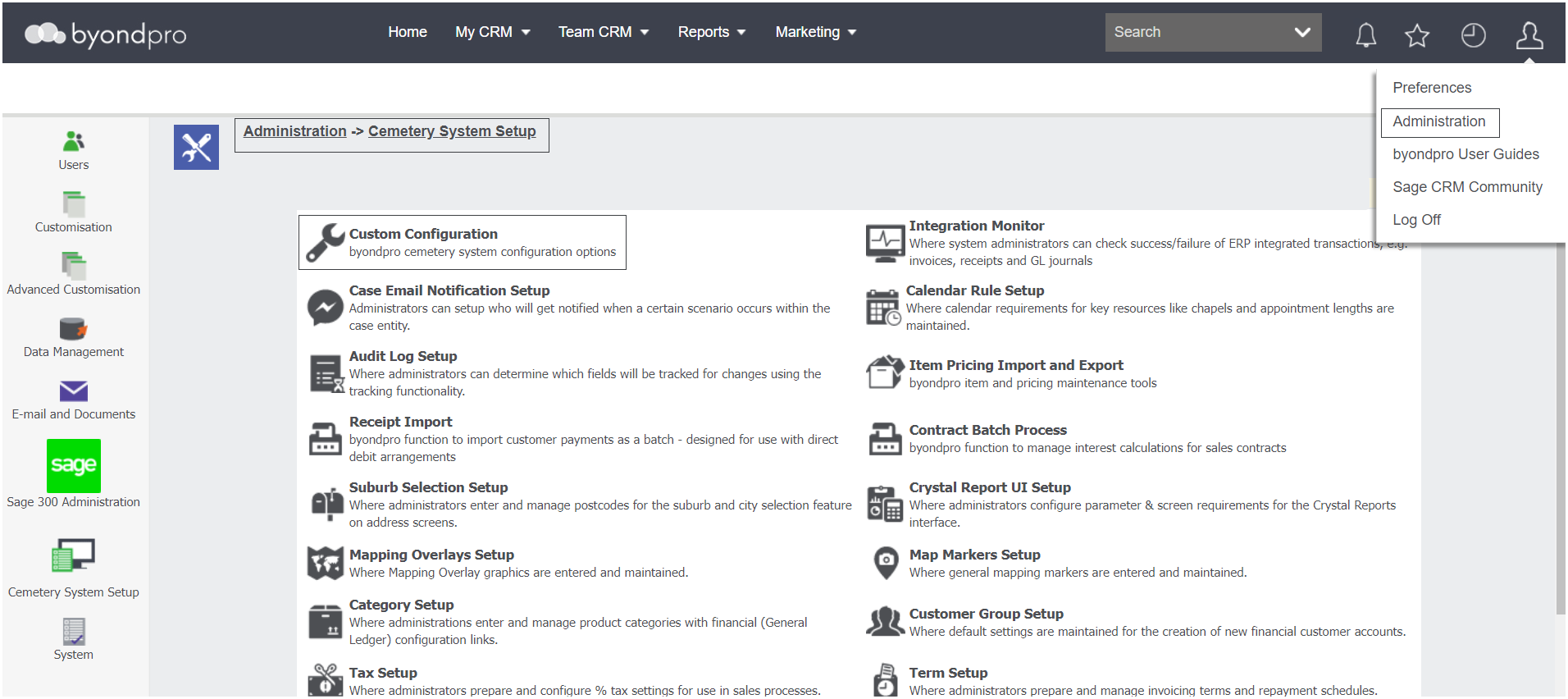
Navigate to Administration > Cemetery System Setup > Custom Configuration.
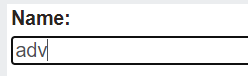
Using the Name search field, type in adv.
Press Find on the right-hand side of the page.

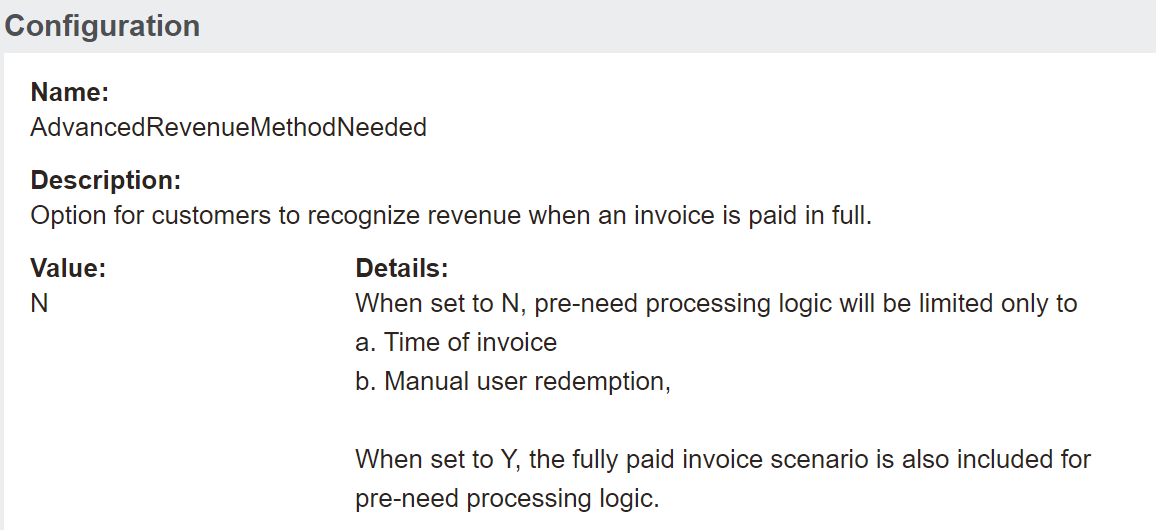
The list should be filtered down to just one configuration of AdvancedRevenueMethodNeeded.

As shown below options are to configure as either Y or N.
To explore how byondpro recognises revenue based on a yes or no setting, visit the Advanced Revenue Recognition Method section of the Category section of this guide.