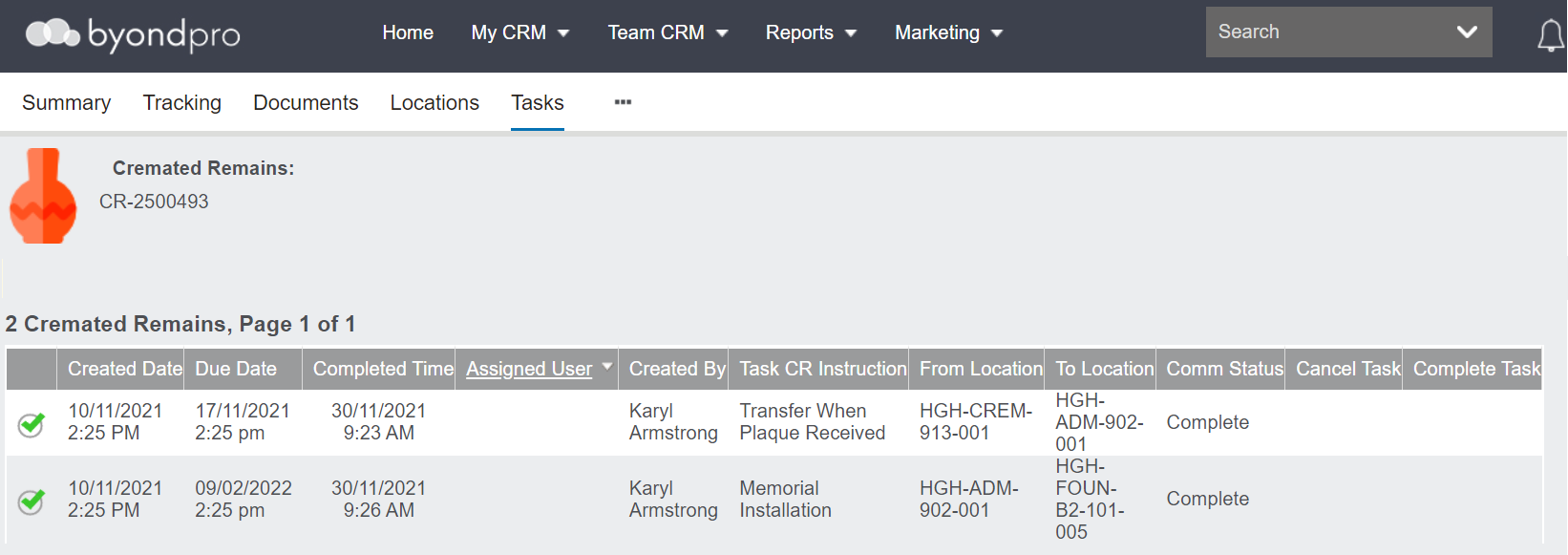
Adding, Updating, & Finalising Booking Details
Complete the Bookings tab
Details about the CR Placement appointment and any other appointments added to the booking can be completed on the Bookings tab.
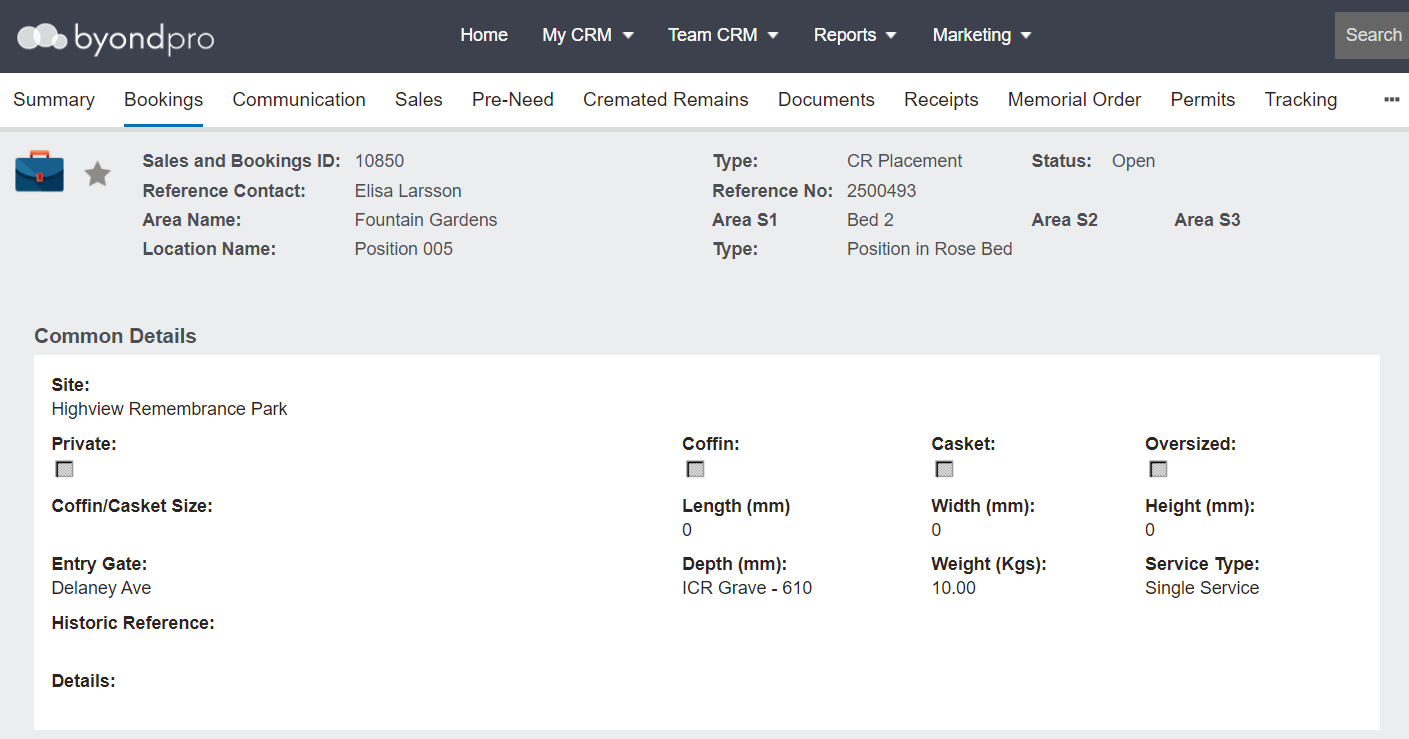
To make any changes, press the Change button on the right-hand side of the page.

Once your changes are made, press the Save button.

Redeem Pre-Need Items or Sell Additional Items
You may need to redeem any Pre-Need Items and sell additional items related to the placement and other services offered at this time.
Complete the Booking
Once all actions required for the CR Placement have taken place, choose Change Status on the right-hand side of the Summary tab of the Sales & Booking and change the status to Completed, as outlined in the Completing the Booking section of this guide.
Mark the Task as Completed