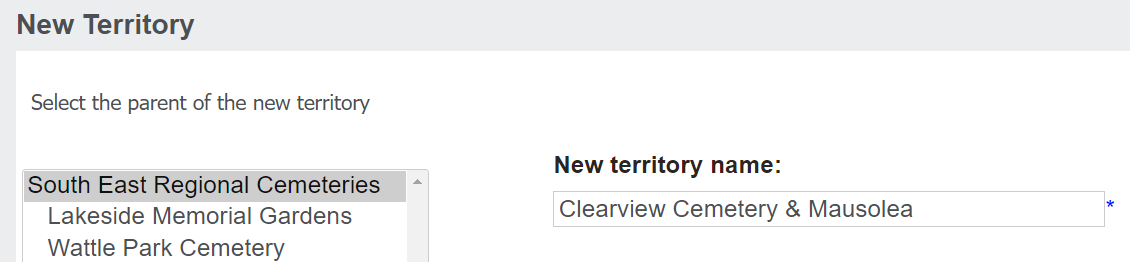
To add a new territory, click on the New Territory button from the Security area.
In the selection list on the left, select the parent of the new territory, likely the overarching cemetery trust.
Then, type in the name of the new territory in the New territory name field.
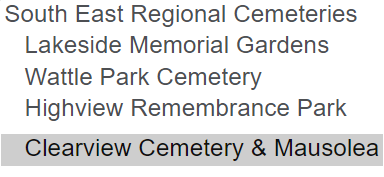
Once completed press Save on the right-hand side of the page.
Your new territory will now be added to byondpro.