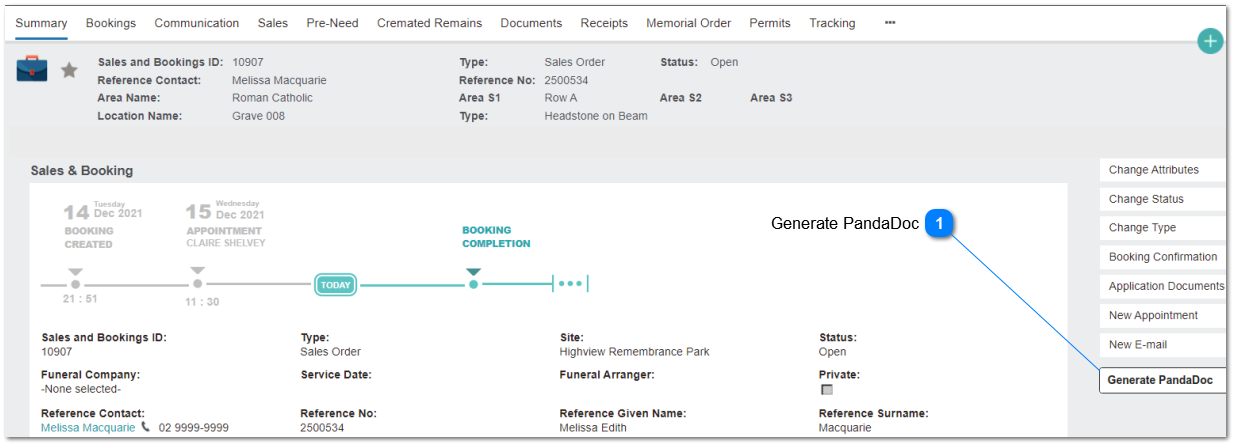
A Document Generation button will be positioned on the Sales & Booking summary.
This will allow the user to select a PandaDoc template and on save, will pass the required document values from byondpro to the Pandadoc template. It should be possible for "non-authenticated" users to make selections from a list of standard templates.
Generate PandaDoc
This action button will initiate the creation of a new PandaDoc document.
2. This button will call the PandaDoc API to generate a new document.
3. User will be presented with a list of templates for selection, based on entries in the PandaDoc Template Configuration. 3a. Filtered to STATUS = active
3b. Filtered to PD TEMPLATE GUID is not null
4. byondpro will pass data to the PD template based on the source Sales & Booking transaction.