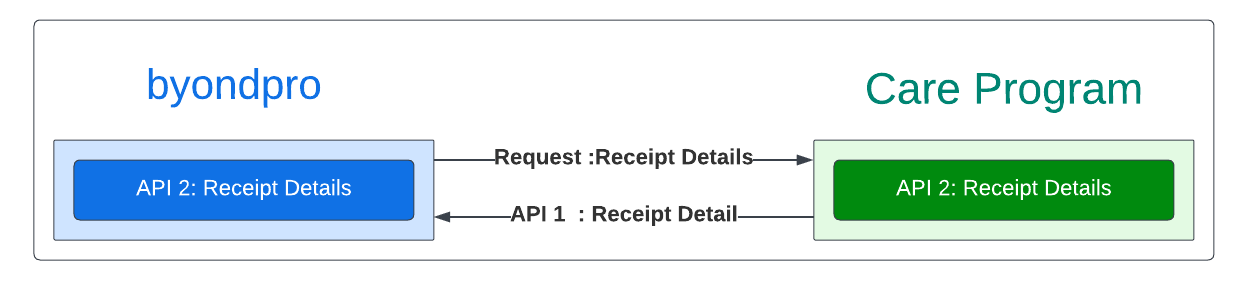
Receipt will be created via receipt in receipts tab (Home> Sales and Booking> Sales and Booking record > Receipts Tab). The information fields will be sync from receipt screen in care program. field mapping to sync receipt will be as follows;
byondpro Field Name (Receipt)
byondpro Table (Receipt)
Care Program (Reciept)
Remark
Company Payor
rece_CompanyPayor
Crerated base on Customer Name
Company Payor will be matched from global person sync
Payer
rece_Payer
Created based on Customer Name
Sales & Booking ID
rece_OPSSaleID
Created based on invoice number
Used to crease receipt under sales and booking record
Payer Name
rece_PayerName
Payee Name
Payment Type
rece_PaymentType
Payment Method
Invoice
rece_InvoiceNumber
Invoice Number
Receipt Date
rece_ReceiptDate
Reciept Date
Amount
rece_Amount
Payment Amount
Receipt Number
rece_AccpacReceiptNumber
Reciept Number
following sync statuses are maintained for ERP sync once the receipt is raised in byondpro
If ERP Sync status (cemetery system setup > configuration) = Y, then please set orhe_syncstatus = 1 (pending). the reciept will be integrated to the financial.
If ERP Sync is not Y, then set the orhe_syncstatus = 2 (completed). Nothing to happen.