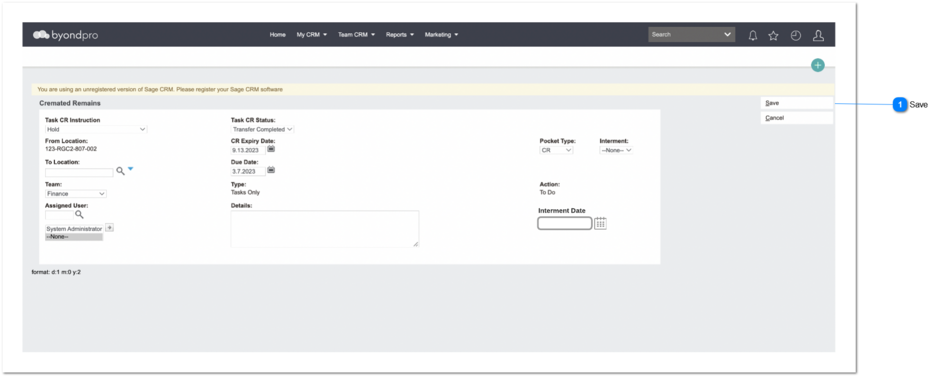
The purpose of this enhancement is to check the availability of the interment space(s) of CR tasks.
Save
Type
Notes
Rules
Compulsory
Placeholder
Format
Edit
Size
Default
Messages
Button
-
1. When user adding a CR tasks, check the rules for available interments
[Administration → Cemetery System Setup → Custom Configuration → UseLocNumOfCRInterment] and accordingly follow the rules to check if the Location has interment space (_Dataloca_availablepositionsforcr). Therefore, Number of CR Interments (_Dataloca_numberofcrpositions) count should not be exceeding
Available CR Interments (_Dataloca_availablepositionsforcr) count.
2. If exceeding, an error message need to prompted and should not allow to create the record.
Yes
-
-
Yes
-
-
2. Maximum number of CR interments has been exceeded.