Direct PowerBi Connection
To start, open powerBi desktop.
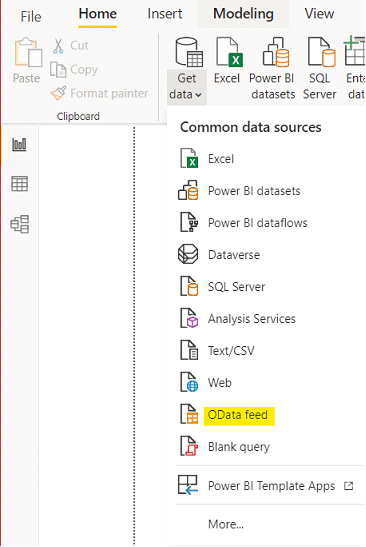
Click on “Get Data”
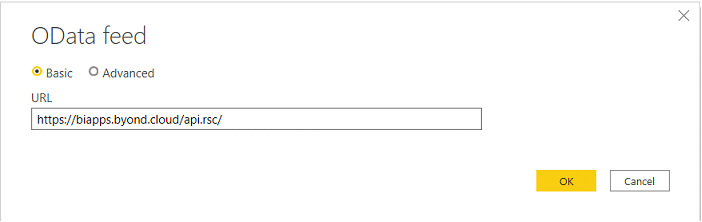
Paste the URL provided in the box and click OK
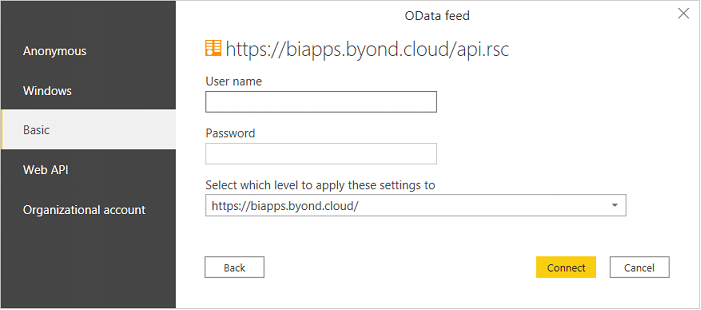
Next, select the tab labeled “Basic” and enter provided username and password. Click “Connect”
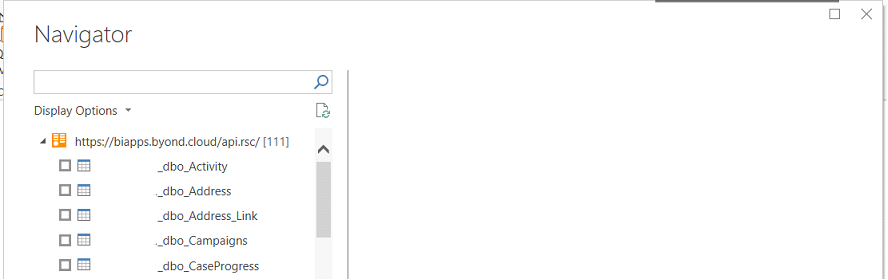
In the navigator window, you can see all the tables and views belonging to that particular customer