Using Text & Date Fields
For Text Fields:
• Use % wild card to replace characters at the beginning or middle of a string
e.g. Peters%n returns Peterson, Petersson, Petersen
• Use blank at end of text to mark the end of the word e.g. Peters_ returns only Peters
For Date Fields:
-
Choose Between or Relative and enter in required fields.
 |
Between: requires specific to/from date entries
|
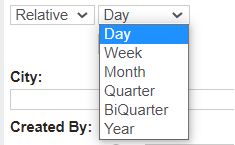 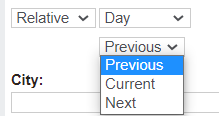 |
Relative: allows broad selections
|