User Accessibility
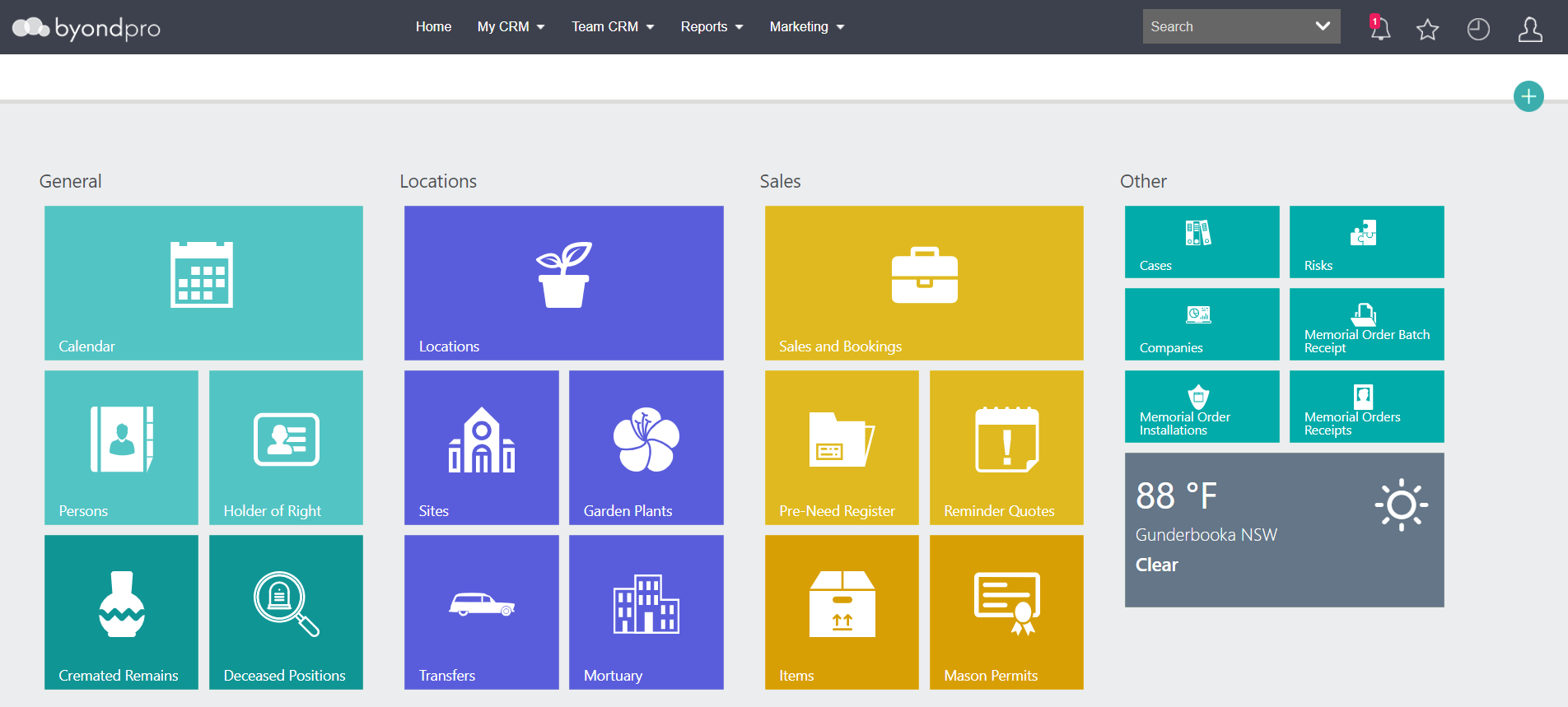
If the SystemType configuration is set to allow both byondpro Funeral Homes and byondpro Cemetery edition, each user can be provided access to the edition /s they need.
To determine what access users have, users with the appropriate administration rights can visit Profile Menu > Administration > Users > Users.
Complete a search for the user profile and press Find on the right-hand side of the page.
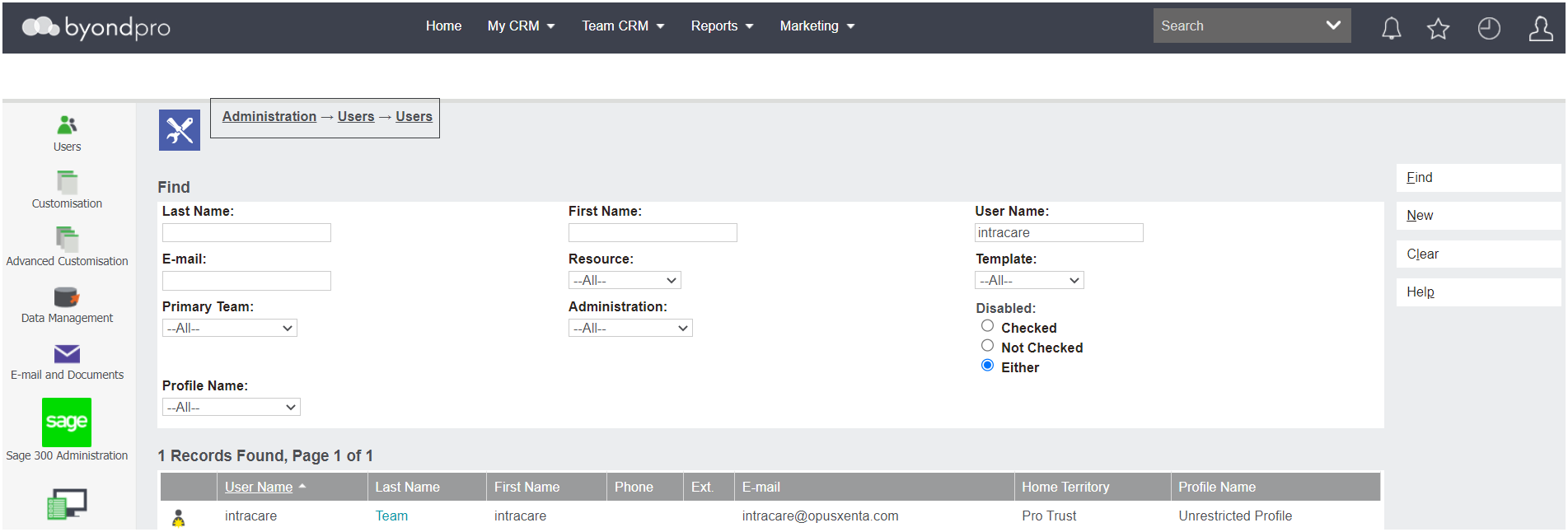
Click on the Last Name hyperlink to access the profile.
To make any changes to the User profile, press the Change button on the right-hand side of the page.

The field of Application Access is in the 2nd More User Details information block.
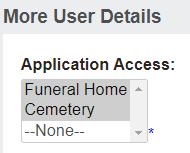
The ''Funeral Home' selection will display only funeral home capabilities.
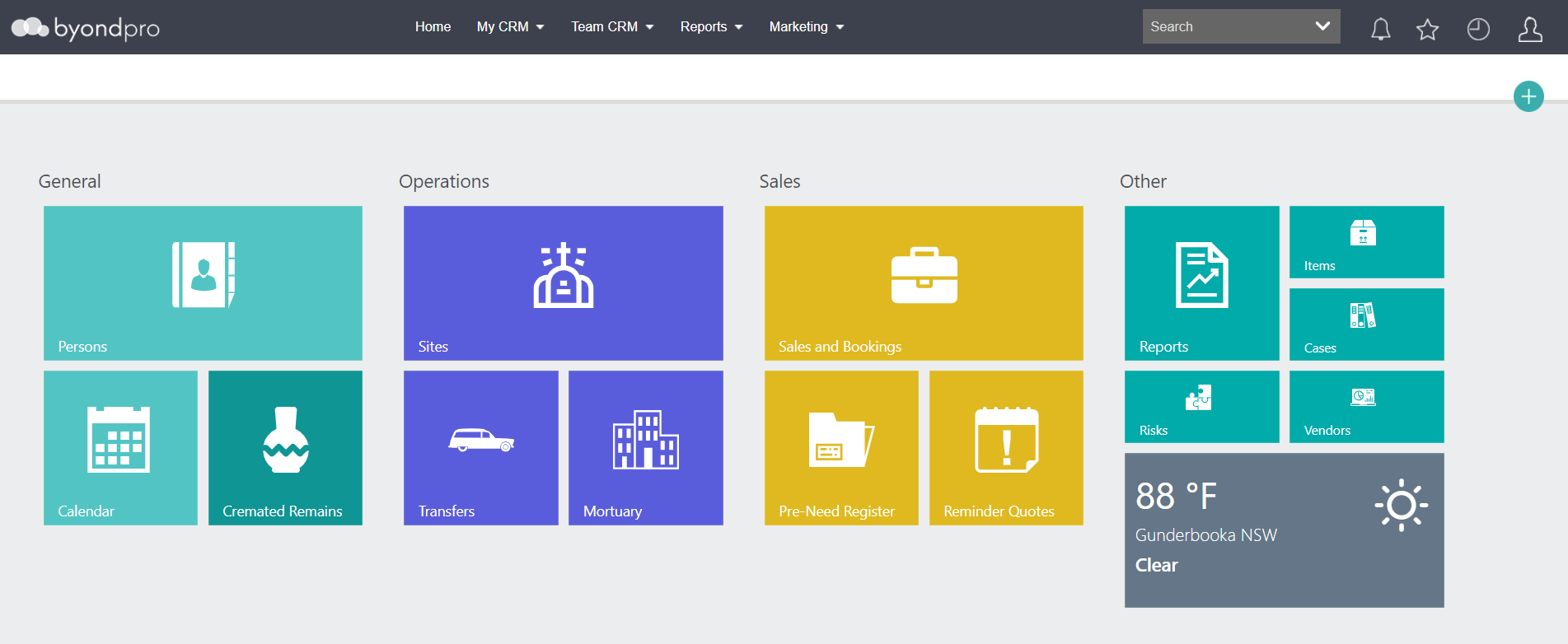
The ''Cemetery' selection will display only cemetery capabilities.
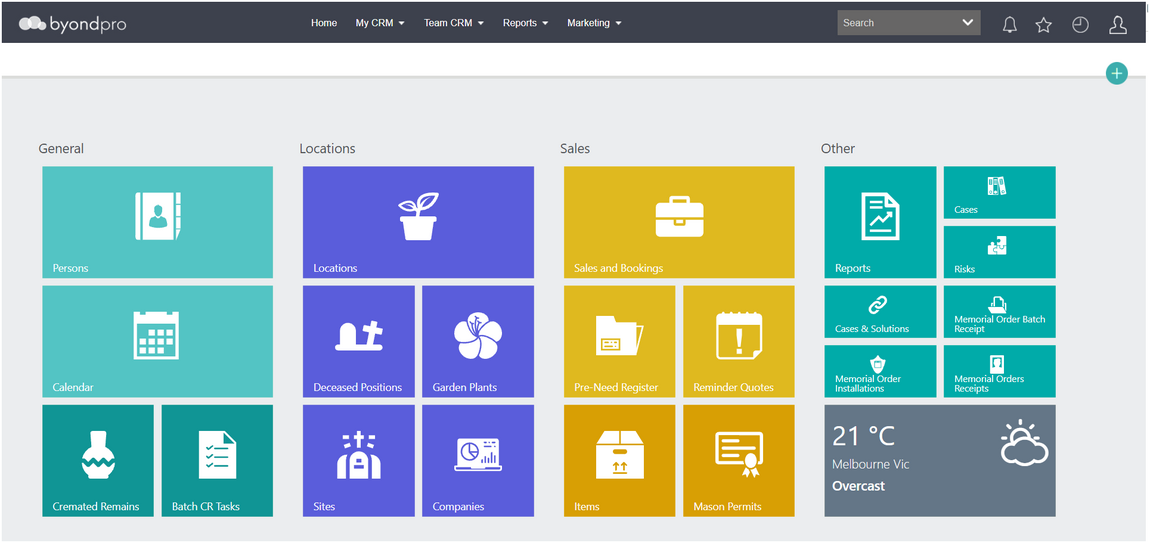
By selecting both options, users will have access to both Cemetery and Funeral Home capabilities.
Additional integration elements are applied to allow an integrated Cemetery and Funeral Home system to manage all your business needs, if necessary.
If a change has been made to one of the fields, be sure to press the Save button on the right-hand side of the page for the change to be applied.
