Update Collection Information
If any of items in the register have an instruction to be collected, the Update Collection Info button displays on the right-hand side of the tab.
Select the button to enter edit mode when the items have been collected.

Select the item /s being collected by ticking the box in-line with each item.

Select who has collected the items in the Collected By field.
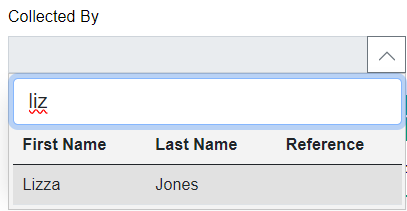
If the person collecting the items does not have a person record is not in byondpro, you can create the person record here.
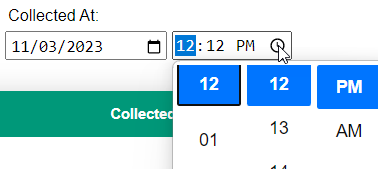
Update the Date and Time in the Collected At field, as necessary.
If a person other than the logged in user has handled the collection, update the person record in the Approved By field.
Select the Save button once completed.
The Cancel button will allow you to leave edit mode without saving any collection information.
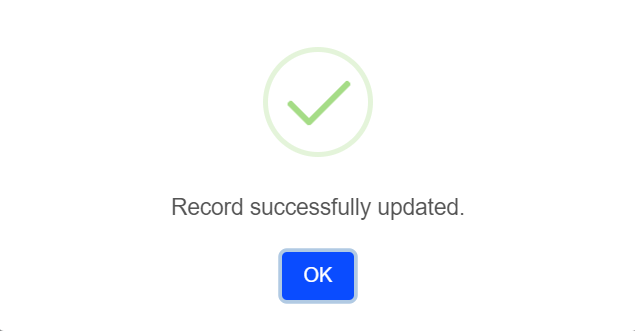
A message will display, confirming the update. Select OK.
Each item marked as collected will now have a Status of 'Collected,' with the details of collection recorded.
