Transferring Ownership of Items
Pre-need Items are associated with a person record and can be associated with a location record as well.
By linking the person and location record to the pre-need item, the items will appear on the Pre-need tab of a Sales & Booking and can be redeemed from the booking.
If the item is not linked to the correct person or location, the item will not appear on the Pre-Need tab.
You are able to change the person record and / or the location record linked to the pre-need item from the pre-need record.
From the Pre-Need Items tab of the Person or the Location record, click on the hyperlink of the person's name in line with the item you want to transfer.
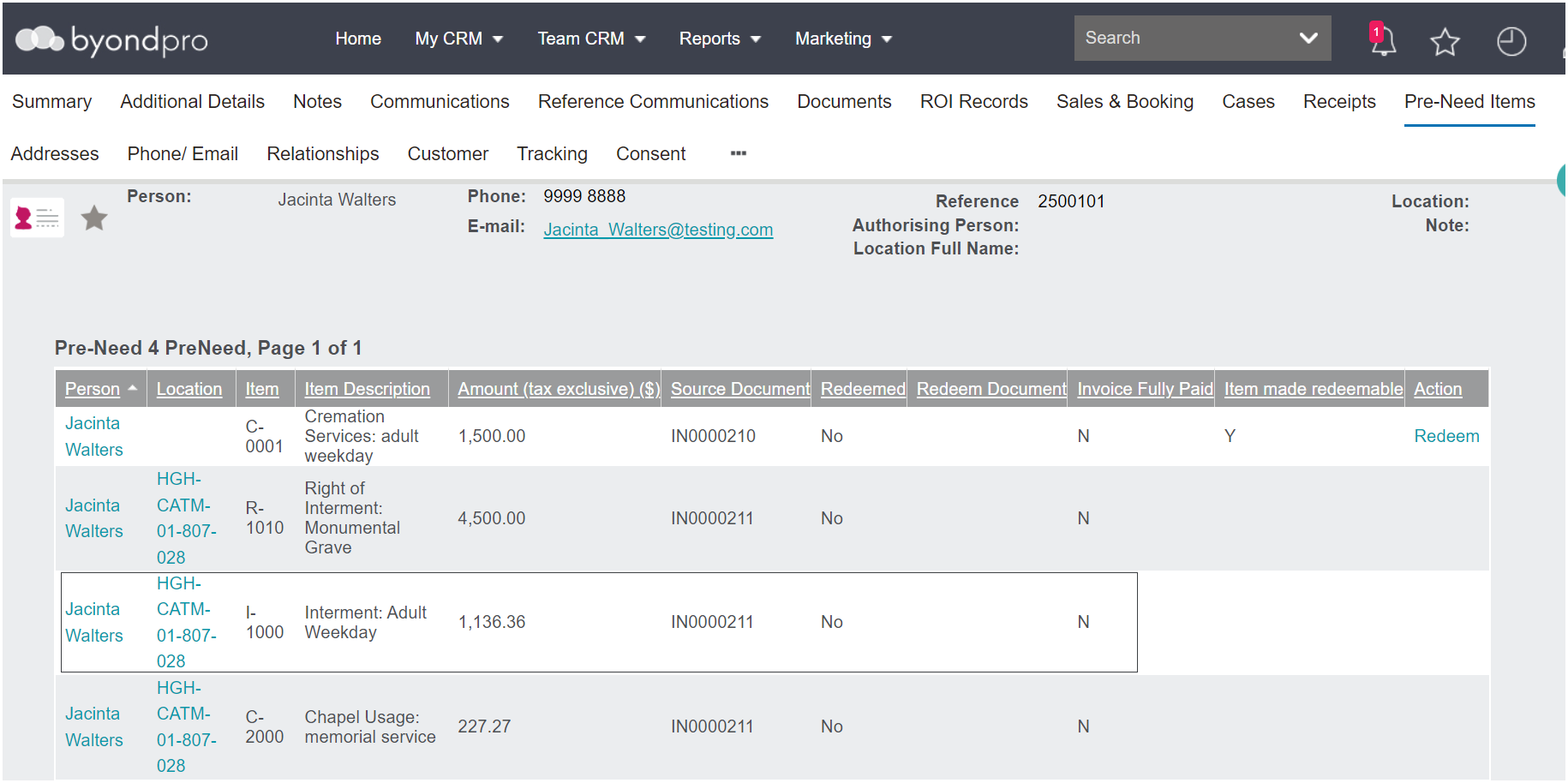
Also, users could navigate to the pre-need record from the pre-need register.
Once on the record, choose the Change button on the right-hand side of the page.

To update the person, remove the current name from the Person field.
Use the search select field to locate the new person record in the person field.
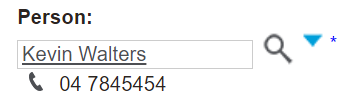
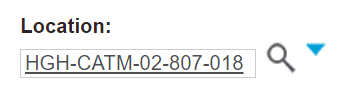
To update the location, remove the current location code from the Location field.
Use the search select field to add the new location code in the location field.
Press Save on the right-hand side of the page.

To return to the previous record, click on Continue.

To go to the new person record, click on the hyperlink for the persons' name.
The item will no longer appear on the first person and / or first location record.
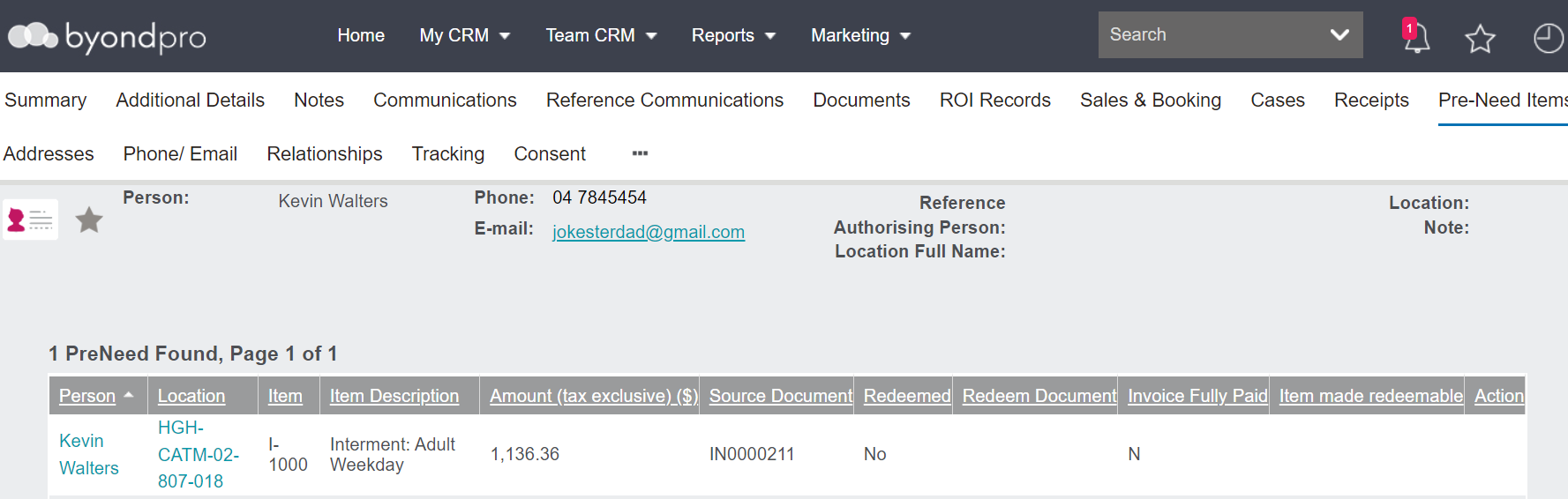
As can be seen in our example, we have transferred 1-1000 from Jacinta Walters, which was linked to her location HGH-CATM-01-807-828, to Kevin Walters, which is linked to his location, HGH-CATM-02-807-018
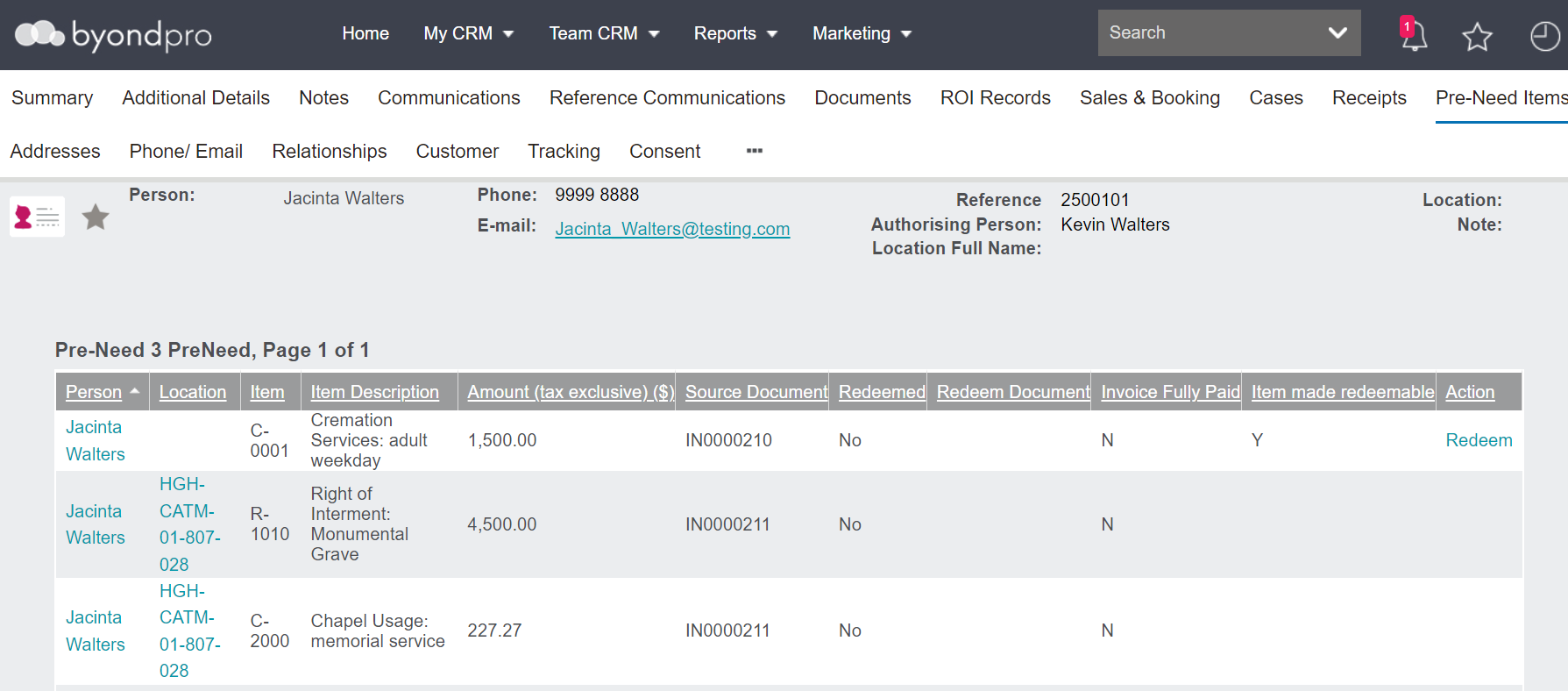
The item will now appear on the new person and / or new location record.