The Tax Class section of byondpro determines the selection list which appears in the Tax Class field when setting up a Tax Code.
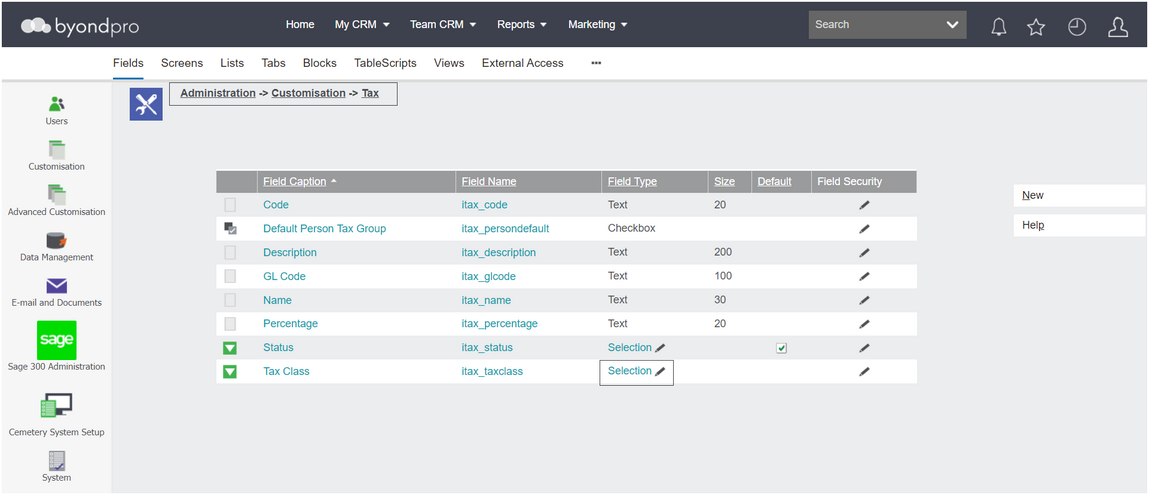
Navigate to Profile Menu > Administration > Customisation >Tax
From the list, click on the field type, Selection in line with Tax Class.
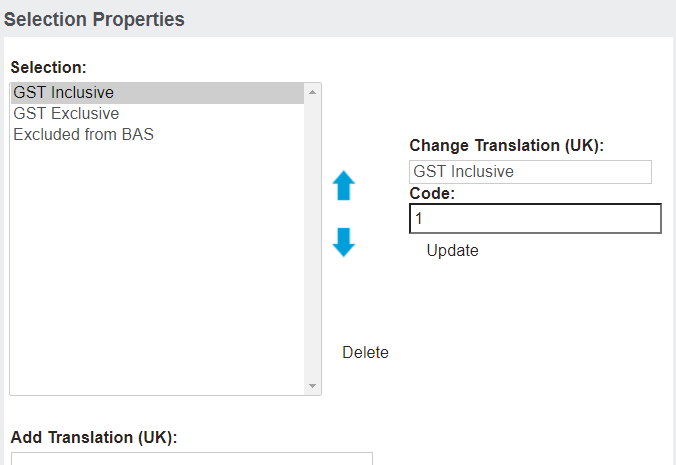
Note, the labels can be changed to reflect the regional language, i.e. VAT for the United Kingdom or Taxable and Non-taxable for the United States.
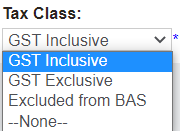
Returning to Cemetery System Setup > Tax Setup, the tax class field has these three options available to choose from when setting up the Tax.