Site Record Tabs
On the site record are different tabs which provide more information about the site.
Areas
Sites will be broken down into Areas of the cemetery, noted on the Areas tab of the Site record.
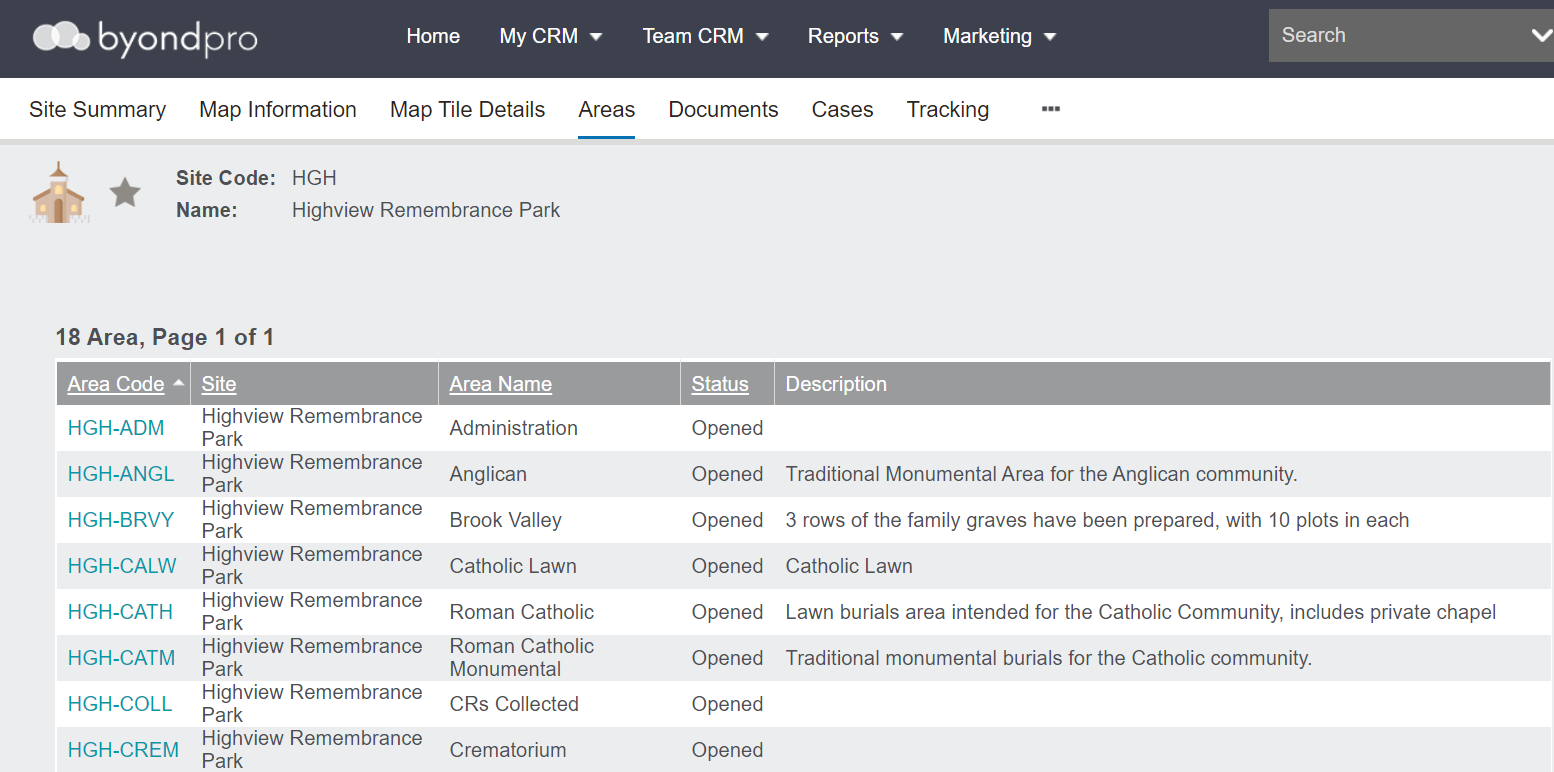
The Areas tab of the site record will display the:
-
Site code
-
Site
-
Area name
-
Status of the site
-
Description
Additionally, cemetery customers may have significant locations within the cemetery grounds, such as an historical tree or location, that they may want to record.
Cemeteries may add locations for different buildings, such as:
-
An Administration building
-
Crematorium
-
A Collect location for Cremated Remains
The code, which serves as a hyperlink, will include the 3-digit code for the site, then the 3 or 4-digit code for the area.
Documents
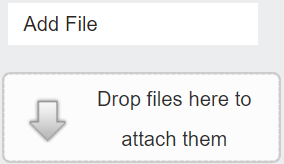
The Documents tab of the site record is where particular documents can be added relevant to the site.
Cases
The Cases tab refers to the cases which are lodged or currently being investigated on this particular site.
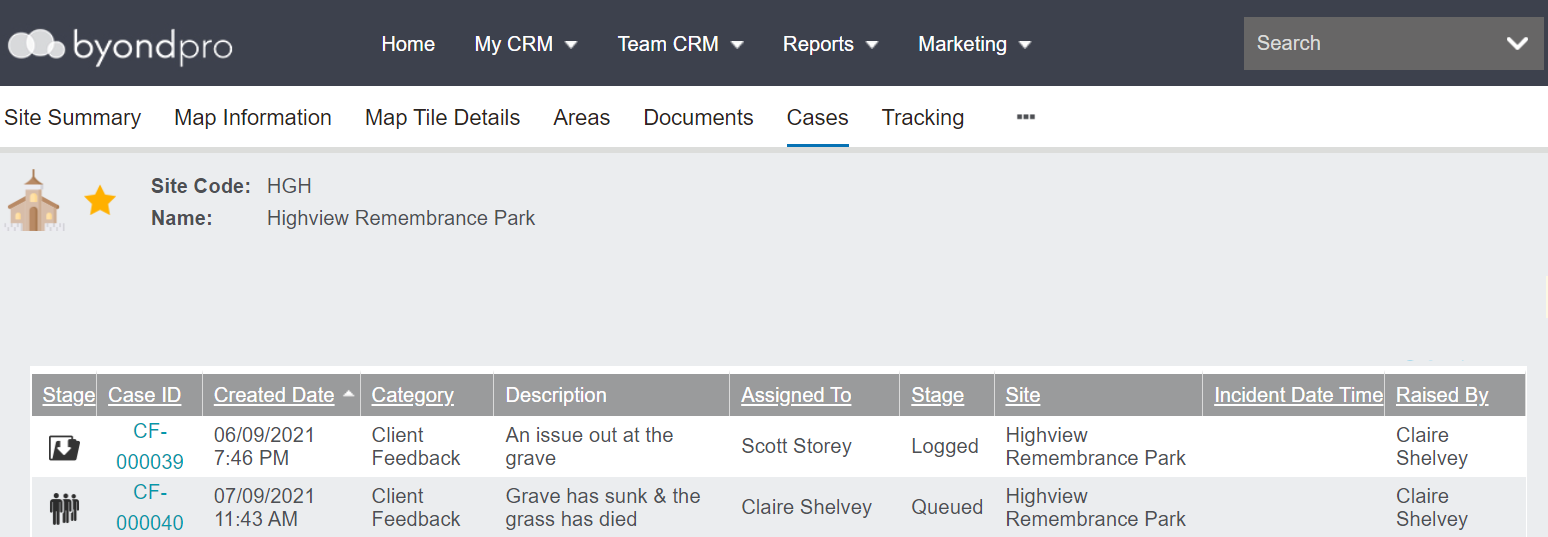
New cases can be added to the site record by choosing the New button on the right-hand side of the page.

Tracking
The Tracking tab will track any significant changes made to the site record.