Setting Default Resources
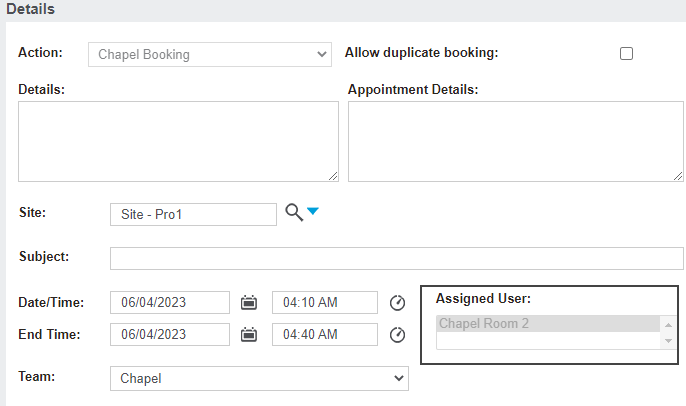
The resources used for the Quick Bookings feature is determined by:
-
The logged-in user's site.
-
The default resource.
In my user settings, located at Administration> Users > Users, my Home Territory is Pro-1.
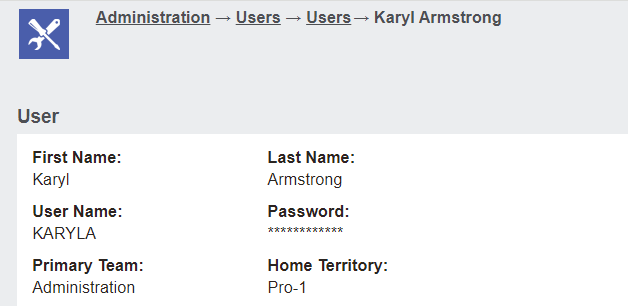
As a result, when I select to make a quick booking, the resource chosen will default to the default resource for Pro-1.
To set the default resources for each site, visit Profile Menu > Administration > Cemetery System Setup> Calendar Rule Setup.
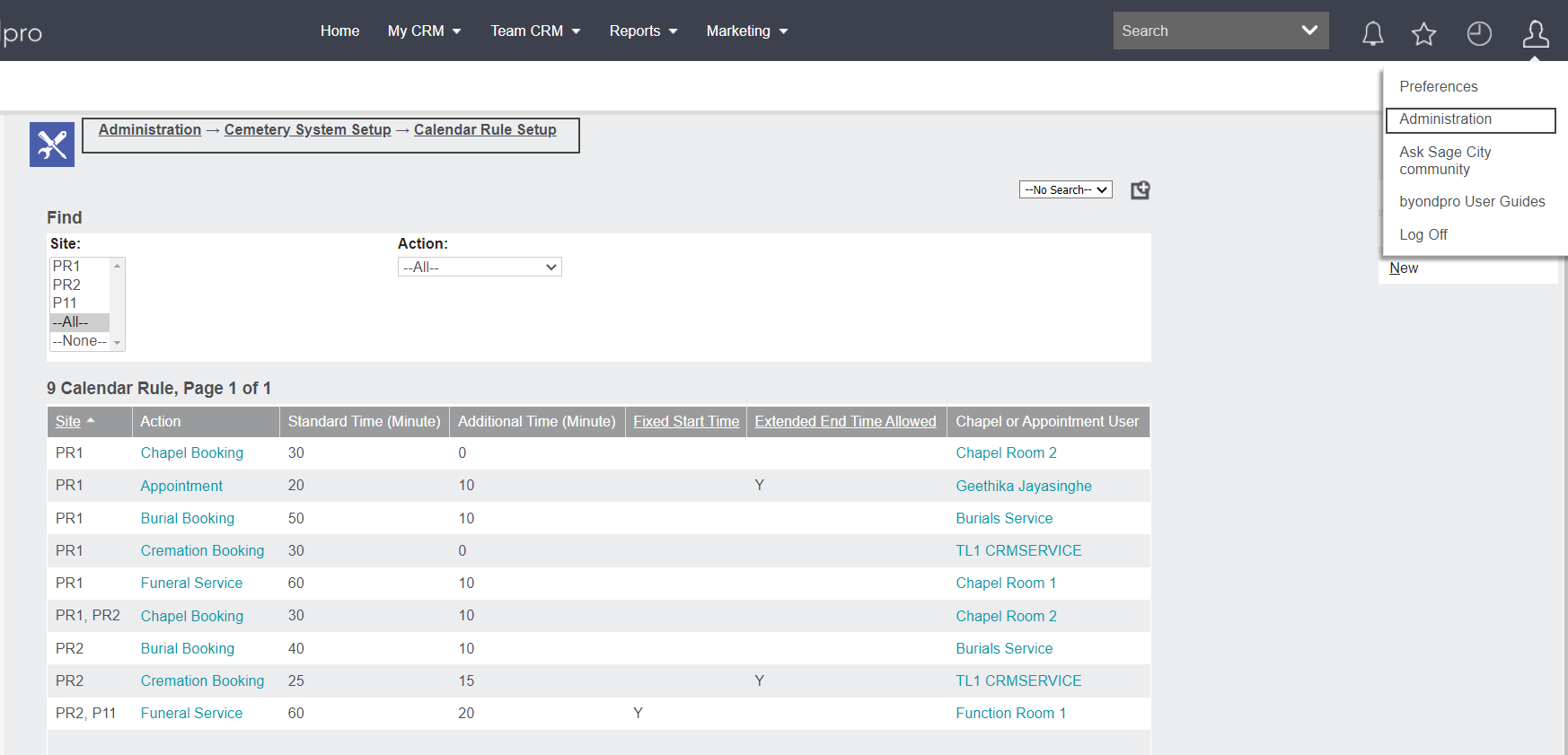
A new field of Default Booking Resource exists on each resource.
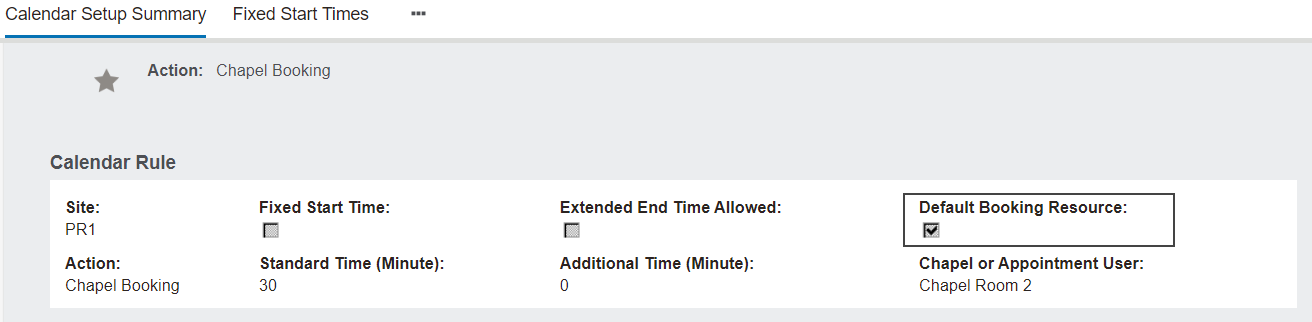
If ticked, this resource becomes the default resource for a quick Chapel Booking made on that site.