Service/General
The Service/General tab stores information related to the provision of site services.
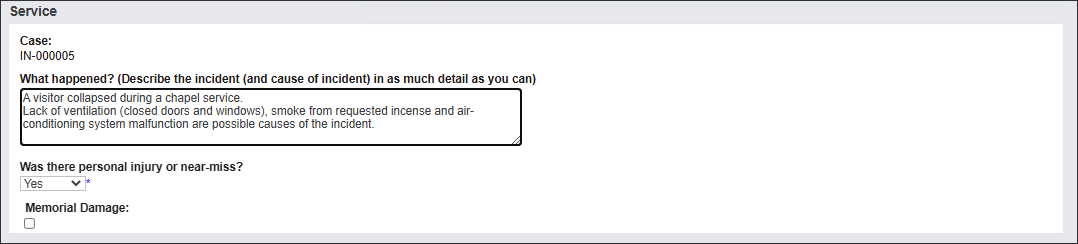
Begin capturing information in the Service section.
The system auto-populates the Case number in the first field.
Type in a detailed description of the incident in the What happened? field.
Select Yes or No in the Was there personal injury or near-miss?
Tick Memorial Damage if it applies.
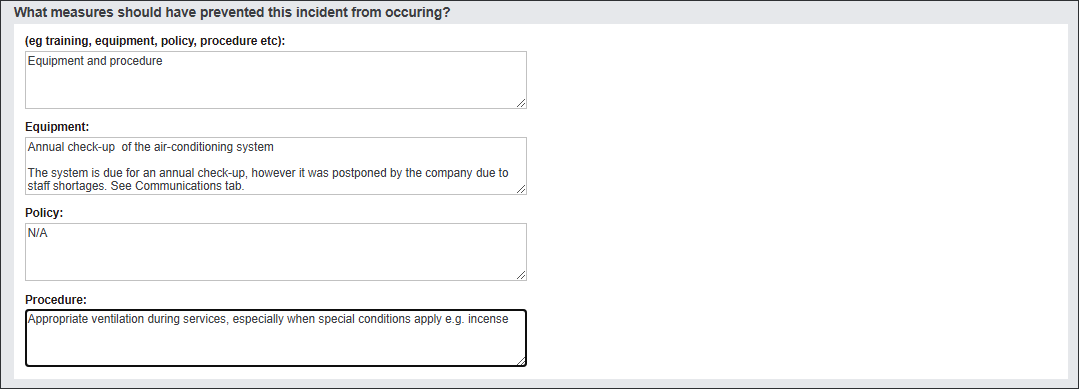
Navigate to the What measures should have prevented this incident from occurring? section.
Assess whether there are any solutions/ operational tools already in place that should have prevented the incident from occurring.
Type in the information in the text fields: Equipment, Policy and Procedure.
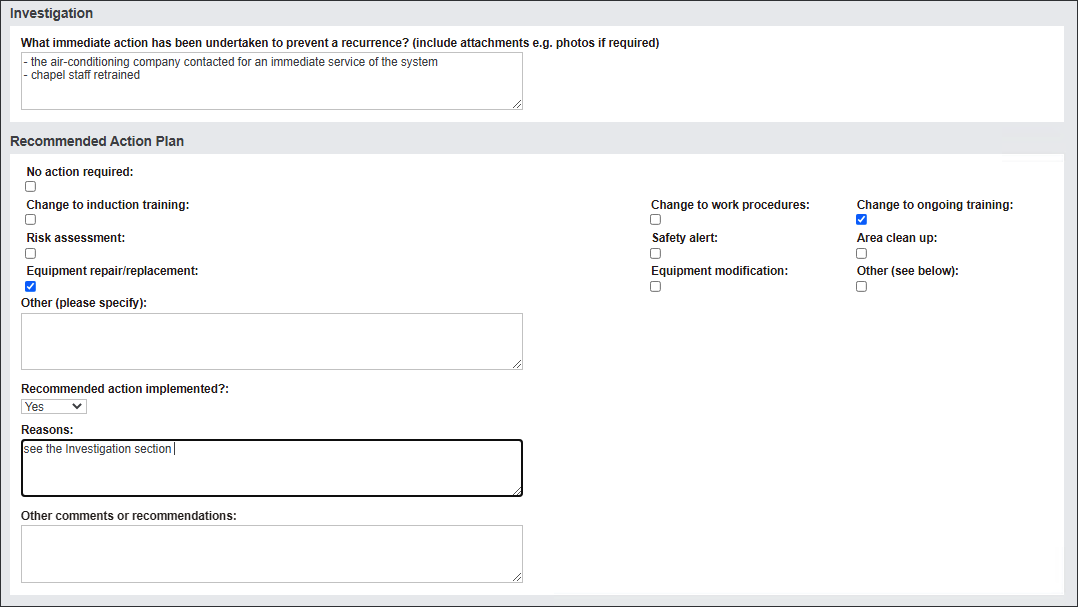
Navigate to the Investigation and Recommended Action Plan sections.
Populate the available fields as outlined in the Property section.
Press Save to secure the changes.