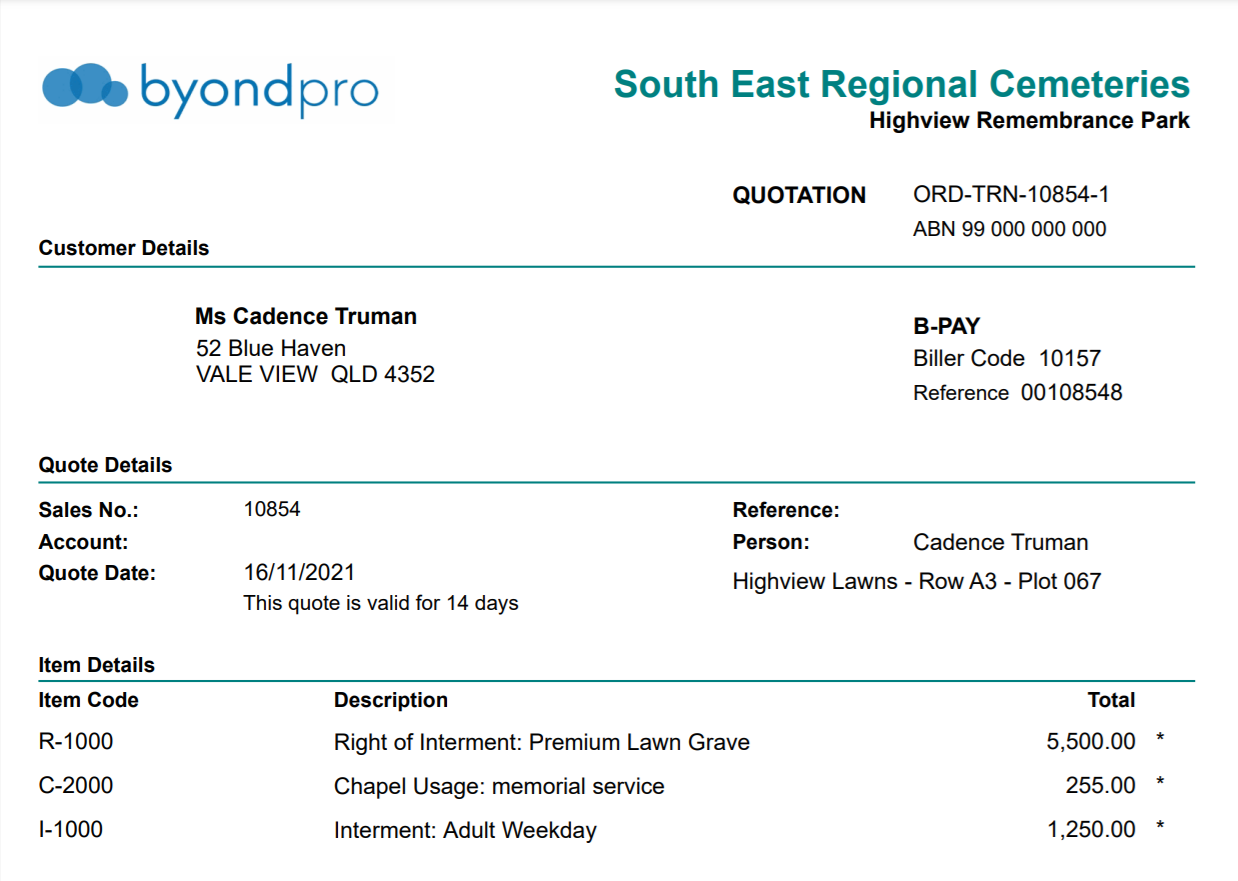
Sending a Quote
In order to send a quote to the bill to entity, choose the action button of Print Quote, on the right-hand side of the page.

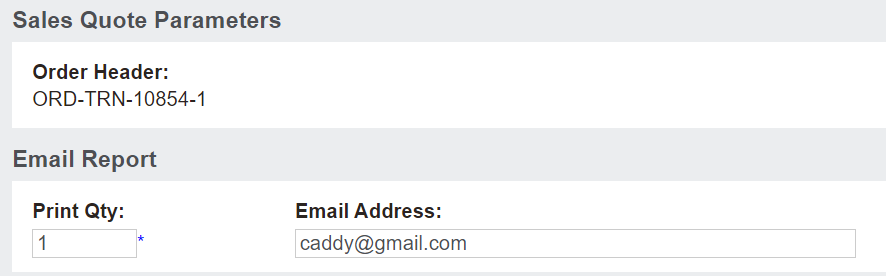
From the new window that appears, an option exists to email, export to excel or print the quote to PDF.
The email address can be updated before generating or emailing.
When ready, simply click on the action button of your choice.
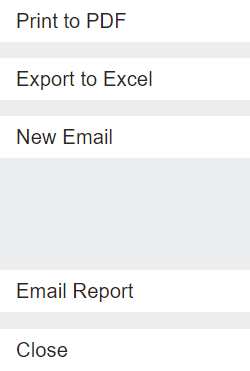
The Print to PDF button, as chosen in our example, allows users to see a copy of the invoice and automatically saves it to the Documents tab of:
-
The Sales Order
-
The Sales & Booking
-
The Authorising Person record