Send Merged E-mails
To draft and send new merged e-mails to the selected group of recipients, select the New E-mail from the right-hand side of the group.

A screen displays where you can draft the templated e-mail to send to the selected recipients.
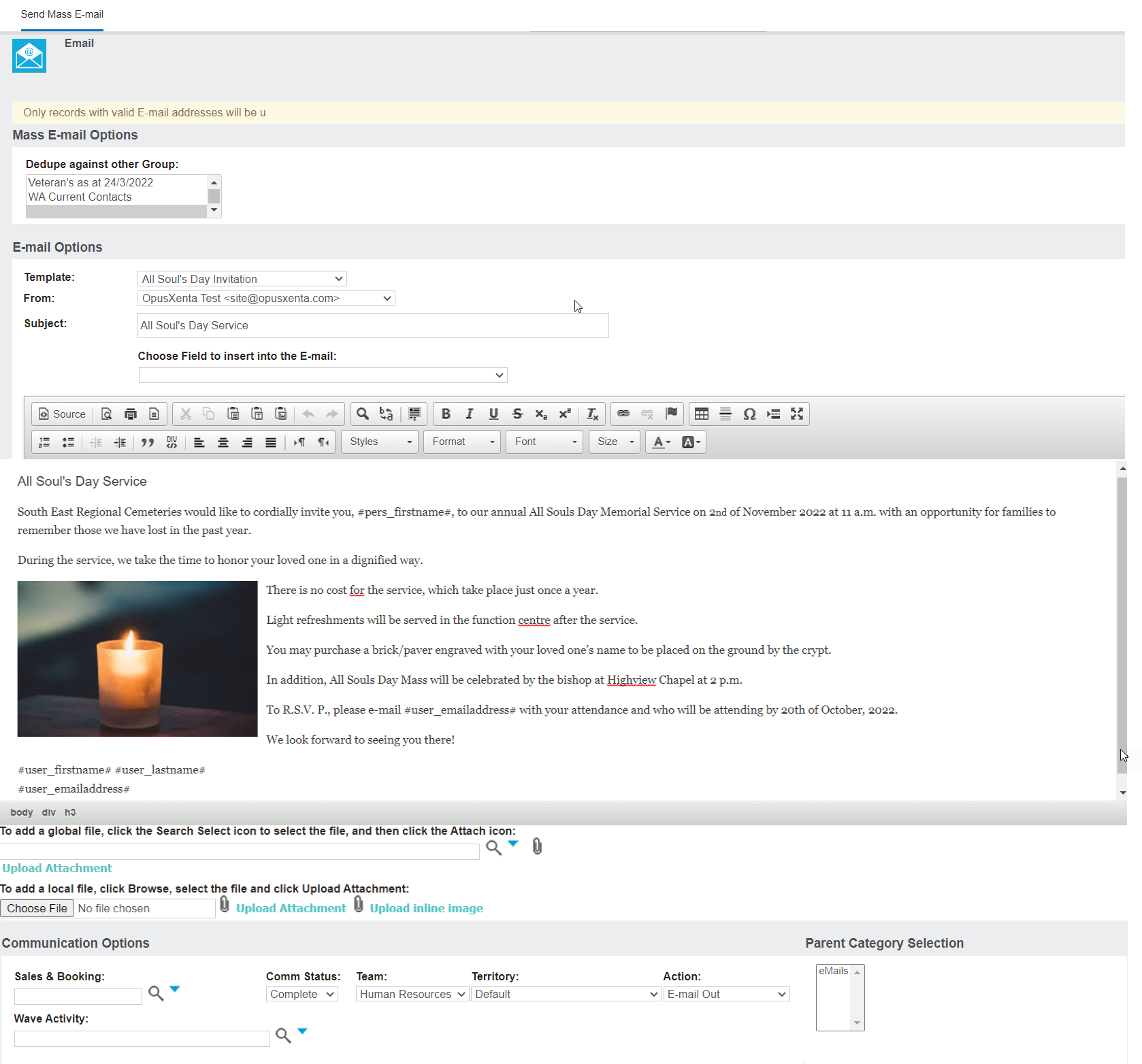
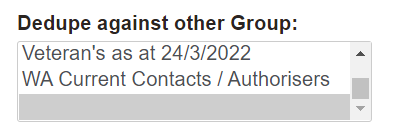
Should you be sending the same e-mail to different groups, you can select in the Dedupe against other Group section, a group which has already been sent the e-mail.
The database will then ensure that your e-mail does not go out to the same recipient twice.
In the E-mail Options information block, you can select from a selection of e-mail templates, which can be created in the Administration section of byondpro.

Otherwise, you are able to draft and format the e-mail in the space provided, including paste from Word documents and add images, links etc.

In the From field, select who will be the sender of the e-mail.
Enter in the the title of the e-mail in the Subject field.

The Choose Field to insert into the E-mail will allow you to select fields from the entity to place in the e-mail field.

In our example below, Users - First Name was added to the copy of the e-mail.
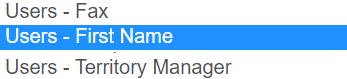

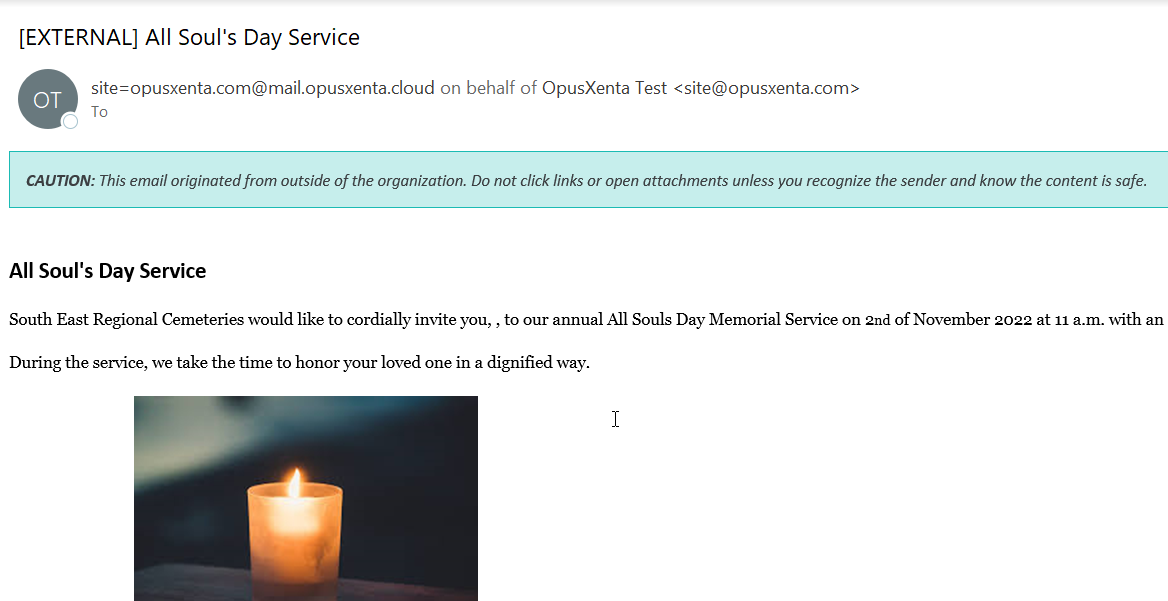
When the e-mail is sent, the #user_firstname# text is replaced with the data from the system, in this case, the logged-in user's first name.

Please note that the field selections available in this area of byondpro may be limited. Should you not have enough selections, it is recommended to draft the e-mail as a template in the Administration section of byondpro first and select the template from the selection list.
Should you have a file to attach to the e-mail, you can upload a local file or attach a global file already in the database.

Additionally, complete the fields in the Communication Options information block.
Information populated here will display on the Communications tab of the record they are sent to.

Before sending the e-mail press the Send Yourself Test button on the right-hand side of the page.

A test e-mail will be sent to the logged in user's e-mail address.
When you are ready to send the e-mail to the group, select the Send E-mail button on the right-hand side of the page.
