When using the byondpro database, users will need to complete searches for records to locate and provide information, sell a location, return to a Sales & Booking, update records accordingly, or perform any services requested.
For most record categories, there are a few ways to locate or access the search screen for these kinds of records.
Search screens for a few of the record categories will be explored in this section as well.
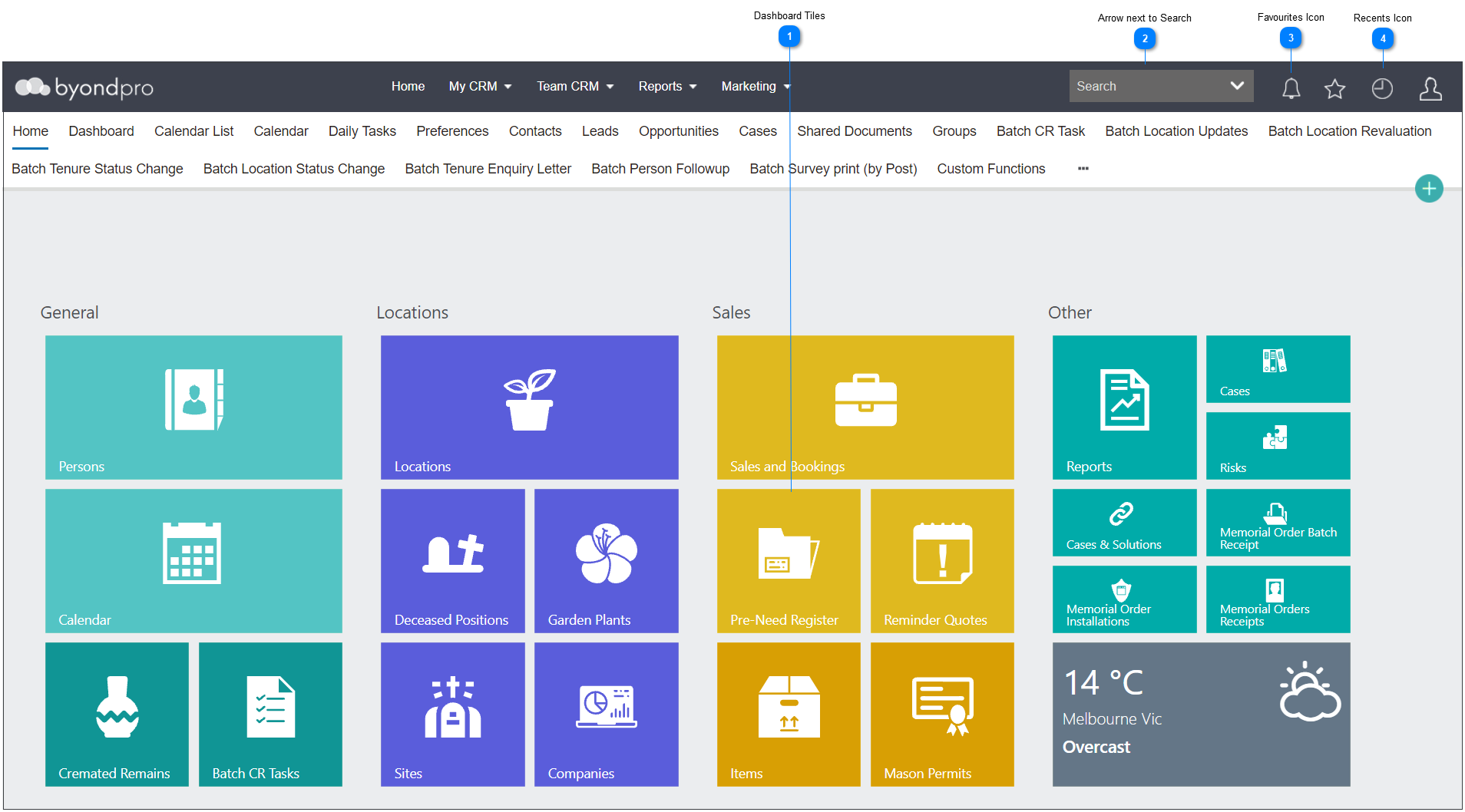
 Dashboard Tiles
The tiles on the dashboard will bring the user to a search screen of the record category it represents.
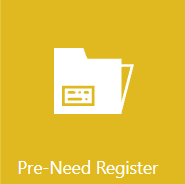
For example, the Pre-Need Register tile below will bring the user to a search screen to locate all items involved in a pre-need sales transaction.
|
 Arrow next to Search
By clicking on the Arrow Next to Search on the toolbar:
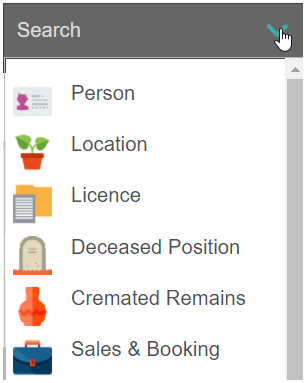
Users are presented with categories of records and can select from the list presented.
When completing a search for records, this section houses the most extensive list of categories to search.
|
 Favourites Icon
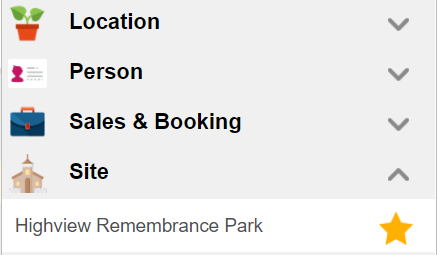
Should the user have marked any records as a favourite, clicking on the Favourites icon will generate the list.
Favourites are separated out amongst categories of records, if applicable.
|
 Recents Icon
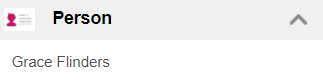
By clicking on the Recents icon, users can find records they have recently visited or access the search screen.
If the record has been visited recently from your login, choose the record from the appropriate category, in our example, the person record.
To access the search screen for the record category, click on the header.
|