Search for a Site Record
There are a few different ways to search for site record.
Under the Locations stream on the dashboard, click on the tile labelled Sites.

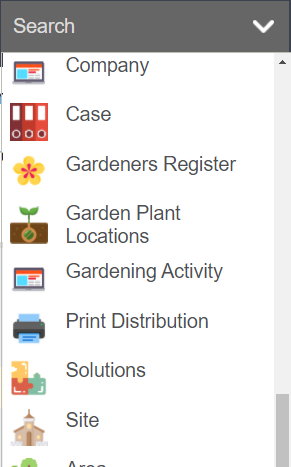
Alternatively, by clicking on the arrow next to Search and clicking on Site, you can access the search screen.
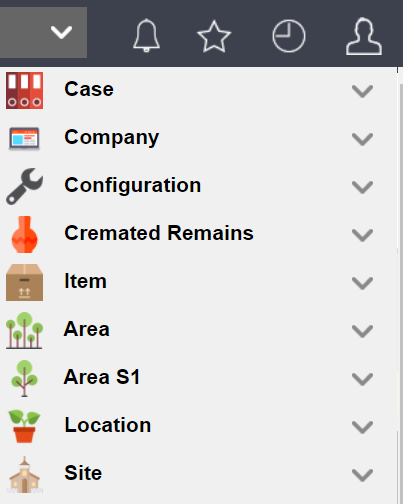
Or under your Recent lists, locate the Site header and click on the header to be sent to the search screen.
If you know the site code, which is a 3-digit code used to identify the site, or the name of the site, you can enter it in the search fields and press Find.


You will note that the Site Code and site Name appear as hyperlinks to take you to the site record.
Each site should be assigned to an individual territory.
Let’s click on the HGH link for Highview Remembrance Park to be taken to the site record.
