ROI / Location Items
There are a few additional elements to be able to sell an ROI \ location item.
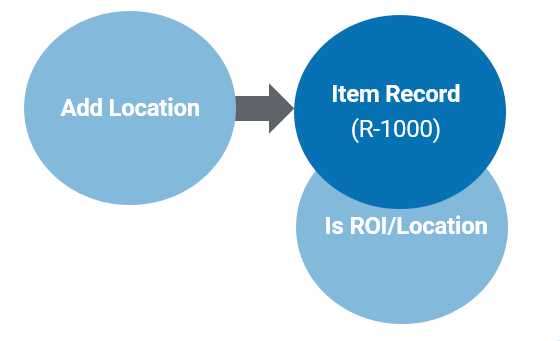
First, the item must be marked as Is ROI\Location on the item record.
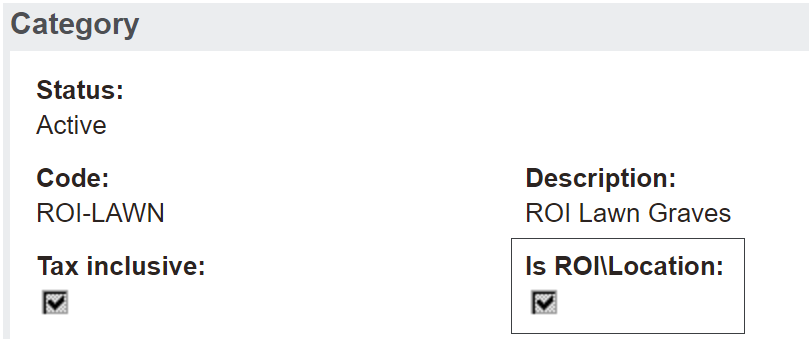
The category that is linked to the item must be marked as Is ROI\Location as well.
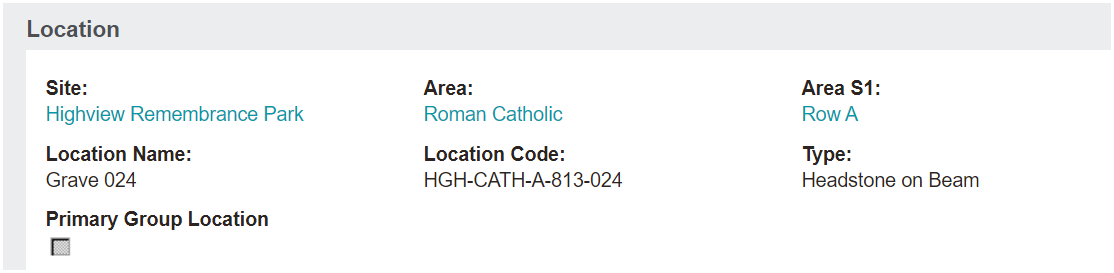
Next, the item needs to be added to the location in order to sell the item.
Let's take a look at the location of HGH-CATH-A-813-024 in our demonstration database.
Now, take a look at the Cost Summary information block.

The Cost - Land Valuation and Cost - Capital Improvement can be noted here.
Additionally, the ROI Location Item is added, in our example, item R-1000.
When a user goes to sell this location, they would need to choose the Add Location button and enter in the location code in the Location field.
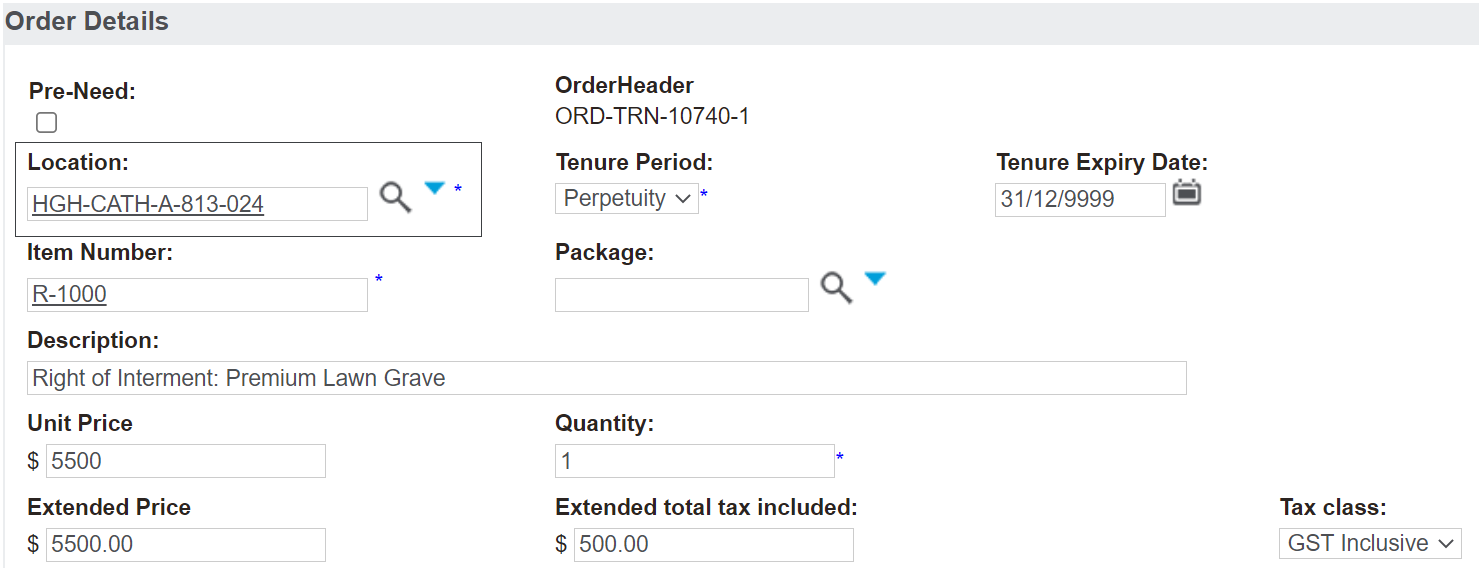
The item code listed on the location record will populate, along with the item pricing associated with that location.
The Land Valuation and Capital Improvement values will be posted to the general ledger in Sage 300 if integrated, as shown in the ROI \ Location Category section of this guide.
That is to say, at the time revenue is recognised, the asset land valuation account will be reduced by $25 and the GL Capital Improvement valuation account will be reduced by $125 on the balance sheet.
The COGS account will increase by $25 and $125 in the profit and loss, at the time revenue is recognised.