Users who currently have the rights assigned to force a preneed redemption also have the option to reverse the redemption.
The reversal will post the corresponding general ledger entries to revert the revenue back to unearned income. The pre-need item will be reset to not redeemed.
To access the feature users will need the can make preneed item redeemable without invoice paid in full ticked on in their user profile. This will give them the corresponding rights to reverse the redemption.
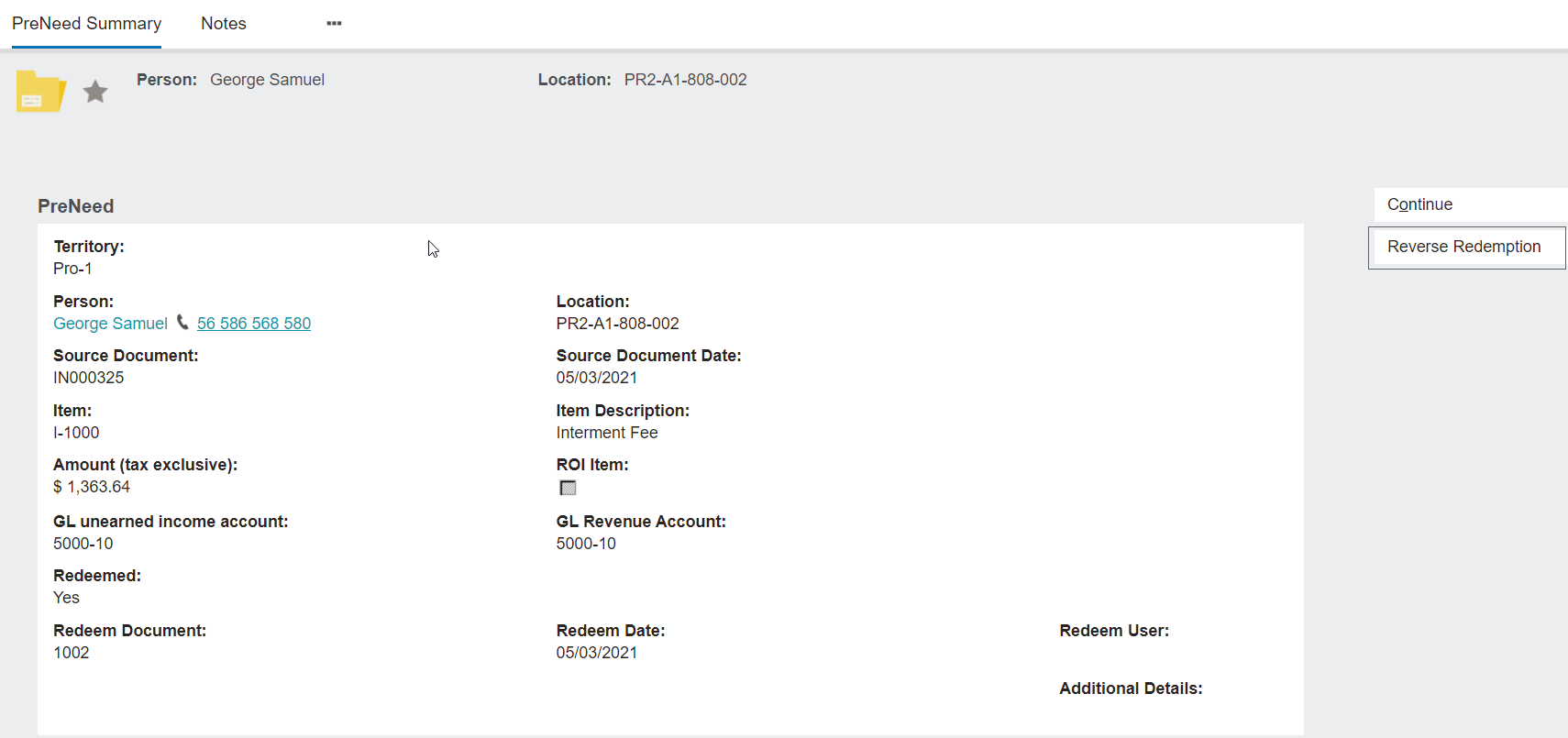
Navigate to the pre-need record.
Choose the Reverse Redemption button.
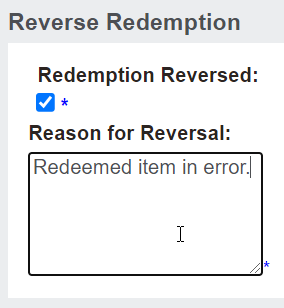
The Redemption Reversed tickbox will auto populate.
Enter a reason for reversal and choose Save.
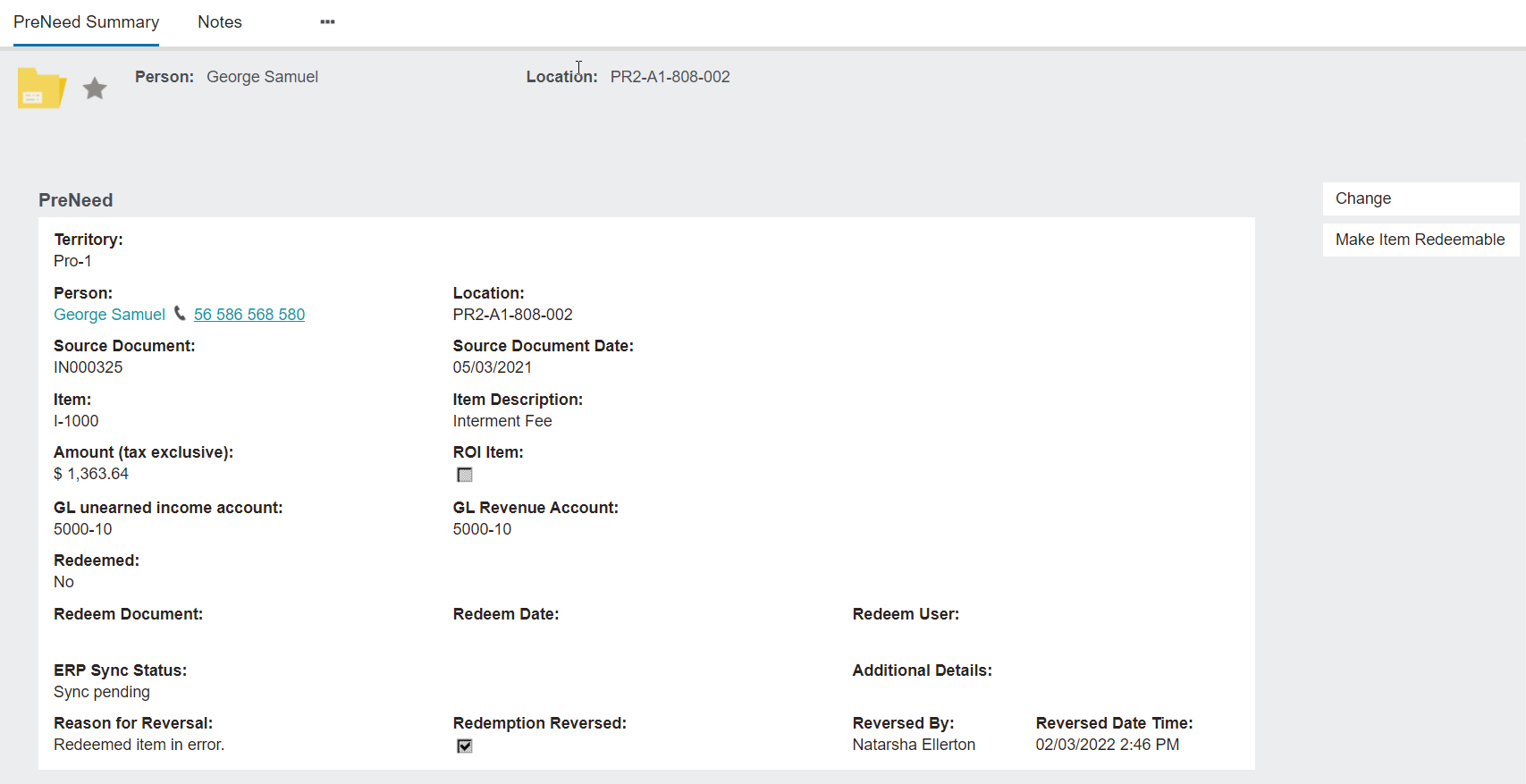
The record that had been redeemed and subsequently reversed will display:
The Reason for Reversal
A tickbox indicating the Redemption Reversal
The user who processed the reversal, along with the time and date of the reversal.
The original redeem document, date and user on the preneed record are cleared until such time as the item is redeemed again in the future.