Reserve a Location
This feature provides a quick reservation function for locations and is optional to our customers.
To activate visit Profile Menu > Administration > Cemetery System Setup > Custom Configuration and complete a search for AllowReserveLocation.
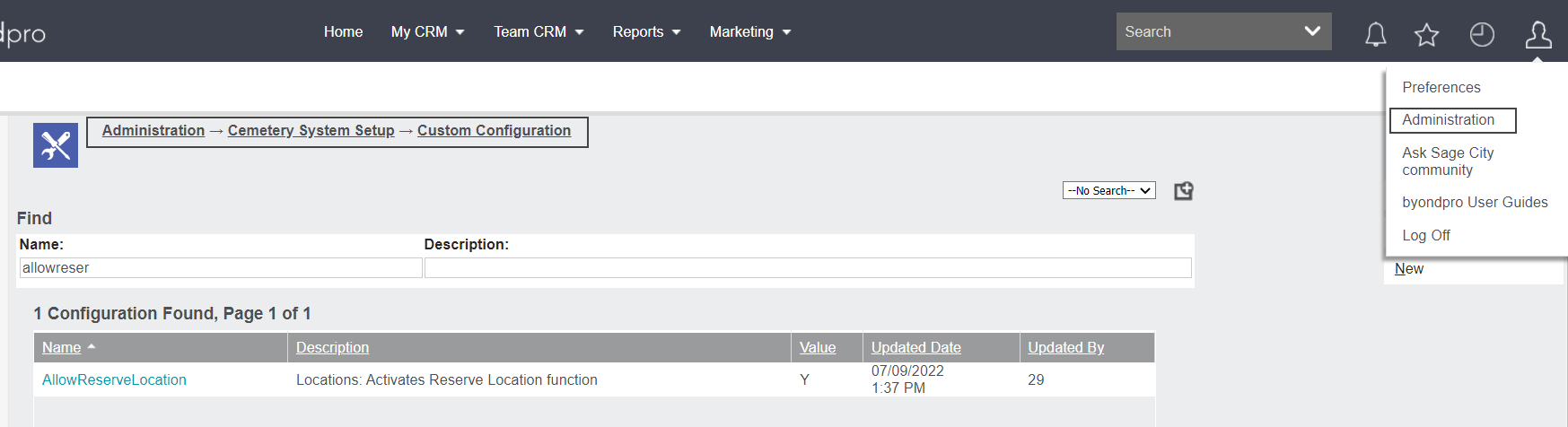
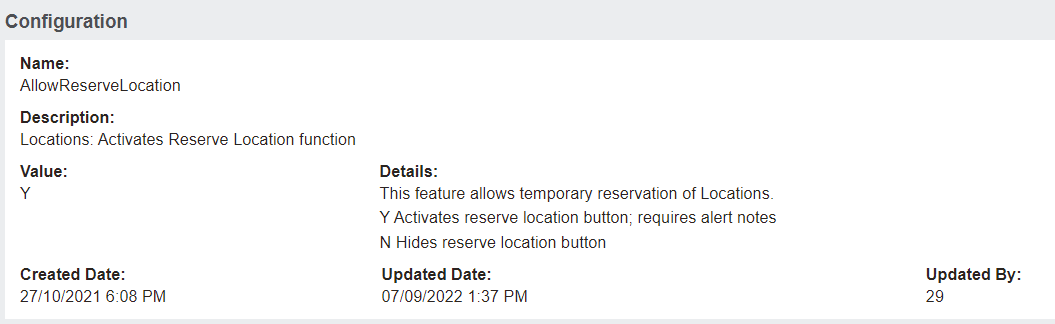
If set to Y, the Reserve Location button appears on location records.
The Reserve Location button is visible when the location Sales Status is set to ‘Available for Sale’.

When selected, byondpro prompts to enter a comment into the Alert field with an explanation as to why the location is being reserved.
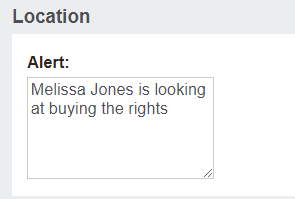
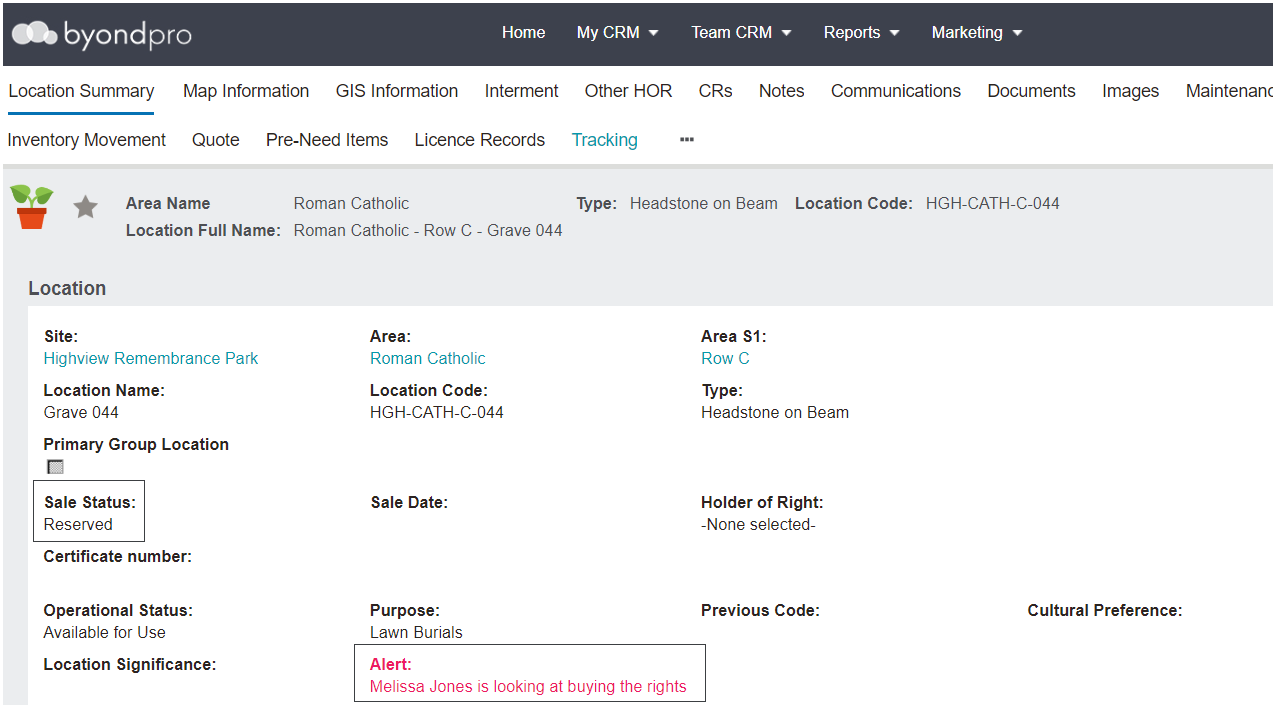
The Sale Status of the location changes to 'Reserved' and the text appears in the Alert box and will display when the location is added to a Sales & Booking.
To cancel a reservation, click the Cancel Reservation button to revert the location back to ‘Available for Sale’.
