Reports
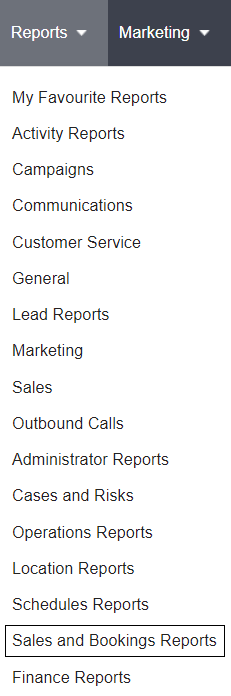
To create memorial order reports, navigate to Sales and Bookings Reports under the Reports drop-down selection at the top of the byondpro application.
On the resulting page, there are two reports relating to memorial orders.
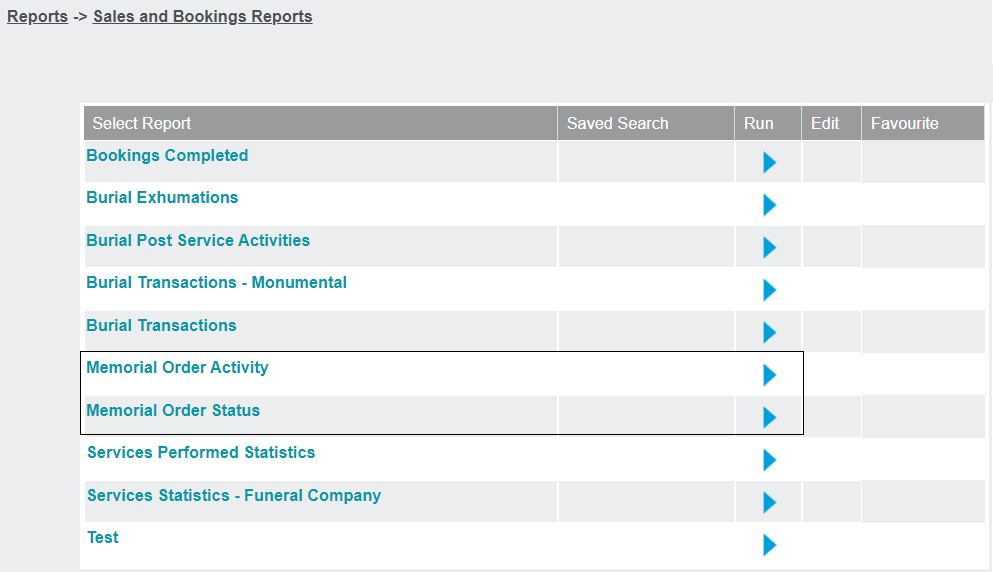
Memorial Order Activity
This report gives summary information about memorial orders that fall within set parameters.
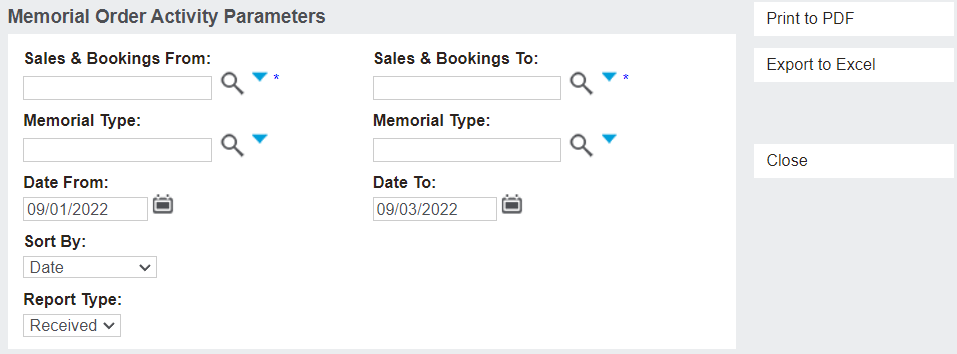
These parameters can limit memorial orders to a set range of Sales & Booking IDs, Memorial Types, or within a set date range.
Cemetery staff can also choose how the memorial orders will be sorted in the report with the Sort By drop-down selection.
Once the parameters have been set, click Print to PDF to create a printable PDF document, or Export to Excel to create an excel document.
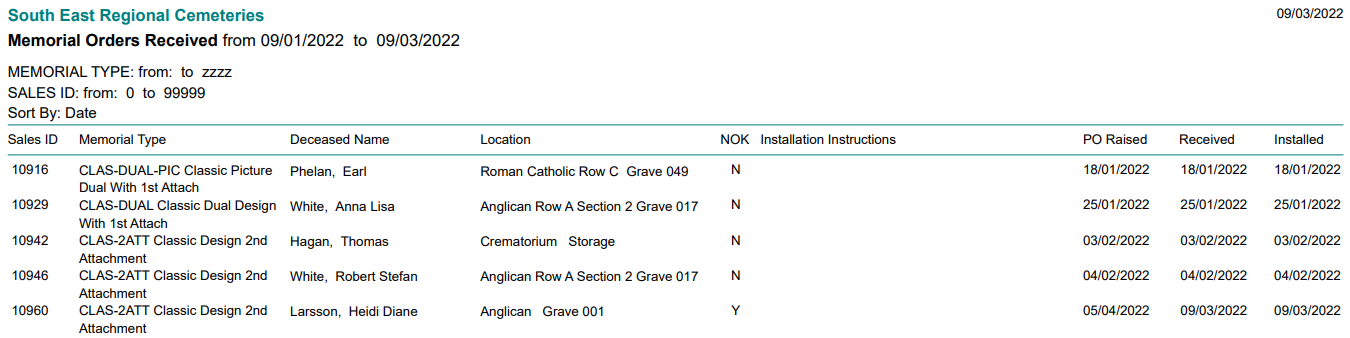
Below is an example of a report that has been created as a PDF.
Note that it shows the memorial type, deceased person, location, Next of Kin attendance, installation instructions, and the dates the order was raised, received, and installed.
Memorial Order Status
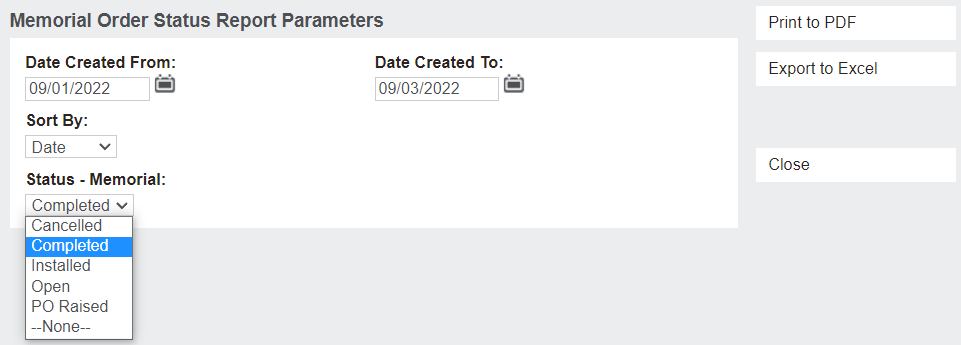
This report can be used to create a list of memorial orders within a date range that all share the same status, or alternatively the report could be generated for all statuses.
The Status - Memorial drop-down selection can be used to filter memorial orders by their installation status.
For example, an Open status will give users a list of memorial orders that have yet to be installed, which can then be printed and used by office or operational staff as a reference.
Note that selecting --None-- will create a report without limiting memorial orders to a set status.
Below is the PDF document that shows a list of Completed memorial orders. This gives some similar summary information as the Memorial Order Activity report, with a few differences.
If the memorial has yet to be installed and the CRs are being held at another location on site, the CRs Held at column will tell cemetery staff where to find them.
The cemetery staff member /s who created the memorial order are listed, as is the status of the memorial order.
