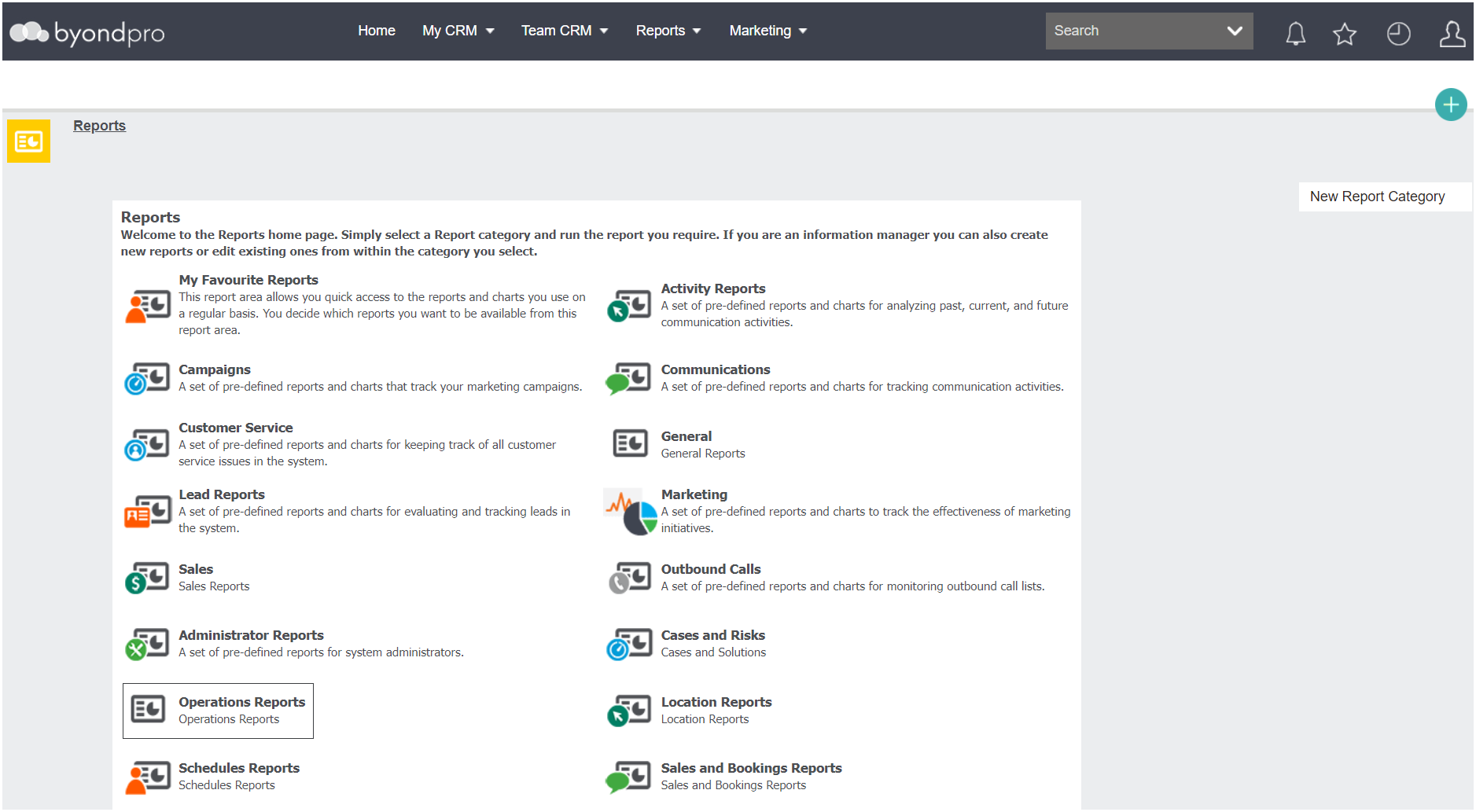
Reports
In byondpro there are many reports that are customisable to meet our cemetery customers’ needs.
You may want to refer to the Generating Reports & Sending Documents section of this guide for further information regarding sending reports.
Schedule Reports
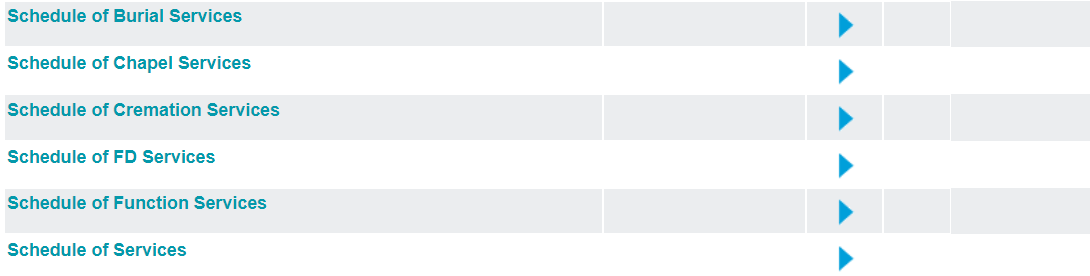
As you might recall from the Burial Bookings section of this guide, there are various Schedule Reports that can help cemetery customers with their scheduling needs.
In relation to Cremation bookings schedules, users might use the
-
Schedule of Cremation Services** Please note that this report was not reviewed in the Burial Bookings section, however, follows the same logic as the previously reviewed reports.This report can be used by crematorium staff to manage the cremations for the day.
Operations Reports
This section will review different operational reports available in byondpro that cemeteries can use to track cremated remains locations and expiry dates on tasks.
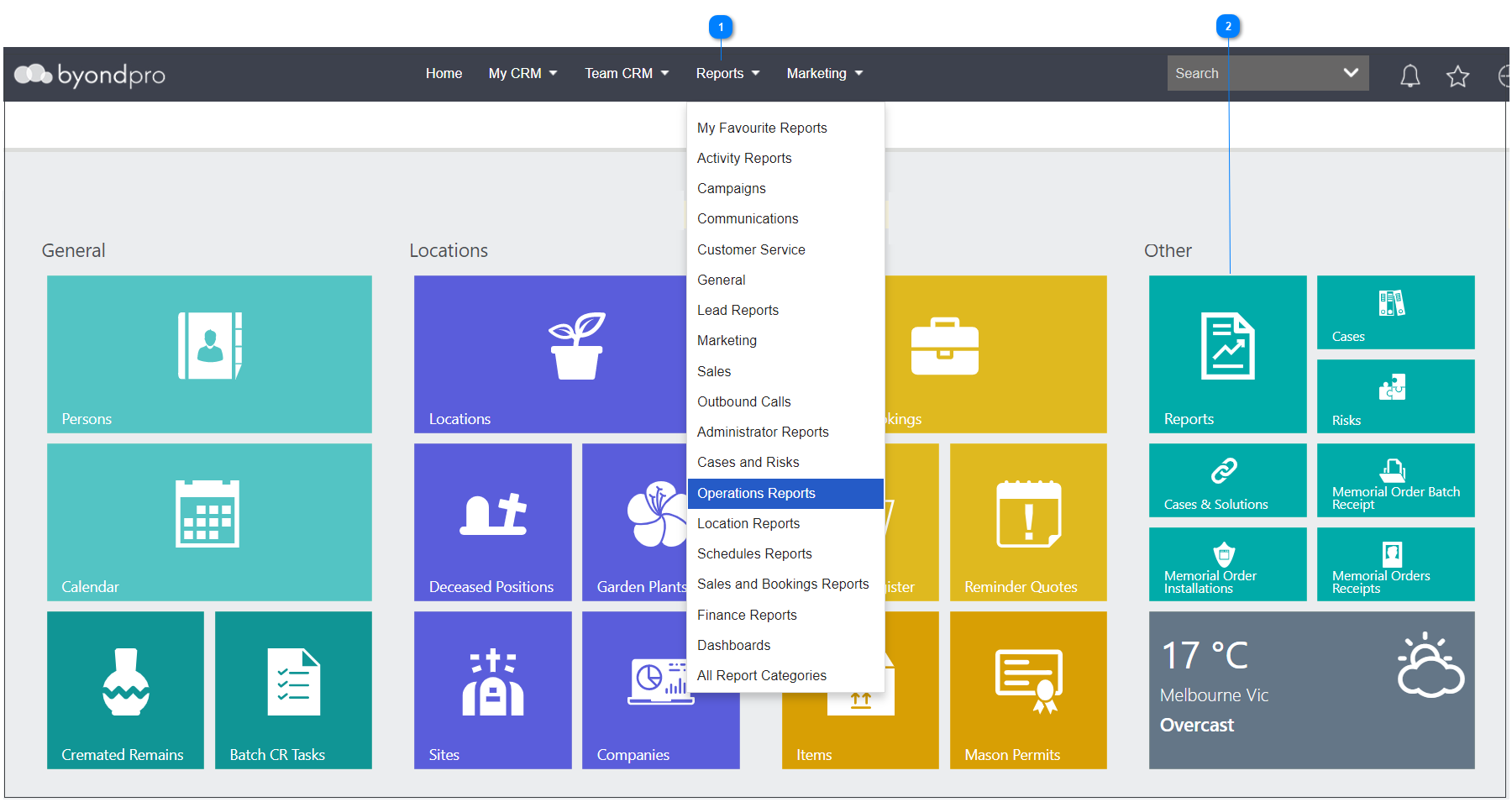





And choose the Operations Reports option.