Remove a Field
Please speak with your OpusXenta consultant prior to making any changes to discuss the possible consequences of the changes made.
If you are confident that removal of the field from the screen will have no impact you can choose the Remove option as shown in the screen print below.
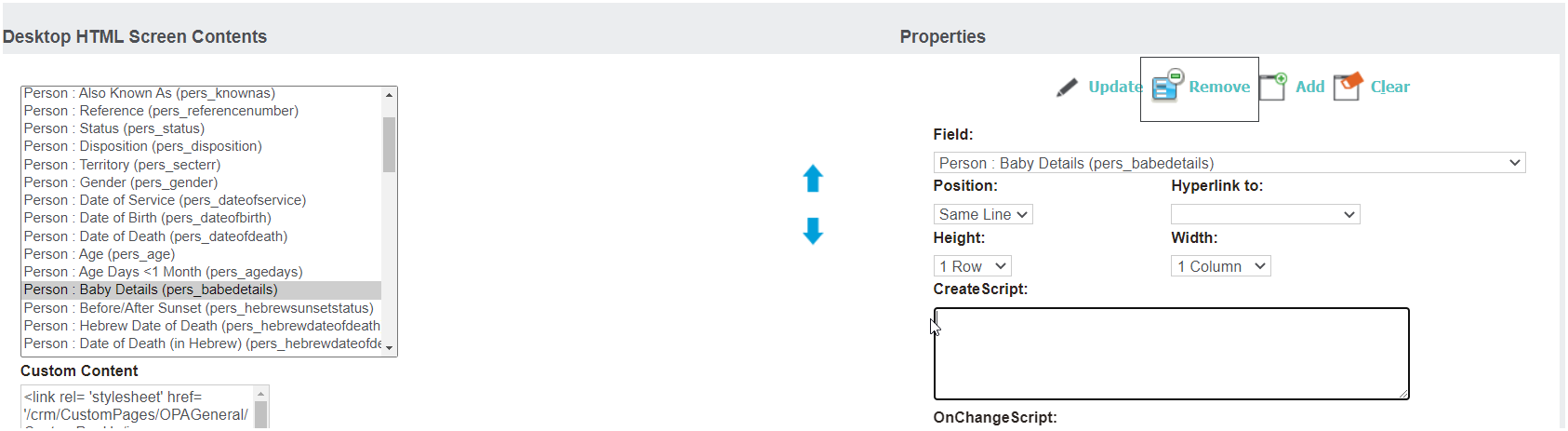
This will remove the field from the screen completely and any associated functionality that is applicable on saving a record will be removed.