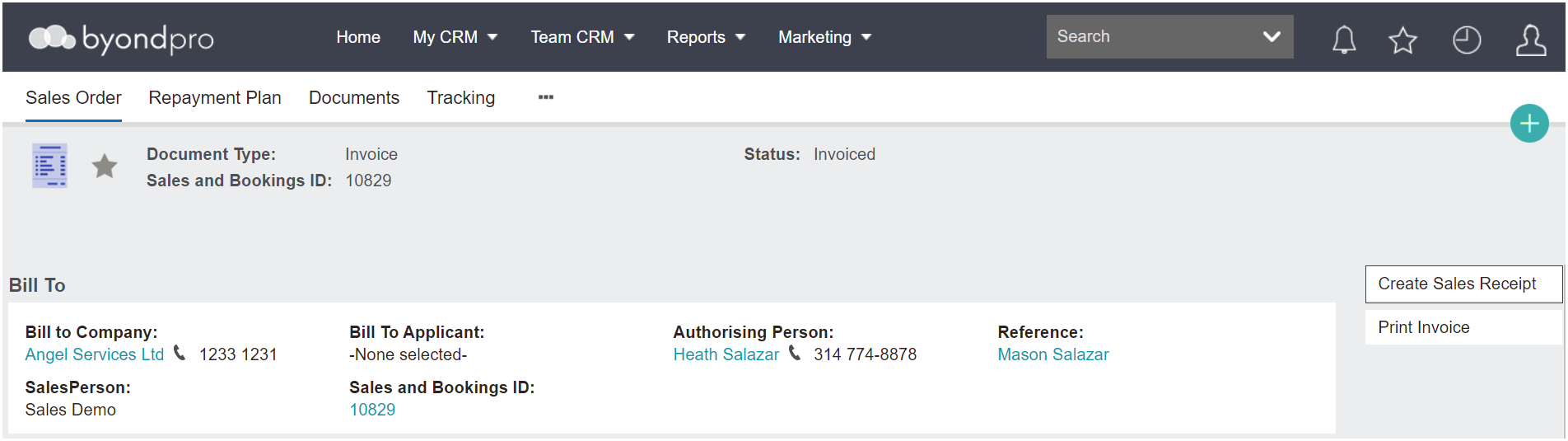
From the Sales & Booking, navigate to the Sales Tab and open the sales order.
On the sales order, choose Create Sales Receipt on the top right-hand side and follow the steps outlined in the Receipting in byondpro section of this guide.
Remember, the receipt can reflect another payer other than the Bill To party.
Additionally, some receipt types may require the user to enter information in additional fields.
Once completed, press Save on the right-hand side of the page.
Don't forget to generate a receipt by pressing the Print Sales Receipt button.